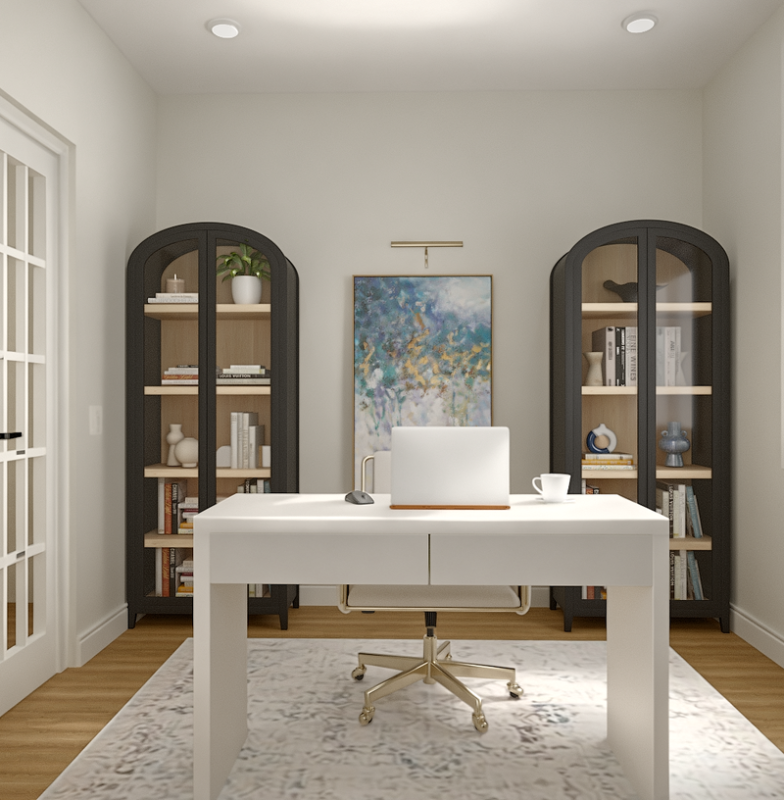
Is your home office feeling cluttered and chaotic? You’re not alone.
When your workspace is messy, it’s harder to focus and get things done. But imagine walking into a room where everything has its place, and your mind instantly feels clear and ready to work. That’s exactly what the right organization ideas can do for you.
You’ll discover simple, practical tips to transform your home office into a space that boosts your productivity and keeps distractions at bay. Ready to create a workspace that works for you? Let’s dive in.
Choose The Right Location
Picking the right spot for your home office helps you work better. The place you choose can affect your focus and comfort.
Think about noise, light, and privacy before setting up your workspace. These factors improve your daily work experience.
Quiet And Private Spaces
Find a quiet spot where you won’t be disturbed. A private area helps you concentrate on tasks without distractions.
Rooms away from busy areas or street noise work best. Use noise-canceling headphones if you cannot find a quiet place.
- Choose a room with a door to close
- Avoid spots near loud appliances or traffic
- Use soft materials like rugs to absorb sound
- Keep the space organized to reduce stress
Natural Light Benefits
Natural light makes your home office bright and welcoming. It helps reduce eye strain and keeps you alert.
Try to place your desk near a window. Fresh air and sunlight improve your mood and work quality.
- Position your desk to face or be beside a window
- Use light curtains to control glare
- Natural light saves energy and cuts costs
- Plants near windows can boost creativity
Optimize Desk Setup
Setting up your home office desk right helps you work better. A good desk setup keeps you comfortable and focused all day.
Small changes to your desk can reduce strain and clutter. This guide covers easy ways to improve your workspace.
Ergonomic Furniture
Choose furniture that supports your body well. Ergonomic chairs and desks reduce pain and improve posture.
- Use a chair with good lumbar support
- Set your desk height to keep arms at a 90-degree angle
- Place your monitor at eye level
- Use a footrest if your feet don’t touch the floor
- Choose a keyboard and mouse that feel comfortable
Declutter Your Workspace
A clean desk helps you find things faster. It also makes your workspace feel calm and inviting.
| Declutter Tips | Benefits |
|---|---|
| Keep only daily tools on your desk | Reduces distractions and frees space |
| Use storage bins or drawers | Keeps items organized and out of sight |
| Clear papers and files regularly | Prevents pile-up and mess |
| Clean your desk surface each day | Maintains a fresh workspace |
Smart Storage Solutions
Organizing your home office improves focus and productivity. Smart storage solutions help keep your space tidy and efficient.
Using smart storage ideas saves space and makes your office look neat. This guide covers two key methods to organize well.
Use Vertical Space
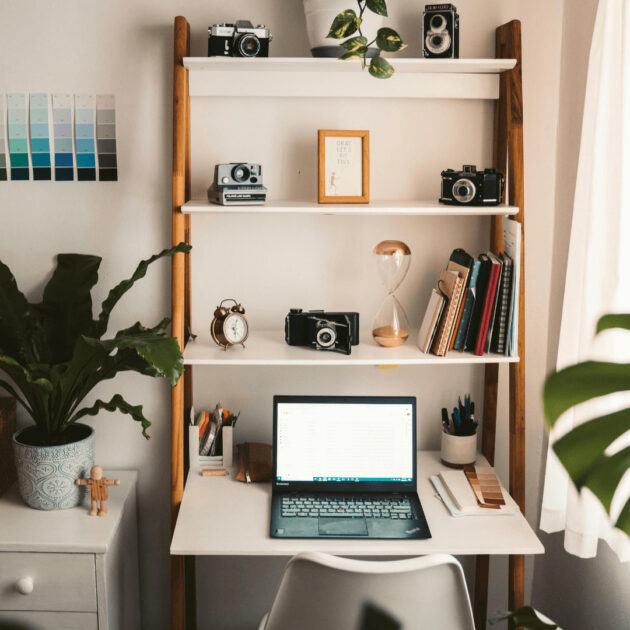
Vertical space is often unused in home offices. Shelves, wall hooks, and tall cabinets make great use of this space.
- Install floating shelves above your desk for books and supplies
- Use wall-mounted organizers for papers and tools
- Choose tall storage units to keep floor space clear
- Add pegboards to hang office items within reach
Incorporate Multi-functional Storage
Multi-functional storage saves space and adds convenience. Choose furniture and containers that serve more than one purpose.
| Storage Type | Function | Benefit |
| Storage ottoman | Seat and hidden storage | Keeps clutter out of sight |
| Desk with drawers | Workspace and storage | Easy access to office supplies |
| File cabinet with shelf | File storage and display | Organizes documents and decor |
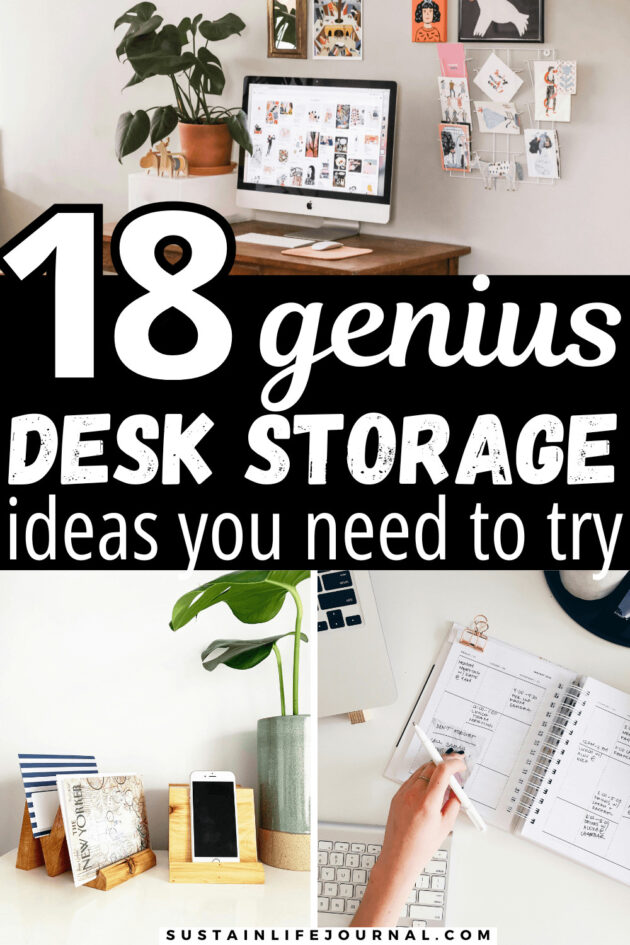
Credit: sustainlifejournal.com
Cable Management Tips
Keeping cables neat in your home office helps reduce clutter. It also makes your space look clean and organized.
Good cable management protects wires and makes it easier to find what you need. Use simple ideas to keep cables hidden and tidy.
Hide And Organize Wires
Hide wires behind your desk or along walls to keep them out of sight. Use cable trays or boxes to store extra cords.
Label each wire to know what device it belongs to. This helps when you need to unplug or move items.
- Run cables behind furniture
- Use cable boxes to hide power strips
- Label cables for easy identification
- Keep cords off the floor to avoid tripping
Use Cable Clips And Sleeves
Cable clips attach wires to surfaces and keep them from tangling. They help maintain order on your desk or wall.
Cable sleeves bundle many cords into one neat tube. They protect wires and make your workspace look cleaner.
- Attach clips under your desk to guide cables
- Use adhesive clips for easy mounting
- Bundle cables with sleeves for a tidy look
- Choose sleeves that fit the number of wires you have
Personalize Your Space
Your home office should reflect your style and make you feel comfortable. Personalizing it helps you stay focused and happy.
Simple changes can make your workspace more inviting. Add items that inspire you and fit your needs.
Add Inspiring Decor
Choose decor that motivates you. This can be artwork, photos, or quotes that lift your mood.
Keep your desk neat but add small decorations that make you smile. Avoid clutter to stay focused.
- Framed pictures of family or pets
- Motivational quote prints
- Colorful desk accessories
- Unique lamps or lights
Include Greenery
Plants add life and color to your office. They help clean the air and reduce stress.
Pick easy-care plants if you are busy. Place them near your desk or on shelves.
- Succulents for low maintenance
- Spider plants for air purification
- Small potted herbs for scent
- Hanging plants to save space
Improve Lighting
Good lighting is essential for a productive home office. It helps reduce eye strain and enhances focus. Let’s explore some ways to improve lighting in your workspace.
Consider different lighting options to create a comfortable and efficient environment. Proper lighting can make a significant difference in your workday.
Task Lighting Options
Task lighting provides focused light for specific tasks. It is essential for reducing eye strain and improving concentration.
- Desk lamps with adjustable arms
- Under-cabinet lighting for work surfaces
- Clip-on lights for flexibility
Avoid Glare And Eye Strain
Glare can lead to discomfort and reduced productivity. Position your light sources to minimize reflections on your screen.
| Lighting Tip | Benefit |
| Use anti-glare screens | Reduces reflections |
| Adjust blinds or curtains | Controls natural light |
| Position lights correctly | Prevents direct glare |
Set Up Zones For Tasks
Having a well-organized home office boosts productivity. Set up zones for different tasks to create a balanced workspace.
Each zone should have a specific purpose. This helps you stay focused and makes your work more efficient.
Dedicated Work Area
Your work area should be free of distractions. Keep only necessary items like a computer, notepad, and pen.
Use shelves or drawers to store documents. This keeps your desk clear and your mind focused.
- Choose a quiet corner of your home
- Use a comfortable chair and desk
- Ensure good lighting
Relaxation And Break Spots
Taking breaks is important for staying productive. Create a space where you can relax and recharge.
This area can have a comfy chair or a small couch. Add a book or a puzzle to refresh your mind.
- Place near a window for natural light
- Include plants to enhance calmness
- Keep a water bottle handy
Credit: sustainlifejournal.com
Maintain Daily Organization
Keeping your home office organized each day helps you stay focused. A tidy space reduces stress and saves time.
Simple habits can keep your desk clear and your tasks on track. Daily routines make organization easier to keep.
End-of-day Clean Up
At the end of each workday, spend a few minutes cleaning your workspace. Put away papers, tools, and devices.
- File important documents in folders or drawers
- Clear your desk of clutter and trash
- Charge devices for the next day
- Write down unfinished tasks to revisit tomorrow
- Turn off unnecessary electronics
Use Digital Tools For Planning
Digital tools help you plan your day and keep track of tasks. They can send reminders and organize your schedule.
| Tool Type | Purpose | Example |
|---|---|---|
| Calendar | Schedule meetings and deadlines | Google Calendar |
| Task Manager | Track to-do lists and priorities | Todoist |
| Note Taking | Save ideas and quick notes | Evernote |
| Time Tracker | Monitor work hours and breaks | Toggle Track |
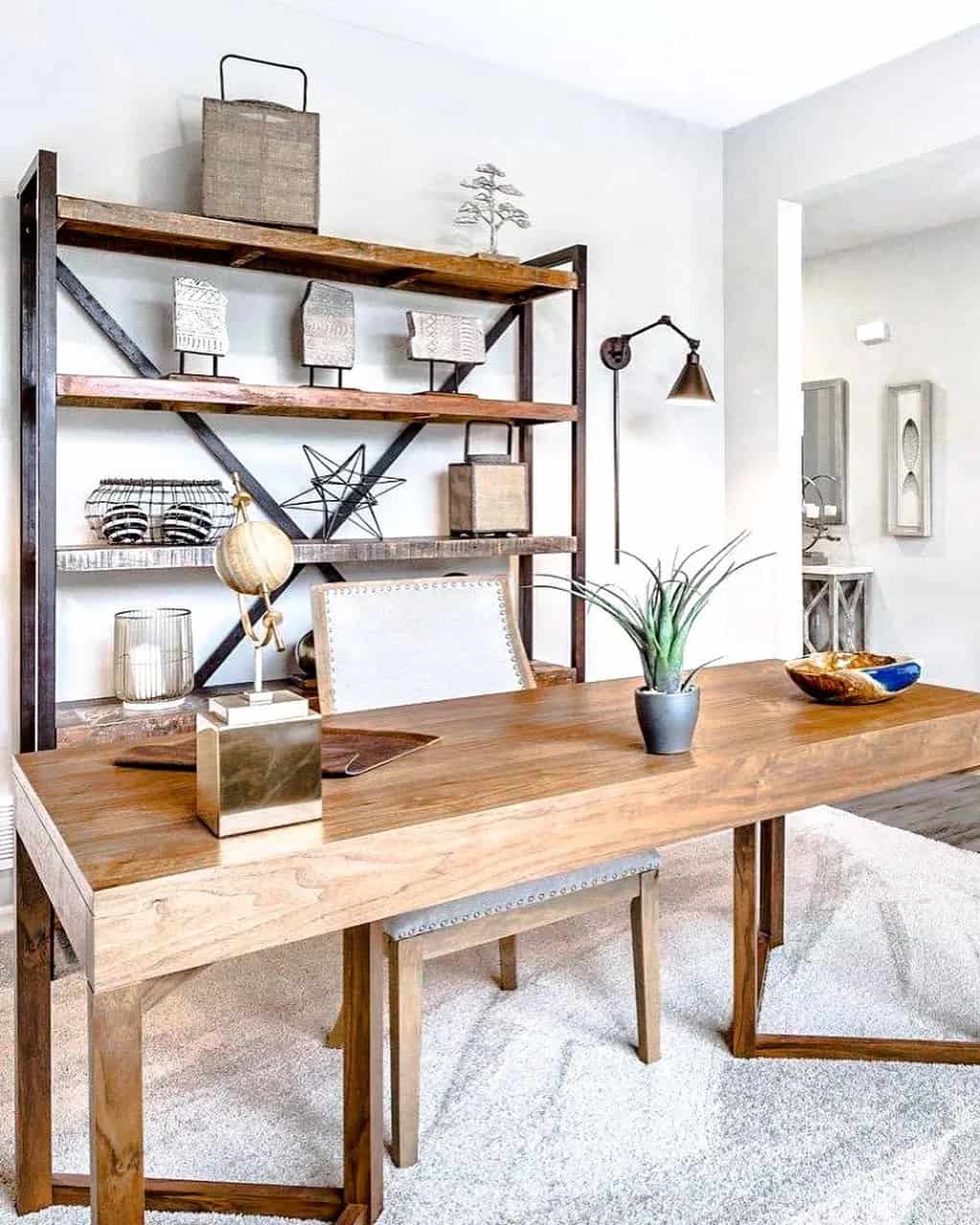
Credit: www.extraspace.com
Frequently Asked Questions
How Can I Maximize Space In A Small Home Office?
Use vertical storage like shelves and wall organizers. Declutter regularly and choose multifunctional furniture to save space effectively.
What Are The Best Desk Organization Tips For Productivity?
Keep only essentials on your desk. Use drawer dividers and cable organizers. A tidy desk boosts focus and efficiency.
How Do I Organize Cables And Cords Neatly?
Label cables and use cable clips or sleeves. Bundle cords with ties to prevent tangling and maintain a clean workspace.
What Storage Solutions Work Best For Home Office Supplies?
Use clear bins, drawer organizers, and wall-mounted racks. Group similar items for easy access and maintain order consistently.
Conclusion
A tidy home office helps you focus and work better. Small changes make a big difference. Use shelves, boxes, and labels to keep things neat. Clear your desk every day for a fresh start. Organizing saves time and reduces stress.
Keep only what you need close by. Your workspace can feel calm and inviting. Start with one idea and build from there. A well-organized office supports your daily tasks. Enjoy a space that works for you.