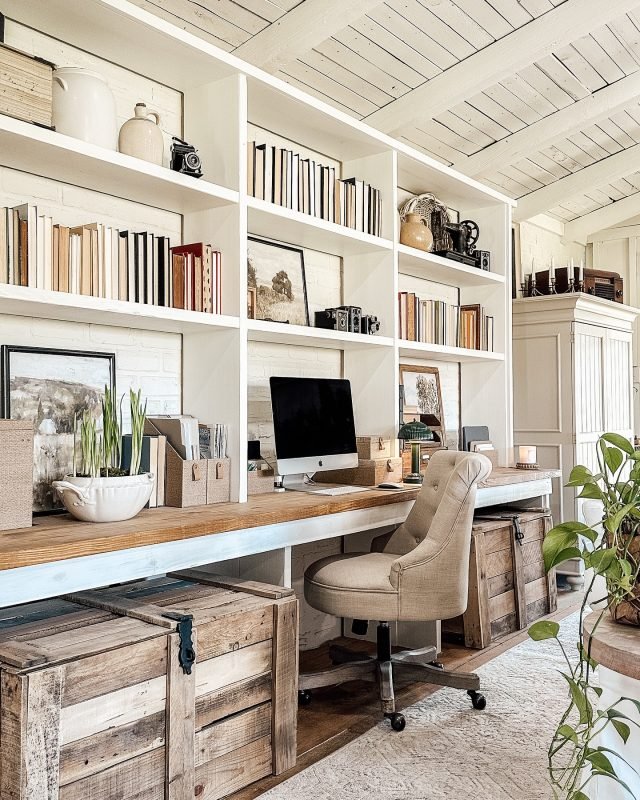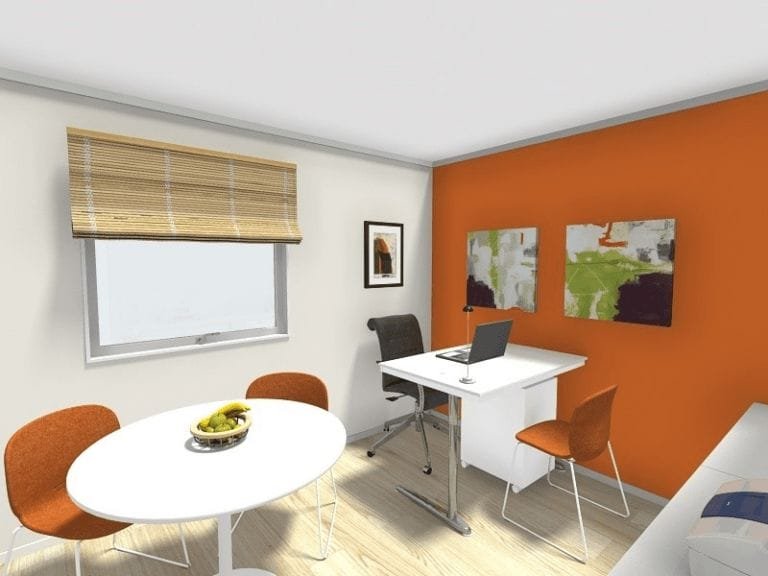
Your home office should be a place where you feel focused, comfortable, and inspired. But finding the right layout can be tricky.
How do you arrange your space to boost productivity without feeling cramped? How can you create an environment that keeps distractions away and energy high? You’ll discover simple and effective home office ideas layout that transform your workspace into a powerful tool for success.
Keep reading to unlock tips that make every inch of your office work for you.
Choosing The Right Space
Picking the right spot for your home office is very important. It helps you stay focused and work well.
Look at your home carefully to find the best place. Think about light, noise, and space.
Assessing Available Areas
Check all rooms and corners in your home. Some spaces may work better than others for work.
- Look for quiet spots away from busy areas.
- Choose a place with enough room for your desk and chair.
- Consider areas where you can add shelves or storage.
- Think about how often you use the space for other things.
Maximizing Natural Light
Good natural light reduces eye strain and lifts your mood. Pick a spot near windows if you can.
| Light Source | Benefits |
| South-facing window | Bright and warm all day |
| East-facing window | Morning sunlight to start your day |
| North-facing window | Soft, steady light without glare |
| West-facing window | Afternoon sun, may cause glare |
Minimizing Distractions
Distractions can stop your work flow. Choose a quiet place and keep it tidy.
Try these tips to reduce distractions:
- Use noise-cancelling headphones or soft background music
- Place your desk away from doors and high traffic areas
- Keep your workspace clean and free from clutter
- Set clear work hours with family or housemates

Credit: www.architecturaldigest.com
Ergonomic Furniture Choices
Choosing the right furniture helps you work comfortably and stay healthy.
Ergonomic furniture supports good posture and reduces body strain.
Selecting Comfortable Chairs
A good chair supports your back and encourages proper sitting posture.
- Look for chairs with adjustable height and back support
- Choose seats with cushioning and breathable fabric
- Armrests should be adjustable to reduce shoulder tension
- Swivel and wheels help you move without twisting your body
Adjustable Desks Benefits
Adjustable desks let you change your work position from sitting to standing.
| Benefit | Why It Helps |
| Reduces back pain | Standing eases pressure on your spine |
| Boosts energy | Changing positions keeps blood flowing |
| Improves focus | Movement prevents stiffness and fatigue |
Proper Monitor Placement
Place your monitor to avoid neck and eye strain during work.
Tips for monitor placement:
- Keep the top of the screen at eye level
- Position the monitor about an arm’s length away
- Angle the screen slightly upward for comfort
Creative Layout Designs
Designing a home office needs creativity and smart use of space. The right layout helps you work well and feel comfortable.
This guide covers different layout types and how to make your home office suit your tasks and health.
Open Vs. Closed Layouts
Open layouts have few walls and give a sense of space. Closed layouts use walls or dividers for more privacy.
- Open layouts help with natural light and easy movement.
- Closed layouts reduce distractions and noise.
- Choose open if you like a bright and airy space.
- Choose closed if you need quiet and focus.
Zoning For Different Tasks
Zoning means creating areas for specific work tasks. It helps you stay organized and focused.
| Zone | Purpose | Key Feature |
|---|---|---|
| Work Desk | Main computer work | Ergonomic chair and desk |
| Reading Corner | Reading and brainstorming | Comfortable chair and lamp |
| Storage Area | Keep files and supplies | Shelves and cabinets |
Incorporating Standing Areas
Standing areas help reduce sitting time and improve health. You can switch between sitting and standing.
Tips for standing areas:
- Use adjustable desks for height changes
- Place anti-fatigue mats to ease standing
- Keep important tools within reach
- Allow space to move and stretch
Smart Storage Solutions
Keeping your home office tidy helps you work better. Smart storage solutions save space and keep things neat.
Good storage ideas make your office look clean and organized. They also make it easy to find what you need.
Decluttering Tips
Remove items you do not use often. Keep only what is needed on your desk and shelves.
Sort papers and supplies into folders or boxes. This stops clutter from building up.
- Throw away or recycle old papers
- Use boxes to store small items
- Regularly check your workspace for clutter
Multi-functional Furniture
Choose furniture that does more than one job. For example, desks with drawers or shelves save space.
Multi-functional furniture helps keep your office neat. It reduces the need for extra storage units.
- Desks with built-in storage
- Chairs with hidden compartments
- Foldable tables for extra space
Using Vertical Space
Use wall shelves and tall cabinets to store items. This saves floor space and keeps your desk clear.
Vertical storage keeps things organized and easy to reach. Hang organizers or pegboards for small tools.
- Install shelves above your desk
- Use pegboards for office tools
- Stack storage boxes vertically
Inspiring Decor Elements
A well-decorated home office can boost focus and creativity. Small changes make a big difference in your workspace.
Try simple decor ideas to create a comfortable and inspiring office at home. Use colors, personal items, and plants to lift your mood.
Color Psychology
Colors affect how you feel and work. Choose shades that keep you calm and alert.
- Blue helps with focus and calmness.
- Green reduces eye strain and refreshes the mind.
- Yellow sparks creativity and energy.
- Neutral tones create a balanced, peaceful space.
Personal Touches
Adding your own style makes your office feel inviting and unique. It can increase your comfort and motivation.
| Personal Item | Benefit |
| Family photos | Boost emotional comfort |
| Art pieces | Stimulate creativity |
| Favorite books | Inspire learning |
| Handmade crafts | Add warmth and character |
Greenery And Plants
Plants bring life and freshness to your office. They clean the air and reduce stress.
- Place small pots on your desk for a natural touch.
- Use hanging plants to save space and add green.
- Choose low-maintenance plants like succulents or snake plants.
Lighting Techniques
Good lighting can change the way your home office feels. It helps in reducing stress and improving focus.
Here are some ideas on how to use different lighting techniques to make your workspace better.
Layered Lighting Approach
Layered lighting uses different types of lights to make a room look balanced. It combines ambient, task, and accent lighting.
- Ambient lighting gives general light to the room.
- Task lighting is focused on specific work areas.
- Accent lighting highlights decor or special features.
Task Lighting Options
Task lighting is important when you need to focus on work. It helps in reducing shadows and glare.
| Type | Best Use |
| Desk Lamp | Reading and writing |
| Under-cabinet Lights | Kitchen counters |
| Clip-on Lights | Flexible areas |
Reducing Eye Strain
Eye strain can happen if you work in poor lighting. It is important to have proper light to protect your eyes.
- Use adjustable lamps.
- Take regular breaks.
- Position your screen away from windows.
Tech Integration
Creating a home office with smart tech is essential today. Integrating technology helps improve efficiency and productivity.
From managing cables to choosing essential gadgets, a tech-friendly setup is key. Let’s explore ways to enhance your home office with technology.
Cable Management Tricks
Cable management keeps your workspace neat and tidy. Tangled cables can be frustrating and distracting.
Label your cables to know which is which. Use cable ties to bundle them together.
- Use cable clips to hold cables in place.
- Hide cables in a cable box or behind your desk.
- Consider wireless devices to reduce cable clutter.
Essential Gadgets
Having the right gadgets makes work easier. Choose gadgets that fit your needs and enhance your workflow.
Noise-cancelling headphones help you focus. A high-quality webcam is important for video calls.
- Invest in a reliable printer for document handling.
- Consider a smart speaker for easy voice commands.
- Use a wireless charger for convenient device charging.
Optimizing Connectivity
Good connectivity is crucial for a tech-integrated home office. Fast internet speeds ensure smooth workflow and communication.
Position your router centrally for better coverage. Use a range extender if needed.
- Ensure your devices are connected to the right network.
- Consider a mesh Wi-Fi system for larger spaces.
- Regularly update your router’s firmware for security.
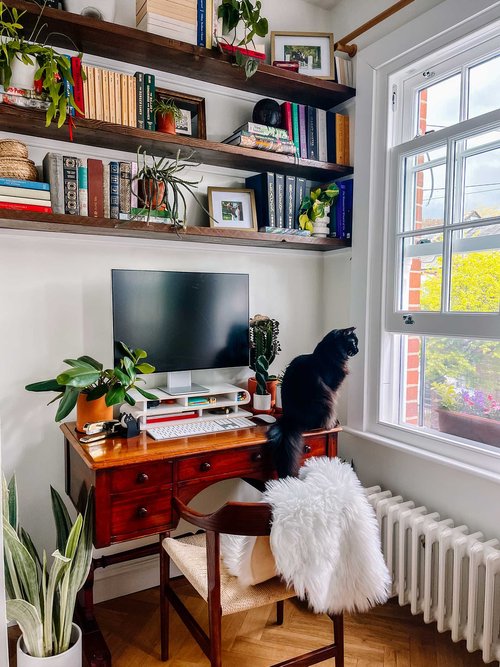
Credit: thegreenmadhouse.com
Maintaining Work-life Balance
Working from home can blur the line between work and personal life. It is important to keep balance to stay healthy and happy.
This guide shares ideas to help you keep your work and life separate and peaceful.
Designating Work Zones
Set a specific area only for work. This helps your mind know when it is time to work and when it is time to rest.
- Choose a quiet spot with good light
- Use a desk and chair that are comfortable
- Keep work tools organized and in one place
- Try not to work in your bedroom or couch
Creating Relaxation Spots
Have a space to relax and recharge. This helps your brain switch off from work stress.
- Comfy chair with soft pillows
- Plants or nature images
- Light music or white noise machine
- Books or magazines for breaks
Time Management Tips
Plan your work hours well to avoid feeling rushed or tired. Good time management keeps work from taking over your day.
| Tip | How It Helps |
| Set start and end times | Keeps your day structured |
| Take short breaks often | Prevents burnout and refreshes mind |
| Use a timer for tasks | Improves focus and productivity |
| Limit distractions | Helps finish work faster |
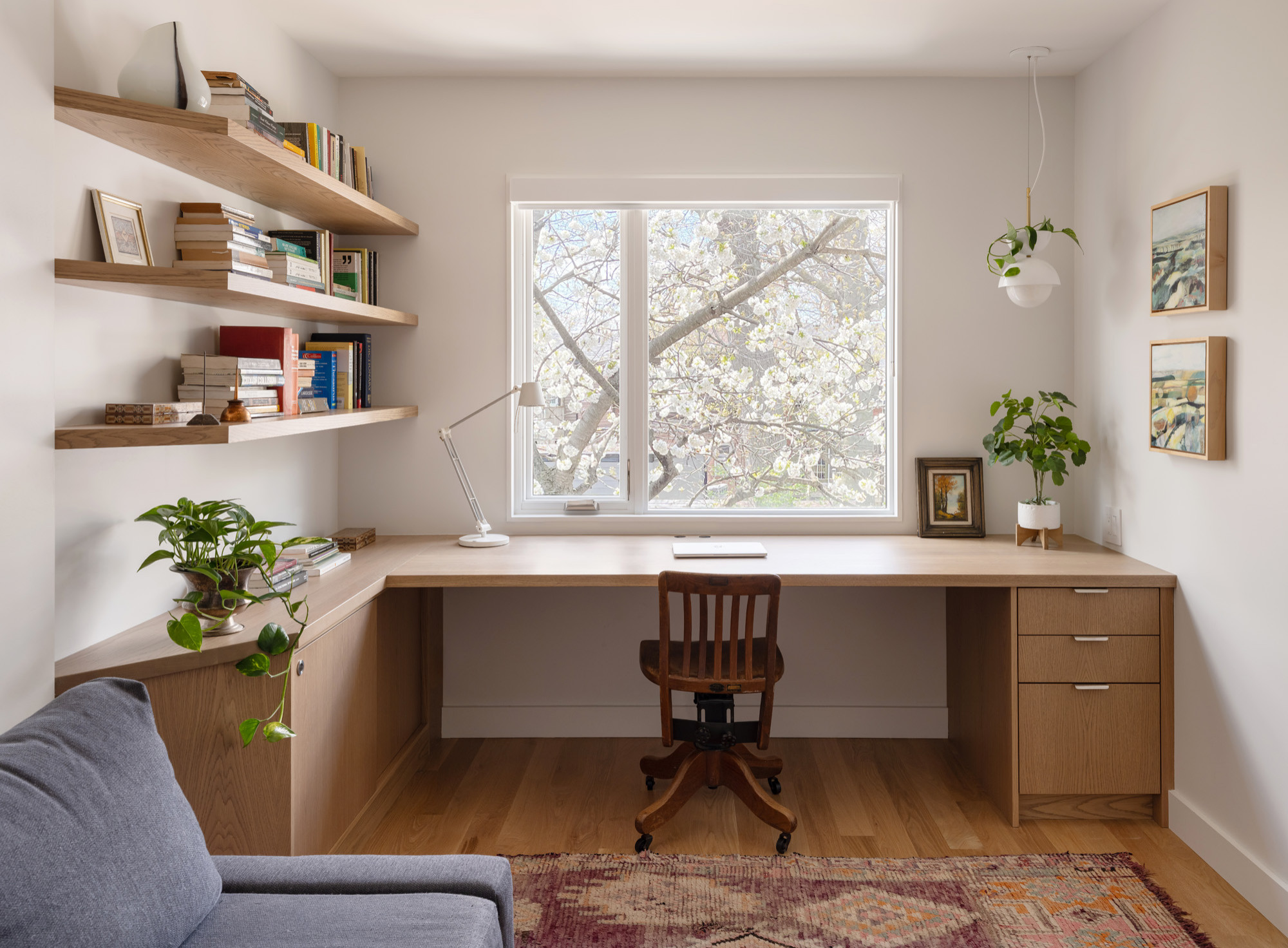
Credit: www.houzz.in
Frequently Asked Questions
What Is The Best Layout For A Small Home Office?
The best layout maximizes space and minimizes clutter. Use vertical storage and place your desk near natural light. Keep frequently used items within arm’s reach for efficiency and comfort.
How Can I Make My Home Office Layout Ergonomic?
Choose an adjustable chair and desk to support good posture. Position your monitor at eye level. Keep your keyboard and mouse close to reduce strain. Proper lighting also reduces eye fatigue.
What Are Creative Home Office Layout Ideas?
Incorporate multifunctional furniture like foldable desks or wall-mounted shelves. Use room dividers for separate work zones. Add personal touches like plants or artwork to boost creativity and comfort.
How Do I Organize Cables In A Home Office Layout?
Use cable clips, sleeves, or under-desk trays to keep cords tidy. Label cables for easy identification. Avoid tangled cords to maintain a clean, safe, and efficient workspace.
Conclusion
A well-planned home office layout boosts comfort and work focus. Choose furniture that fits your space and needs. Keep your area tidy to reduce distractions. Add personal touches to make it inviting. Good lighting helps you stay alert and productive.
Small changes can create a big difference. Start with simple ideas and adjust as you go. Your ideal home office can grow with you.