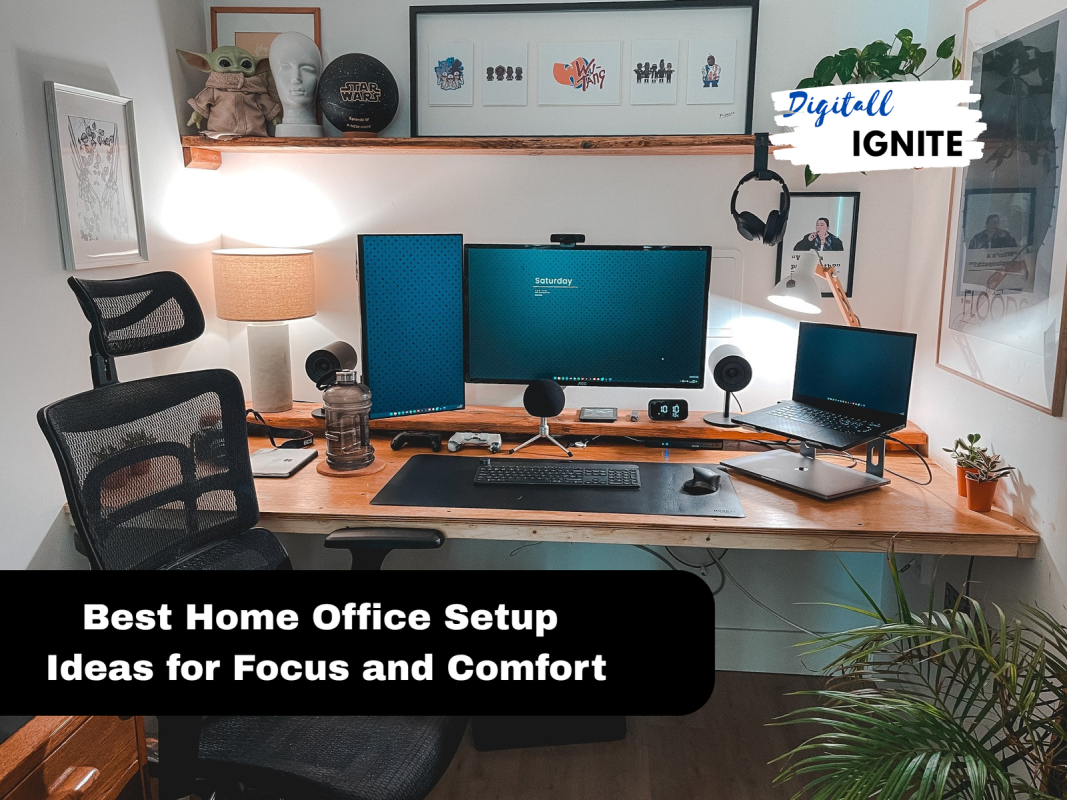
Creating the perfect home office setup can transform the way you work every day. Imagine a space where everything you need is within reach, distractions fade away, and your focus sharpens instantly.
You deserve a workspace that boosts your productivity and feels comfortable at the same time. You’ll discover simple yet powerful ideas to design your ideal home office. Whether you have a small corner or a whole room, these tips will help you create a space that makes work feel less like a chore and more like a pleasure.
Ready to upgrade your work-from-home experience? Let’s dive in.
Choosing The Right Location
Picking the right spot for your home office sets the tone for your workday. A good location helps you stay focused and comfortable.
Think about light, noise, and space. These factors shape how well your office works for you.
Maximize Natural Light
Natural light improves mood and reduces eye strain. Place your desk near windows to get the most sunlight.
- Choose a room with large windows
- Use light curtains to soften glare
- Keep your workspace clear of objects that block light
- Position your screen to avoid reflections
Minimize Distractions
Quiet surroundings help you concentrate. Pick a room away from busy areas like the kitchen or living room.
| Distraction Source | Solution |
| Street noise | Choose a room facing the backyard |
| Household traffic | Use a door or room divider |
| Pets and family | Set clear work hours and boundaries |
Consider Room Size And Layout
Pick a room big enough for your furniture and movement. A good layout keeps everything within reach.
Here are key points to check for room size and layout:
- Space for desk, chair, and storage
- Easy access to power outlets
- Room for extra equipment like printers
- Good airflow and temperature control
Ergonomic Furniture Essentials
Setting up a home office means choosing furniture that keeps you comfortable. Ergonomic furniture helps reduce strain and boosts focus.
Good choices in chairs, desks, and accessories support your body and make work easier every day.
Selecting A Comfortable Chair
A chair with good support helps you sit correctly and avoid pain. Look for adjustable height and backrest features.
- Choose chairs with lumbar support to protect your lower back.
- Armrests should be adjustable to keep shoulders relaxed.
- Seat depth must allow your feet to rest flat on the floor.
- Breathable materials keep you cool during long work hours.
Desk Options For Productivity
Your desk should fit your space and work style. The right height reduces strain on your neck and wrists.
| Desk Type | Best For | Key Feature |
| Fixed Height Desk | Simple setups | Stable surface |
| Adjustable Standing Desk | Active work style | Height adjustability |
| L-Shaped Desk | Multiple devices | Extra workspace |
Adjustable Accessories
Accessories that adjust to your needs help keep a healthy posture. They make your workspace more flexible.
- Monitor stands raise screens to eye level.
- Keyboard trays allow wrist comfort and correct arm angle.
- Footrests support feet and improve blood flow.
- Desk lamps reduce eye strain with adjustable lighting.
Optimizing Lighting
Good lighting helps you work better and feel comfortable. It reduces tiredness and improves focus.
Choosing the right light setup is key for a home office. It can make a big difference in your workday.
Task Lighting Solutions
Task lighting gives direct light on your work area. It helps you see details clearly.
- Use adjustable desk lamps to focus light where you need it.
- Choose LED bulbs with cool white light for clear visibility.
- Place lamps on the side opposite your writing hand to avoid shadows.
- Consider clip-on lights for flexible positioning.
Ambient Lighting Tips
Ambient lighting fills the whole room with soft light. It prevents harsh contrasts and shadows.
| Type of Light | Effect |
| Ceiling lights | Brightens entire room evenly |
| Floor lamps | Adds warmth and soft glow |
| Wall sconces | Provides gentle side lighting |
| Natural light | Boosts mood and reduces eye strain |
Reducing Eye Strain
Eye strain causes headaches and tired eyes. Proper lighting reduces these problems.
Tips to reduce eye strain:
- Position lights to avoid glare on screens.
- Adjust screen brightness to match room light.
- Take short breaks every 20 minutes to rest your eyes.
- Use anti-glare screen protectors if needed.
Tech Tools And Gadgets
Setting up a home office needs the right tech tools and gadgets. Good gear helps you work better and stay organized.
We look at monitors, peripherals, and cable hacks to make your workspace neat and efficient.
High-quality Monitors
Pick monitors with clear images and good size. A screen with at least 24 inches and full HD is great. Dual monitors help multitask with ease.
Essential Peripherals
Keyboards, mice, and webcams are must-haves. Wireless options reduce clutter. Good speakers or headphones improve calls.
- Ergonomic keyboard for comfort
- Wireless mouse for easy movement
- HD webcam for clear video calls
- Noise-cancelling headphones for focus
- USB hub to connect multiple devices
Cable Management Hacks
| Tool | Purpose |
|---|---|
| Cable clips | Hold cables to desk edges |
| Cable sleeves | Bundle cables together |
| Velcro ties | Keep cables organized and adjustable |
| Under-desk trays | Hide power strips and cables |
| Label tags | Identify cables quickly |
Storage And Organization
Having a tidy home office helps you focus and work better. Good storage and organization make your space neat and practical.
Using smart ideas for shelves, decluttering, and vertical space can improve your work area. These simple tips keep everything in place.
Smart Shelving Ideas
Choose shelves that fit your room size and style. Open shelves show your items, while closed shelves hide clutter. Use baskets or boxes on shelves to keep small things organized.
- Install floating shelves to save floor space
- Use adjustable shelves for different sized items
- Add labels to baskets for easy finding
- Combine shelves with hooks for extra storage
Decluttering Strategies
Remove items you do not need to keep your desk clear. Sort your papers and supplies regularly. Keep only the essentials within reach.
- Set a weekly time to tidy your desk
- Throw away or recycle old papers
- Store rarely used items in drawers or boxes
- Use cable organizers to keep wires neat
Using Vertical Space
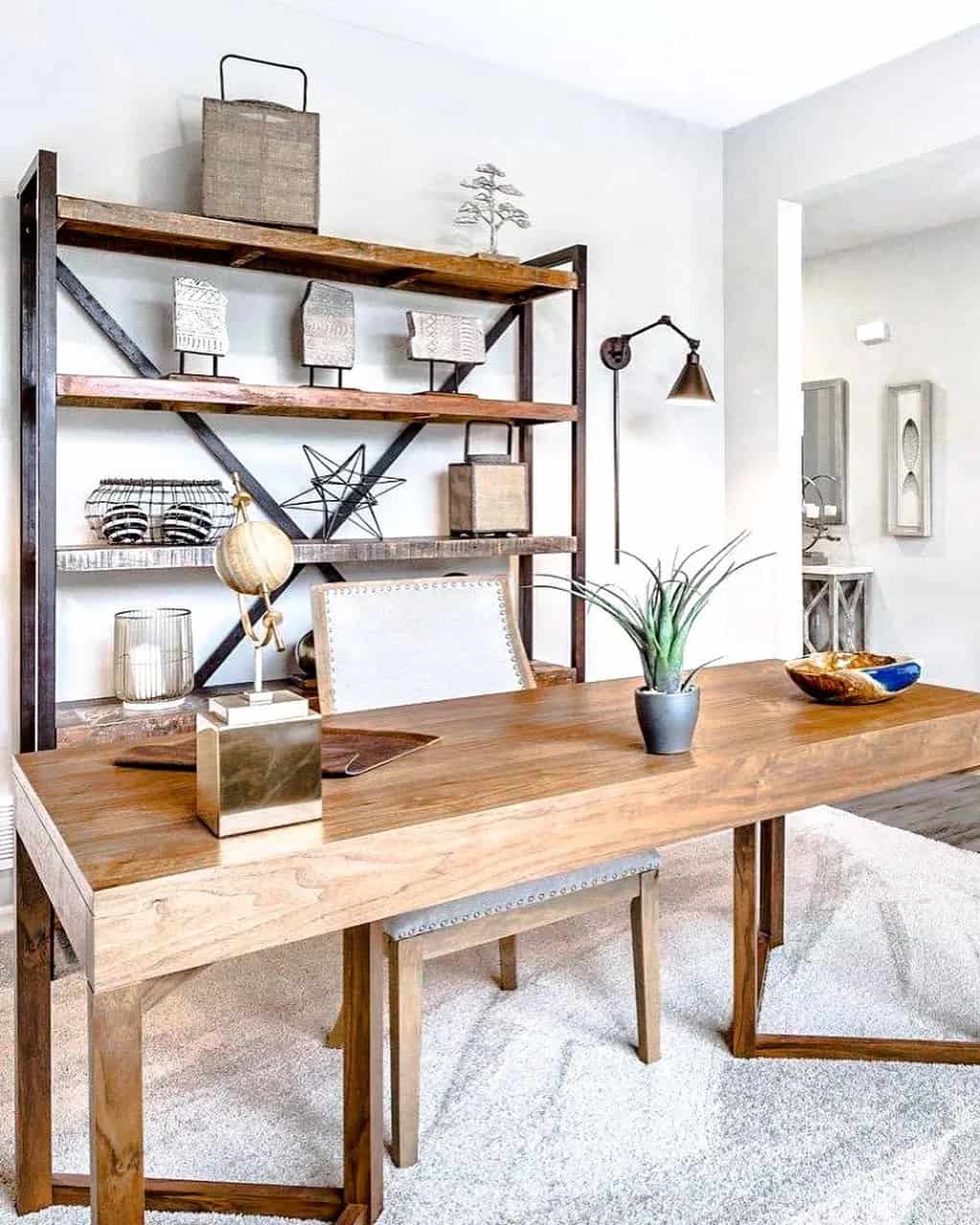
Make use of wall space to keep your desk free. Vertical storage keeps things visible and easy to reach. Hooks, pegboards, and tall shelves help hold supplies and tools.
Vertical Storage Ideas
- Install a pegboard for hanging office tools
- Use wall-mounted file holders for papers
- Place tall bookcases or shelving units
- Add magnetic strips for small metal items
Credit: www.extraspace.com
Personalizing Your Space
Your home office should reflect your personality. It’s your space for productivity and comfort. Personalizing it can make work more enjoyable and inspiring.
Adding personal touches can boost your mood. It can also create a unique and motivating atmosphere. Let’s explore some ideas to make your office truly yours.
Incorporating Plants
Plants can brighten up your office and improve air quality. They bring a touch of nature indoors, making your space feel fresh and vibrant.
Choose plants that are easy to care for. Consider their size and lighting needs. A small succulent or a leafy fern might be perfect for your desk.
- Succulents need little water
- Ferns thrive in low light
- Spider plants are air purifiers
Artwork And Decor
Artwork can inspire creativity and add color. Choose pieces that resonate with you. They can be paintings, prints, or even your own creations.
Decor items like clocks or sculptures can enhance your space. They add interest and reflect your style. Change them occasionally for a fresh look.
- Hang a favorite painting
- Display family photos
- Add a colorful rug
Creating A Motivating Atmosphere
A motivating atmosphere can boost productivity. Use motivational quotes or a vision board. These can remind you of your goals and keep you focused.
Good lighting also plays a key role. Natural light is best, but a quality lamp works too. Ensure your space is well-lit to reduce eye strain.
- Place a quote on your desk
- Create a vision board
- Use a bright desk lamp
Improving Acoustics
A quiet home office helps you focus better. Improving acoustics can make your workspace more peaceful. Simple changes can reduce noise and make your office more comfortable.
Let’s explore some ideas to improve the sound in your home office. We will look at soundproofing, speakers, and noise-cancelling devices.
Soundproofing Tips
Soundproofing helps block outside noise. Thick curtains or rugs can help. These materials absorb sound and keep your office quiet.
- Use heavy curtains on windows
- Place rugs on hard floors
- Consider soundproof foam panels
- Seal gaps around doors and windows
Choosing The Right Speakers
Good speakers can enhance your audio experience. They provide clear sound for calls or music. Choose speakers that fit your space and needs.
Small speakers are great for desks. Larger ones work for bigger rooms. Check for features like Bluetooth and volume control.
- Consider speaker size for your room
- Look for speakers with clear sound
- Check for Bluetooth compatibility
- Adjustable volume is helpful
Using Noise-cancelling Devices
Noise-cancelling devices help reduce unwanted sounds. They are useful in noisy environments. Headphones and earbuds are popular choices.
These devices block noise by creating opposite sound waves. This makes your workspace quieter and more comfortable.
- Noise-cancelling headphones for focused work
- Earbuds for easy mobility
- Check battery life and comfort

Credit: www.reddit.com
Maintaining Work-life Balance
Working from home can blend your job and personal life. A good setup helps keep them separate.
Balancing work and life needs clear rules and smart habits. You can avoid stress and work better.
Setting Boundaries
Set specific work hours and stick to them. Tell family or housemates your schedule to reduce interruptions.
- Turn off work devices after hours
- Use a separate workspace for work only
- Say no to work calls during personal time
- Plan your day to include breaks and end time
Designating Break Areas
Choose a place away from your desk to take breaks. This helps your mind rest and refresh.
| Break Area | Benefits |
|---|---|
| Kitchen or dining table | Change of scenery and easy access to snacks |
| Living room couch | Comfortable spot to relax and stretch |
| Outdoor patio or balcony | Fresh air and natural light |
Time Management Techniques
Good time management keeps work tasks on track and frees time for life.
- Make a daily to-do list with top tasks
- Use timers for focused work sessions
- Take short breaks every hour to avoid burnout
- Review your progress at the end of each day

Credit: www.youtube.com
Frequently Asked Questions
What Is The Ideal Desk For A Home Office Setup?
An ideal desk should be spacious, ergonomic, and fit your room size. Adjustable height desks promote better posture and comfort. Choose desks with storage options to keep essentials organized and reduce clutter.
How Can Lighting Improve My Home Office Productivity?
Good lighting reduces eye strain and boosts focus. Natural light is best; position your desk near windows. Use adjustable desk lamps with warm white bulbs to create a comfortable work environment.
What Ergonomic Chair Suits A Home Office Best?
Select chairs with adjustable height, lumbar support, and armrests. A breathable mesh back enhances comfort during long hours. Ergonomic chairs prevent back pain and improve your overall productivity.
How To Organize Cables In A Home Office Setup?
Use cable clips, sleeves, or under-desk trays to manage wires. Label cables for easy identification and avoid tangling. A tidy cable setup reduces distractions and maintains a professional workspace.
Conclusion
Creating a comfortable home office helps you work better every day. Choose a desk and chair that fit your space and needs. Add good lighting to keep your eyes fresh. Keep things organized to avoid distractions and save time. Personal touches make the space feel welcoming and boost your mood.
Small changes can make a big difference in your work comfort. Try these ideas to build a workspace that suits you well. Your best work starts with a great home office setup.