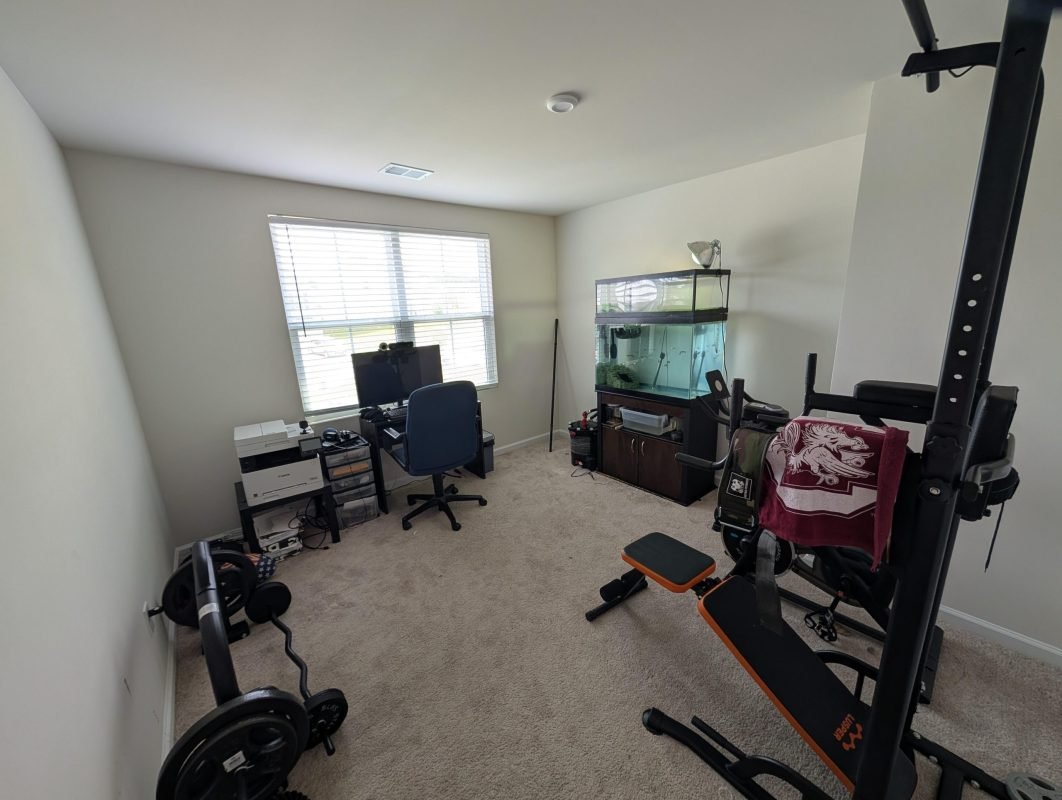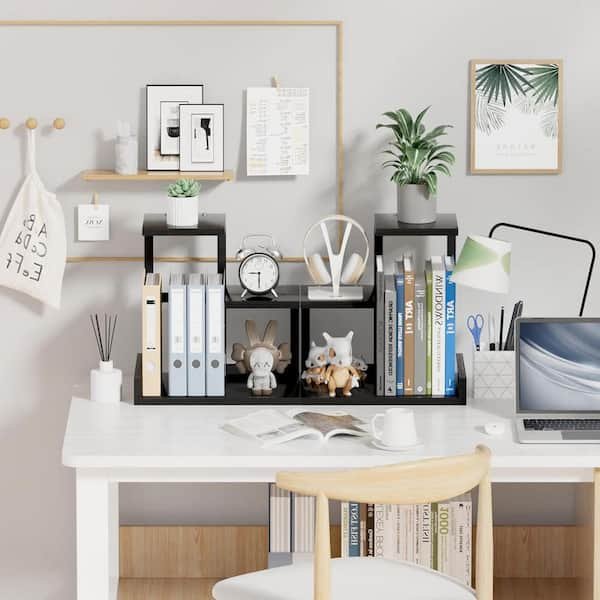
Is your home office desk a cluttered mess that steals your focus? Imagine sitting down to work and instantly feeling calm, clear, and ready to tackle your tasks.
You don’t have to wait for a big change to boost your productivity. With simple and smart desk organization ideas, you can transform your workspace into a place that inspires creativity and keeps distractions away. Keep reading, and you’ll discover easy tips that make your desk work for you—not against you.
Choose The Right Desk
Your desk is the heart of your home office. Picking the right one helps keep you organized and comfortable.
Think about your space and work needs before choosing a desk. This helps you stay productive all day.
Size And Shape Matters
Choose a desk size that fits your room and work style. Too big or too small can cause clutter or discomfort.
- Measure your available space carefully
- Pick a shape that fits well, like L-shaped for corners
- Ensure enough surface for your computer and supplies
Material And Durability
| Material | Benefits | Considerations |
| Wood | Sturdy and classic look | May scratch or dent easily |
| Metal | Strong and modern | Can feel cold or heavy |
| Glass | Stylish and easy to clean | Shows fingerprints and fragile |
| Composite | Affordable and lightweight | Less durable than solid wood |
Pick a material that fits your style and lasts long. Think about how much wear your desk will get.
Adjustable Vs Fixed Desks
Decide if you want a desk that moves or stays in one place. Each has its own benefits.
- Adjustable deskslet you change height to sit or stand
- Fixed desksare stable and often less costly
- Think about your comfort and how long you work at the desk
- Adjustable desks help reduce back pain for long hours

Credit: neatmethod.com
Optimize Desk Layout
Keeping your home office desk organized helps you work better. A well-planned layout reduces clutter and saves time. Start by arranging your desk to fit your daily needs.
Small changes in how you place items can improve focus and comfort. Let’s explore some key ideas for an efficient desk setup.
Prioritize Essential Items
Place your most important tools where you can reach them easily. Keep only what you need for daily tasks on your desk. This helps keep your space clean and free from distractions.
- Computer or laptop
- Notepad and pen
- Phone or headset
- Task planner or calendar
- Desk lamp
Create Zones For Tasks
Divide your desk into areas for different activities. This makes it easier to switch tasks without losing focus. For example, have a zone for computer work and another for writing or reading.
| Zone | Purpose | Items |
| Workstation | Computer tasks | Laptop, mouse, keyboard |
| Writing Area | Note-taking and planning | Notepad, pens, calendar |
| Storage | Keep supplies and documents | File holders, drawers |
Keep Frequently Used Tools Accessible
Arrange tools you use often within arm’s reach. Use organizers or holders to keep them visible but tidy. This saves time and helps maintain a clean desk.
- Sticky notes holder
- Desk organizer for pens and scissors
- Phone stand
- Charging station
Use Smart Storage Solutions
Keeping your home office desk neat helps you work better. Smart storage solutions save space and reduce clutter.
Using the right tools makes it easy to find what you need quickly. Organize your desk with clever storage ideas.
Drawer Organizers
Drawer organizers keep small items tidy and easy to reach. They stop things from mixing and getting lost.
You can use trays, dividers, or small boxes inside drawers. This helps separate pens, paper clips, and notes.
- Separate compartments for different supplies
- Stackable trays for better space use
- Adjustable dividers for flexible storage
Shelves And Wall-mounted Storage
Shelves add extra space without using your desk surface. Wall-mounted storage keeps items visible but off your desk.
Use floating shelves or pegboards to hold books, files, and tools. This frees up desk space for work.
- Floating shelves for books and decor
- Pegboards to hang tools and supplies
- Mounted baskets for papers and folders
Desktop Organizers And Trays
Desktop organizers group your daily items in one spot. Trays hold papers, notebooks, and gadgets neatly.
Choose organizers with sections for pens, sticky notes, and chargers. This keeps your desk clean and easy to use.
- Multi-compartment pen holders
- Stackable trays for papers and files
- Small boxes for chargers and cables
Manage Cables Efficiently
Cables can make a home office look messy and cluttered. Organizing cables keeps your desk clean and safe. It also helps you find cords faster.
There are many ways to manage cables. Use simple tools and smart setups to keep cables out of sight and untangled.
Cable Clips And Holders
Cable clips stick to your desk or wall. They hold cords in place and stop them from falling. Clips keep cables separated and easy to reach.
Use holders to group several cables. They prevent tangling and make your desk look neat. Clips and holders come in many sizes and shapes.
- Attach clips near your computer or power outlet
- Use holders to keep cables bundled together
- Choose clips with adhesive for easy installation
Under-desk Cable Trays
Cable trays attach under your desk to hide cords. They keep cables off the floor and out of sight. This reduces dust and tripping hazards.
Trays can hold power strips, chargers, and cables. They help organize wires from different devices in one place.
- Mount trays under the desk with screws or adhesive
- Place power strips inside trays to reduce clutter
- Use trays that fit your desk size and cable amount
Wireless Options
Wireless devices reduce the need for cables. Use wireless keyboards, mice, and printers to cut down wires on your desk.
Wireless charging pads can power devices without cords. This keeps your desk clean and makes charging simple.
- Choose Bluetooth or Wi-Fi enabled devices
- Use wireless chargers for phones and earbuds
- Keep wireless device batteries charged for smooth use
Incorporate Ergonomic Accessories
Organizing your home office with ergonomic accessories improves comfort. These tools help reduce strain and increase productivity.
Focus on key items like monitor stands, keyboard and mouse placement, and chair selection. Each supports a healthier work setup.
Monitor Stands
Use a monitor stand to raise your screen to eye level. This prevents neck strain and improves posture while working.
Adjustable stands allow you to set the perfect height for your comfort. Choose one that fits your desk space well.
Keyboard And Mouse Placement
Place your keyboard and mouse close to your body. Keep your elbows at a 90-degree angle to avoid shoulder pain.
- Use a wrist rest to support your hands
- Keep the mouse at the same height as the keyboard
- Position devices to avoid reaching or stretching
- Choose ergonomic keyboards and mice for better comfort
Comfortable Chair Selection
| Feature | Benefit |
| Adjustable height | Supports proper leg positioning |
| Lumbar support | Reduces lower back pain |
| Swivel base | Allows easy movement without straining |
| Armrests | Supports arms and shoulders |
Choose a chair that fits your body and desk height. Good support helps you sit longer without discomfort.
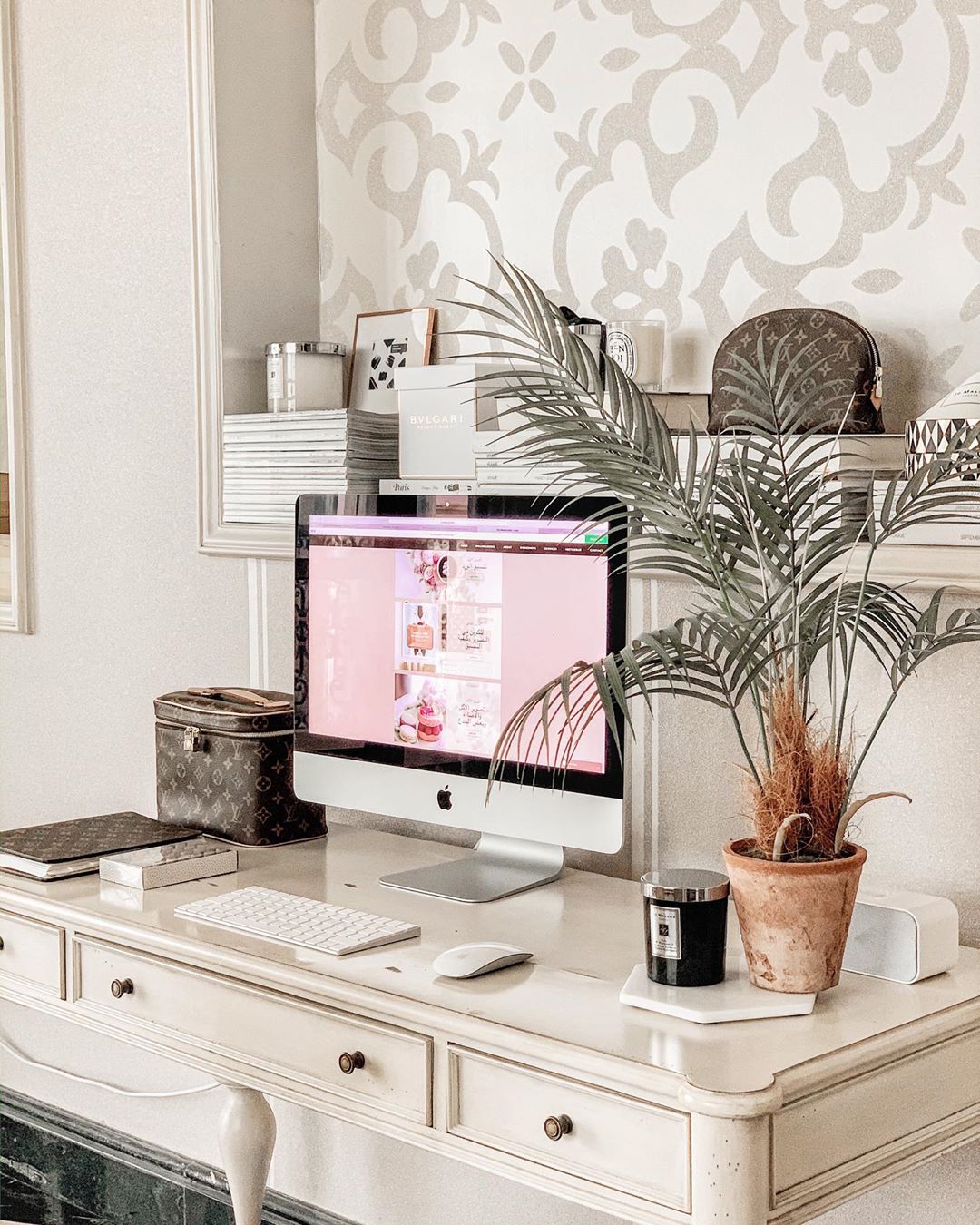
Credit: www.extraspace.com
Add Personal Touches
Organizing your home office desk can make work feel better. Add personal touches to make the space yours.
These ideas help you turn a simple desk into a place you love.
Plants And Greenery
Plants can add life and color to your desk. They make the air fresher and your mind clearer.
- Small potted plants like succulents
- A hanging plant for vertical space
- Herbs in pots for a fresh scent
Inspirational Items
Items that inspire can boost your mood. They remind you of goals and dreams.
“The only way to do great work is to love what you do.” — Steve Jobs
Minimalist Decor
Minimalist decor keeps your desk tidy. Less clutter means more focus.
| Item | Purpose |
| Simple lamp | Better lighting |
| Neutral color palette | Calm atmosphere |
| Essential storage | Organized space |
Maintain Cleanliness Regularly
Keeping your home office desk tidy can boost your productivity. A clean workspace helps you focus better and reduces stress.
Regular maintenance is key to an organized desk. Let’s explore some habits and strategies to keep it neat.
Daily Tidying Habits
Small daily actions can make a big difference. Set aside a few minutes each day to tidy up your workspace.
- Clear away any trash or used papers.
- Return office supplies to their designated spots.
- Wipe down the desk surface to remove dust.
Weekly Deep Cleaning
A deeper clean once a week can help maintain a fresh workspace. This involves more thorough tasks that address accumulated clutter.
| Task | Details |
| Vacuum | Remove dust from the floor and under the desk |
| Sanitize | Disinfect high-touch areas like keyboard and mouse |
| Organize | Sort and file important documents |
Declutter Strategies
Decluttering involves removing unnecessary items from your desk. This helps in maximizing your available space.
- Assess which items are essential and which are not.
- Donate or recycle items you no longer need.
- Use organizers or trays to keep small items in place.
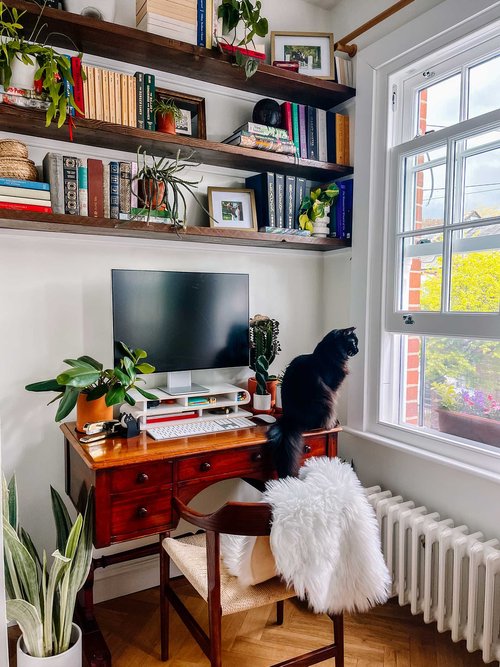
Credit: thegreenmadhouse.com
Leverage Technology For Organization
Keeping your home office tidy helps you work better and faster. Technology offers many tools to keep your space and tasks in order.
Use digital solutions to reduce paper clutter and track your work. These tools fit easily into any workspace.
Digital Note-taking Tools
Digital note-taking apps let you save ideas without paper. You can organize notes by topic or date and find them fast.
- Use tags to group related notes
- Sync notes across all your devices
- Add images or voice recordings to notes
- Search text inside notes quickly
Task Management Apps
Task apps help you plan and finish work on time. They let you create to-do lists and set reminders to stay on track.
| App Feature | Benefit |
| Due dates | Helps meet deadlines |
| Priority flags | Focus on important tasks |
| Collaboration tools | Work with others easily |
| Progress tracking | See what is done and left |
Voice Assistants
Voice assistants let you manage your desk hands-free. You can set alarms, add reminders, or search for files by voice.
Common voice commands include:
- “Add meeting to my calendar”
- “Remind me to send email at 3 PM”
- “Open project folder”
- “What is on my schedule today?”
Frequently Asked Questions
What Are The Best Desk Organizers For Home Offices?
The best desk organizers include drawer dividers, pen holders, and cable management trays. These keep items tidy and accessible. Choose organizers that fit your desk size and work style. Clear containers help quickly find essentials, boosting productivity and reducing clutter.
How Can I Minimize Cable Clutter On My Desk?
Use cable clips, sleeves, or under-desk trays to bundle and hide cords. Label cables for easy identification. Position power strips out of sight but within reach. Regularly check and remove unused cables to maintain a clean workspace.
What Tips Improve Desk Layout For Productivity?
Place frequently used items within arm’s reach to reduce distractions. Use vertical space with shelves or wall organizers. Keep the desktop clear by storing supplies in drawers. Ensure good lighting and ergonomics for comfort and focus.
How Often Should I Clean And Organize My Home Office Desk?
Clean and organize your desk weekly to maintain order and efficiency. Remove unnecessary items and wipe surfaces. Regular tidying prevents clutter buildup and helps you stay focused throughout workdays.
Conclusion
Organizing your home office desk can boost focus and reduce stress. Clear spaces help your mind work better. Use simple tools to keep items neat and easy to find. Small changes make a big difference in daily work. Keep only what you need close by.
A tidy desk invites productivity and calm. Try these ideas to create your ideal workspace. Enjoy working in a clean, organized area every day.