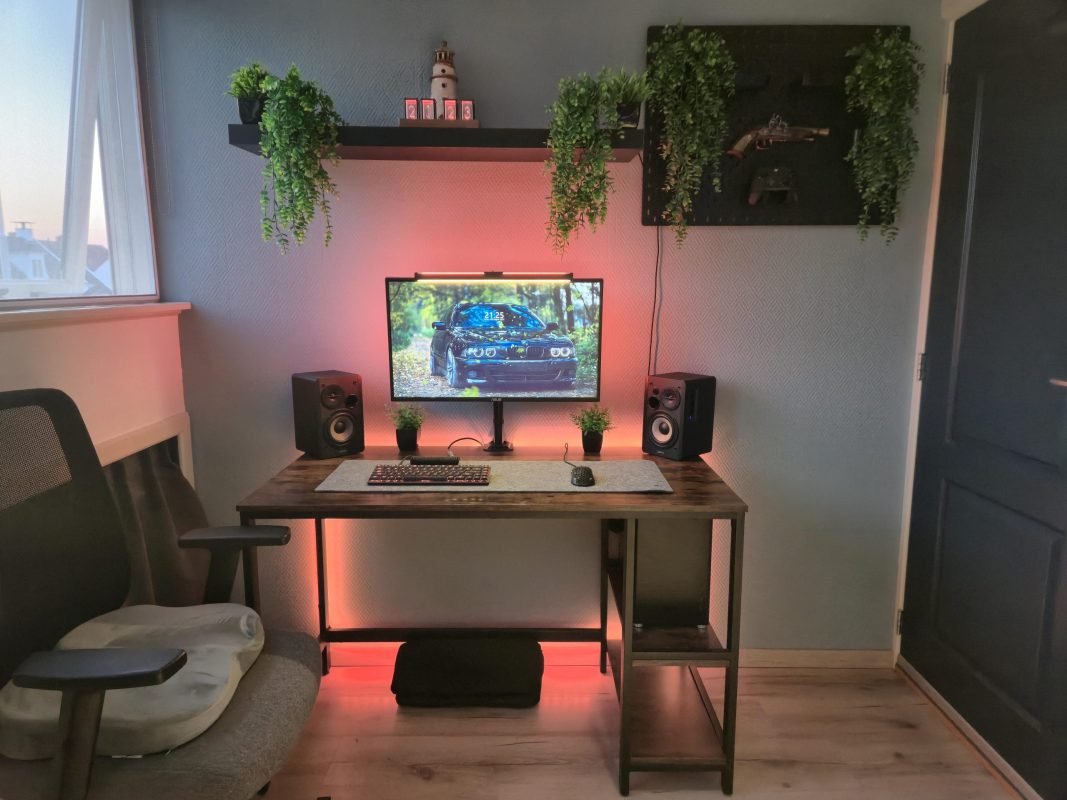
Your bedroom is more than just a place to sleep—it can be your personal workspace, gaming zone, or creative hub. Setting up a computer in your bedroom might sound simple, but getting it right can change how you work and relax.
Imagine a space where everything feels just right: your screen at eye level, cables neatly hidden, and lighting that doesn’t strain your eyes. This isn’t just about comfort—it’s about boosting your focus and making your time at the computer more enjoyable.
Keep reading, and you’ll discover easy tips to create a bedroom computer setup that fits your needs perfectly.
Choosing The Right Desk
Picking the right desk is key for a good bedroom computer setup. Your desk should fit the space and support your work needs.
Think about size, comfort, and material to find a desk that lasts and feels right.
Space-saving Options
Choose desks that save space in your bedroom. Compact desks or wall-mounted desks work well in small rooms.
- Wall-mounted desks free floor space.
- Foldable desks can be stored away easily.
- Desks with built-in shelves reduce clutter.
- Corner desks use space efficiently.
Ergonomic Designs
An ergonomic desk helps keep your body comfortable and healthy. Look for desks with adjustable height or angle.
| Feature | Benefit |
| Adjustable height | Supports sitting and standing positions |
| Curved edges | Reduces wrist strain |
| Keyboard tray | Keeps wrists aligned |
| Spacious surface | Allows better arm movement |
Materials And Durability
Strong materials make desks last longer. Choose wood, metal, or quality composites for durability.
Here are common desk materials and their traits:
- Wood:Sturdy and classic, but may need care.
- Metal:Very durable and modern looking.
- Composite:Lightweight and budget-friendly.
- Glass:Stylish but can be fragile.

Credit: www.youtube.com
Selecting A Comfortable Chair
A good chair makes your bedroom computer setup more comfortable. It helps you work or study without pain.
Choosing the right chair means looking at features that support your body well. Comfort is key for long hours.
Ergonomic Features
An ergonomic chair fits the natural curve of your spine. It reduces back and neck pain. Look for chairs with lumbar support and a headrest.
- Curved backrest for spine alignment
- Padded seat to reduce pressure
- Headrest to support neck
- Breathable fabric for comfort
Adjustability And Support
A chair with adjustable parts fits your body better. Check for height, armrests, and tilt control. Proper support lowers fatigue.
| Adjustable Part | Benefit |
|---|---|
| Seat Height | Keeps feet flat on floor |
| Armrests | Supports arms and shoulders |
| Backrest Tilt | Allows comfortable recline |
| Lumbar Support | Supports lower back curve |
Budget-friendly Choices
You can find comfortable chairs without spending a lot. Focus on basic ergonomic and adjustable features. Avoid chairs that lack support.
Tips for budget chairs:
- Choose chairs with adjustable height and back support.
- Look for sales or secondhand options in good condition.
- Test the chair if possible before buying.
- Prioritize comfort over style.
Optimizing Lighting
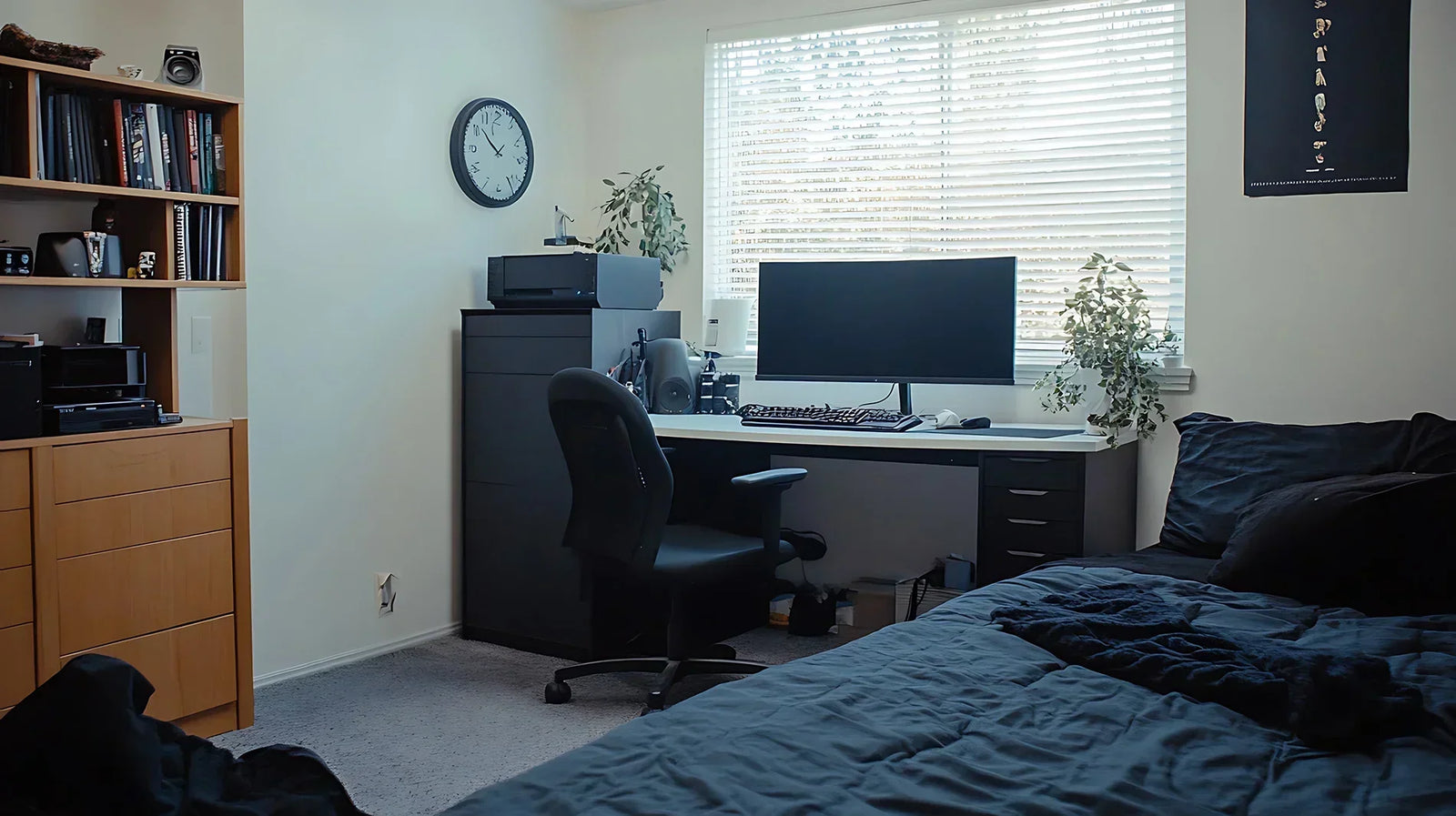
Good lighting is key for a bedroom computer setup. It helps you work well and feel comfortable.
We will look at natural light, task lighting, and ways to reduce eye strain.
Natural Light Benefits
Natural light brightens your room and improves mood. It lowers the need for artificial lights during the day.
- Place your desk near a window for sunlight.
- Use light curtains to soften strong sunlight.
- Avoid glare on your computer screen by adjusting window coverings.
Task Lighting Solutions
Task lighting helps focus light on your work area. It reduces shadows and keeps your space bright.
| Type | Best Use | Notes |
| Desk Lamp | Direct light on keyboard and documents | Adjustable arm recommended |
| LED Strip | Under shelves for even lighting | Energy efficient |
| Clip Light | Small focused light | Easy to move |
Reducing Eye Strain
Eye strain happens when lighting is too bright or too dim. It causes headaches and tired eyes.
- Use warm light bulbs to reduce glare.
- Take breaks every 20 minutes to rest your eyes.
- Adjust screen brightness to match room light.
- Keep your monitor clean for clear viewing.
Credit: solutionsm3.com
Managing Cables And Clutter
A neat bedroom computer setup feels calm and helps you focus. Managing cables and clutter keeps your desk clean and safe.
Good cable management stops tangles and makes cleaning easier. It also helps your computer parts last longer.
Cable Management Tools
Cable management tools keep wires organized and out of sight. These tools make your setup look tidy and prevent damage.
- Cable clips hold wires on your desk edges
- Cable sleeves bundle many cables together
- Velcro straps allow easy cable adjustments
- Under-desk trays hide cables below the desk
- Cable boxes store power strips and excess cords
Organizing Accessories
Organizing accessories help keep small items in order. They reduce clutter and save space on your desk.
- Drawer organizers separate pens, chargers, and notes
- Desk trays collect papers and gadgets
- Wall-mounted shelves free up desk space
- Monitor stands lift screens and add storage below
Maintaining A Tidy Space
Regular cleaning keeps your computer area neat and safe. A tidy space helps you work better and relax more.
- Put cables back in place after use
- Clear dust from your desk and computer parts
- Sort and file papers daily
- Remove unused items to avoid clutter
Choosing The Right Computer Setup
Picking the right computer setup for your bedroom is important. It affects comfort and work quality.
Consider your needs before choosing between desktop or laptop, monitors, and devices.
Desktop Vs Laptop
Desktops offer more power and easy upgrades. They need more space and a dedicated desk.
Laptops save space and are portable. They may have less power but are good for small rooms.
- Choose a desktop if you want better performance.
- Pick a laptop for portability and space-saving.
- Consider how much space you have in your bedroom.
- Think about how often you move your computer.
Monitor Selection
Choose a monitor that fits your desk size and eyesight comfort.
| Monitor Type | Best For | Screen Size |
|---|---|---|
| IPS | Good colors and viewing angles | 24-27 inches |
| TN | Fast response, lower cost | 22-24 inches |
| Curved | Immersive experience | 27 inches and above |
Peripheral Devices
Good peripherals improve comfort and productivity in your bedroom setup.
- Keyboard: Choose mechanical or membrane based on typing feel.
- Mouse: Pick a size that fits your hand comfortably.
- Speakers or headphones: Use headphones to avoid noise.
- Webcam: Needed if you do video calls often.
Improving Air Quality And Comfort
Creating a comfortable bedroom computer setup is important. Good air quality can improve focus and health.
Let’s explore how to enhance air quality and comfort in your space.
Ventilation Tips
Proper ventilation is crucial. It helps circulate fresh air and remove pollutants.
- Open windows regularly to let in fresh air.
- Use fans to keep air moving in the room.
- Consider installing an exhaust fan to remove stale air.
Humidifiers And Air Purifiers
Humidifiers add moisture to the air. They prevent dryness and improve comfort.
Air purifiers clean the air. They remove dust and allergens, making the air healthier.
- Choose a humidifier with adjustable settings.
- Select an air purifier with a HEPA filter for best results.
- Clean and maintain devices regularly for efficiency.
Temperature Control
Keeping the right temperature in your room is essential. It helps you stay comfortable and focused.
Use a thermostat to monitor and adjust the temperature easily.
- Set the thermostat to a comfortable level, around 68-72°F (20-22°C).
- Use blinds or curtains to block out excess heat or cold.
- Consider a portable heater or fan for additional temperature control.
Incorporating Personal Touches
A bedroom computer setup can be more than just functional. Personal touches make it inviting and unique. Customize your space to reflect your style.
Adding personal items brings comfort and creativity. It can boost your mood and productivity. Let’s explore ways to personalize your setup.
Decor And Aesthetics
Decor and aesthetics play a big role in your setup. Choose items that match your personality and taste. Think about colors, textures, and themes.
Use decorative items like lamps, rugs, and cushions. They add warmth and character. Arrange them neatly to avoid clutter.
- Pick a color scheme that calms you
- Use textures to create depth
- Mix modern and vintage items
Plants And Greenery
Plants bring life to your bedroom setup. They improve air quality and add a natural touch. Choose plants that are easy to care for.
Place plants on your desk or shelves. Use hanging pots for a unique look. Ensure they get enough light and water.
- Succulents require little maintenance
- Ferns add a lush feel
- Aloe vera is both decorative and useful
Inspiring Wall Art
Wall art inspires creativity and sets the tone. Choose pieces that motivate and make you happy. Art can be paintings, prints, or posters.
Arrange art above your desk or bed. Consider a gallery wall for variety. Keep frames simple to let the art shine.
- Quotes encourage positivity
- Abstract art sparks imagination
- Landscapes create calmness
Boosting Productivity Techniques
Setting up a computer in your bedroom can help you work better. The right setup lets you focus and finish tasks faster.
Simple changes in how you manage time, control noise, and take breaks make a big difference. These tips help keep your mind sharp.
Time Management Tools
Use tools that help you plan your work and stay on track. They remind you of deadlines and keep your day organized.
Apps or timers can break work into small parts. This helps you focus better and avoid feeling tired.
- Use a calendar app to schedule tasks
- Set timers for focused work periods
- Make to-do lists to track progress
Noise Control
Noise can distract you while working in your bedroom. Find ways to reduce sound to keep your focus strong.
Use headphones or earplugs to block noise. Soft background sounds like white noise can also help you concentrate.
- Use noise-cancelling headphones
- Try white noise or soft music
- Close windows and doors to cut outside sounds
Break And Movement Tips
Taking breaks helps your brain rest and stay alert. Move your body during breaks to feel more awake and ready.
Simple stretches or short walks can reduce tiredness. Set a timer to remind you to step away from the screen often.
- Take a 5-minute break every hour
- Do simple stretches or walk around the room
- Drink water to stay hydrated

Credit: www.reddit.com
Frequently Asked Questions
What Is The Best Desk For A Bedroom Computer Setup?
A compact, sturdy desk with cable management is ideal. It saves space and keeps your setup organized and neat.
How To Reduce Noise In A Bedroom Computer Setup?
Use noise-canceling headphones and soft materials like rugs. Position the computer away from walls to minimize sound reflection.
What Lighting Works Best For Bedroom Computer Setups?
Soft, adjustable LED lighting reduces eye strain. Avoid harsh overhead lights and use task lamps for focused work.
How To Optimize Internet Speed For Bedroom Computer Use?
Place the router close to the setup. Use Ethernet cables or Wi-Fi extenders for stronger, stable connections.
Conclusion
A good bedroom computer setup makes work and rest easier. Choose a quiet spot with enough light. Keep cables tidy to avoid mess and hazards. Use a comfortable chair to protect your back. Small changes can improve focus and comfort a lot.
Remember, your space should help you feel calm and ready. Simple steps create a better daily routine. Take time to adjust your setup as needed. Enjoy your bedroom workspace every day.