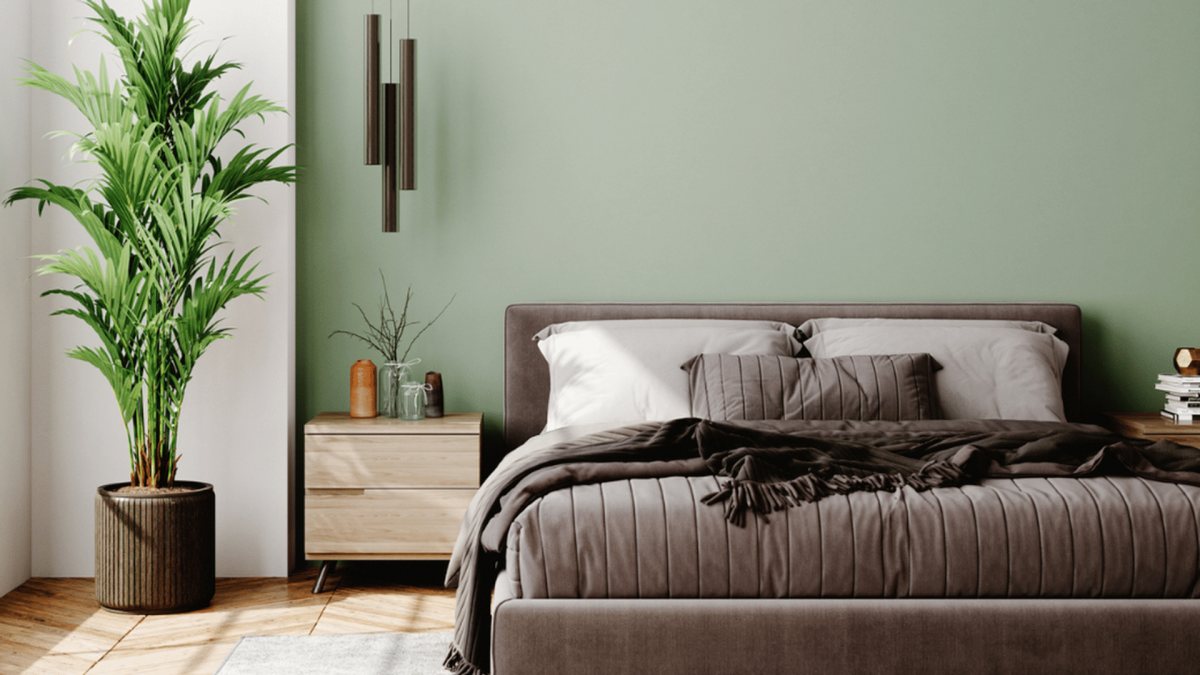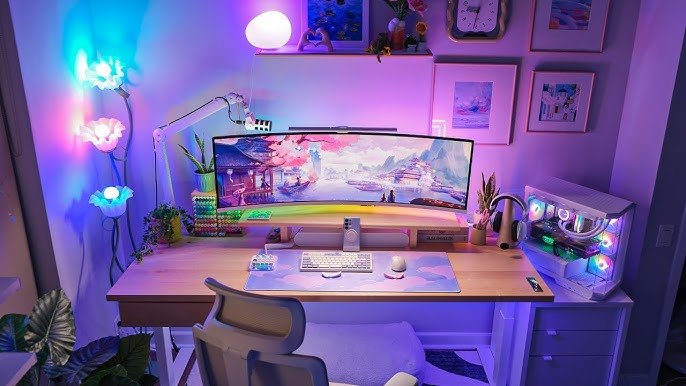
Imagine stepping into your bedroom and instantly feeling the thrill of your favorite game come to life. Your bedroom gaming PC setup isn’t just about powerful hardware; it’s about creating a space where you can fully immerse yourself, relax, and dominate every match.
Whether you’re a casual player or aiming to boost your skills, the right setup can make all the difference. Ready to transform your room into the ultimate gaming haven? Keep reading, because we’re about to show you how to build a setup that fits your style, budget, and gaming goals perfectly.
Choosing The Right Gaming Pc
Picking a gaming PC for your bedroom needs thought. It depends on space, power, and budget. You want a setup that fits your room and runs your favorite games well.
This guide helps you understand your choices. It covers desktop and laptop options, key hardware parts, and budget-friendly builds.
Desktop Vs Laptop Options
Desktops offer more power and upgrades. They need more space and a desk. Laptops are compact and easy to move. Their power is less but they save space.
- Desktops have better cooling and performance.
- Laptops are portable and use less space.
- Desktops allow easy upgrades of parts.
- Laptops have fixed hardware but include screen and keyboard.
- Choose desktops for high power and laptops for convenience.
Key Hardware Components
Your gaming PC needs good parts to run games smoothly. The main components are the CPU, GPU, RAM, and storage. Each affects game speed and quality.
| Component | Role |
| CPU | Processes game data and controls tasks |
| GPU | Renders graphics and visuals |
| RAM | Stores temporary data for fast access |
| Storage | Holds game files and software |
Budget-friendly Builds
Gaming PCs come in many price ranges. You can build a system that fits your budget and still plays popular games well.
- Look for mid-range GPUs like GTX 1660 or RTX 3050.
- Choose CPUs with good performance but lower cost.
- Start with 8GB RAM and upgrade later if needed.
- Use SSDs for faster loading, even small sizes help.
- Check used parts to save money but test before buying.
Optimizing Your Bedroom Space
Creating a bedroom gaming PC setup needs careful space planning. You want a room that feels cozy yet functional. This guide covers key points to make your space work well.
Focus on the desk, seating, and lighting to build a comfortable gaming area. Each part helps improve your experience without crowding your bedroom.
Ideal Desk Setup
Your desk is the heart of your gaming setup. Pick one that fits your room and holds your gear neatly. Keep cables tidy to avoid clutter and allow easy cleaning.
- Choose a desk with enough surface for your monitor and keyboard.
- Use shelves or drawers to store games and accessories.
- Place the desk near a power outlet for easy plug-in.
- Allow space for a mouse pad and wrist rest.
- Consider a desk with adjustable height for comfort.
Ergonomic Seating Choices
A good chair supports your back and encourages good posture. Gaming sessions last long, so comfort matters. Look for chairs with adjustable height and lumbar support.
| Chair Feature | Why It Matters |
| Adjustable Height | Fits your desk height and leg length |
| Lumbar Support | Supports the lower back and reduces strain |
| Armrests | Helps reduce shoulder tension |
| Breathable Material | Keeps you cool during long sessions |
| Swivel Base | Allows easy movement without strain |
Lighting For Gaming Ambiance
Proper lighting improves focus and mood. Avoid harsh overhead lights. Use softer, adjustable lights to reduce eye strain and create a cool atmosphere.
Good lighting tips:
- Use LED strip lights behind your monitor for soft backlight.
- Place a desk lamp with adjustable brightness nearby.
- Choose bulbs with warm color tones to relax your eyes.
- Use blackout curtains to control natural light during the day.
Essential Gaming Accessories
Creating a bedroom gaming PC setup needs the right accessories. These tools make playing more fun and comfortable.
Good gear helps you play better and enjoy your time. Let’s look at key gaming accessories to add to your setup.
Monitors And Display Options
A good monitor shows clear images and fast action. Look for screens with high refresh rates and low response times. These features reduce blur and lag.
- Refresh rate: 144Hz or higher for smooth gameplay
- Response time: 1ms for quick image changes
- Screen size: 24 to 27 inches for clear view
- Resolution: 1080p or 1440p for sharp details
Keyboards And Mice
Gaming keyboards and mice improve control and speed. Mechanical keyboards offer better feedback and durability. Gaming mice have extra buttons and high sensitivity.
| Accessory | Feature | Benefit |
| Mechanical Keyboard | Clicky keys | Fast response and comfort |
| Gaming Mouse | Adjustable DPI | Precision aiming |
| Mouse Pad | Large surface | Smooth mouse movement |
Headsets And Audio Gear
Good sound helps you hear game details and talk to friends. A headset with a clear microphone and comfortable fit is best. Some headsets also have surround sound for better game immersion.
- Look for noise-canceling microphones
- Choose lightweight and padded ear cups
- Consider wired or wireless based on your needs
- Check for surround sound options

Credit: us.horus-x.com
Cable Management Tips
Keeping cables tidy in your bedroom gaming PC setup improves safety and style. Good cable management makes cleaning easier.
Organizing cables can stop tangles and protect your equipment. It also helps your setup look neat and organized.
Organizing Power And Data Cables
Separate power cables from data cables to reduce interference. Group cables by function or destination for easier access.
Use labels or color codes to identify cables quickly. This saves time when unplugging or troubleshooting devices.
- Keep power cables on one side
- Place data cables away from power cables
- Label cables with tags or tape
- Use cable ties to bundle similar cables
Using Cable Sleeves And Clips
Cable sleeves hide many wires inside one cover. They protect cables from damage and dust, making your setup cleaner.
Cable clips attach cables to desks or walls. They keep cables from hanging loosely and prevent tangles.
- Choose sleeves that fit your cable bundles
- Use clips to guide cables along surfaces
- Combine sleeves and clips for best results
- Check clips regularly to keep them secure
Maintaining A Clean Look
Regularly check your cables for dust and tangles. Clean cables improve airflow and prevent overheating.
Keep excess cable length hidden behind your desk. Use cable ties to shorten visible cables and keep them tight.
- Dust cables and surrounding areas weekly
- Hide extra cable length with ties or boxes
- Keep cables flat against surfaces
- Replace old or damaged cables promptly
Enhancing Performance And Cooling
A gaming PC setup in your bedroom needs good performance and cooling. This keeps your computer running smoothly. Proper cooling prevents overheating and boosts speed.
Focusing on airflow and cooling solutions, overclocking basics, and software tools can help. They ensure your gaming PC performs well and stays cool.
Airflow And Cooling Solutions
Airflow is important for cooling your gaming PC. Good airflow means fresh air can enter and hot air can leave. This keeps your components cool.
Use fans and coolers to improve airflow. Install them properly to ensure they work efficiently. Check their positions for the best results.
- Install case fans to push hot air out
- Use CPU coolers to keep the processor cool
- Check fan speeds regularly
Overclocking Basics
Overclocking makes your gaming PC faster. It increases the speed of your processor and graphics card. This leads to better gaming performance.
Be careful while overclocking to avoid damage. Start with small changes and test your system. Monitor temperatures to prevent overheating.
- Increase clock speed gradually
- Test stability after each change
- Keep an eye on temperatures
Software Tools For Optimization
Software tools help optimize your gaming PC. They manage system resources and improve performance. These tools can adjust settings automatically for better results.
Use trusted software to monitor your PC. They can show real-time data on temperatures and usage. This helps in making necessary adjustments.
- Use software to monitor temperatures
- Check CPU and GPU usage
- Adjust fan speeds with software
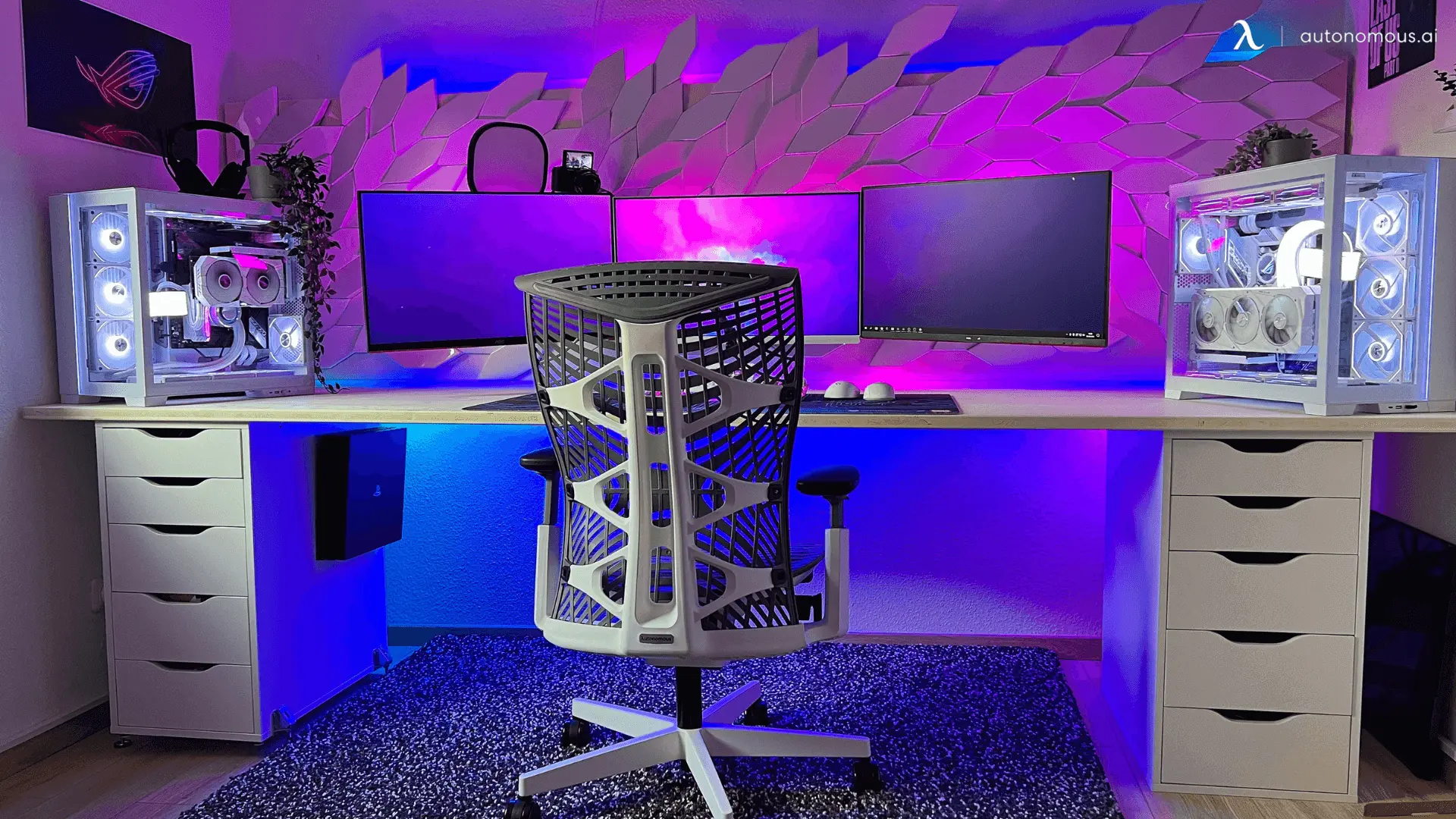
Credit: www.autonomous.ai
Personalizing Your Setup
Creating a gaming setup in your bedroom can be a fun way to express your style. Personalizing your space makes gaming more enjoyable and comfortable.
Explore various ideas to make your gaming area unique. Consider lighting, decor, and software customization to enhance your experience.
Rgb Lighting Ideas
RGB lighting can transform your gaming setup. It’s an exciting way to add flair and energy to your space.
- Install LED strips under your desk or shelves.
- Use smart bulbs to change colors with your games.
- Choose a keyboard and mouse with RGB features.
Decor And Theming
Your room decor can reflect your favorite games or themes. This adds personality to your gaming area and makes it more inviting.
Customizing Software And Macros
Customizing your software can improve your gaming performance. Setting up macros can save time and enhance gameplay.
| Software | Purpose |
| Macro Recorder | Automate repetitive tasks |
| Custom Keybinds | Quick access to commands |
| Game Overlays | Monitor system performance |
Maintaining Your Gaming Pc
Keeping your bedroom gaming PC in good shape helps it run smoothly. Regular care can prevent many problems.
This guide shows simple ways to keep your PC clean, updated, and trouble-free.
Regular Cleaning Routines
Dust and dirt can damage your PC parts and cause overheating. Clean your setup often to avoid this.
- Turn off and unplug your PC before cleaning.
- Use compressed air to blow dust from fans and vents.
- Wipe surfaces gently with a soft cloth.
- Check cables and connections for dust or damage.
- Keep your room clean to reduce dust buildup.
Updating Drivers And Software
Keeping drivers and software current helps your PC run games well and fix bugs.
- Check for updates from your graphics card maker regularly.
- Update your operating system to the latest version.
- Keep game software and launchers updated.
- Install security updates to protect your PC.
- Restart your PC after updates to finish installation.
Troubleshooting Common Issues
If your PC slows down or crashes, try simple fixes first.
| Issue | Possible Cause | Fix |
| Overheating | Dust in fans or vents | Clean fans and improve airflow |
| Slow performance | Too many background apps | Close unused programs |
| Game crashes | Outdated drivers | Update your drivers |
| No display | Loose cables | Check and reconnect cables |
| Freezing | Hardware conflicts | Restart PC and check hardware |

Credit: www.reddit.com
Frequently Asked Questions
What Is The Best Desk For A Bedroom Gaming Pc Setup?
A compact, sturdy desk with cable management suits bedroom gaming setups. It saves space and keeps your area tidy. Look for desks with adjustable height for ergonomic comfort during long gaming sessions.
How To Optimize Lighting For A Bedroom Gaming Pc?
Use adjustable LED lights to reduce eye strain and create ambiance. Position lights behind the monitor or around the room to avoid glare. Smart lighting systems can sync with game events for an immersive experience.
Which Pc Components Are Ideal For Bedroom Gaming Setups?
Choose quiet, compact components like mini-ITX cases and low-noise fans. A powerful CPU and GPU ensure smooth gameplay. Prioritize SSDs for fast load times and keep cables organized to save space.
How To Manage Cable Clutter In A Small Gaming Bedroom?
Use cable clips, sleeves, or raceways to bundle wires neatly. Mount power strips under the desk to reduce visible cables. Label cables for easy identification and maintain airflow by preventing tangles.
Conclusion
Creating a bedroom gaming PC setup can be fun and simple. Choose the right desk and chair to stay comfortable. Pick a good monitor and speakers to enjoy your games. Keep cables neat for a clean look. Add personal touches to make your space yours.
A well-planned setup helps you play better and relax. Start small, improve over time, and enjoy every game. Your perfect gaming spot is just a few steps away.