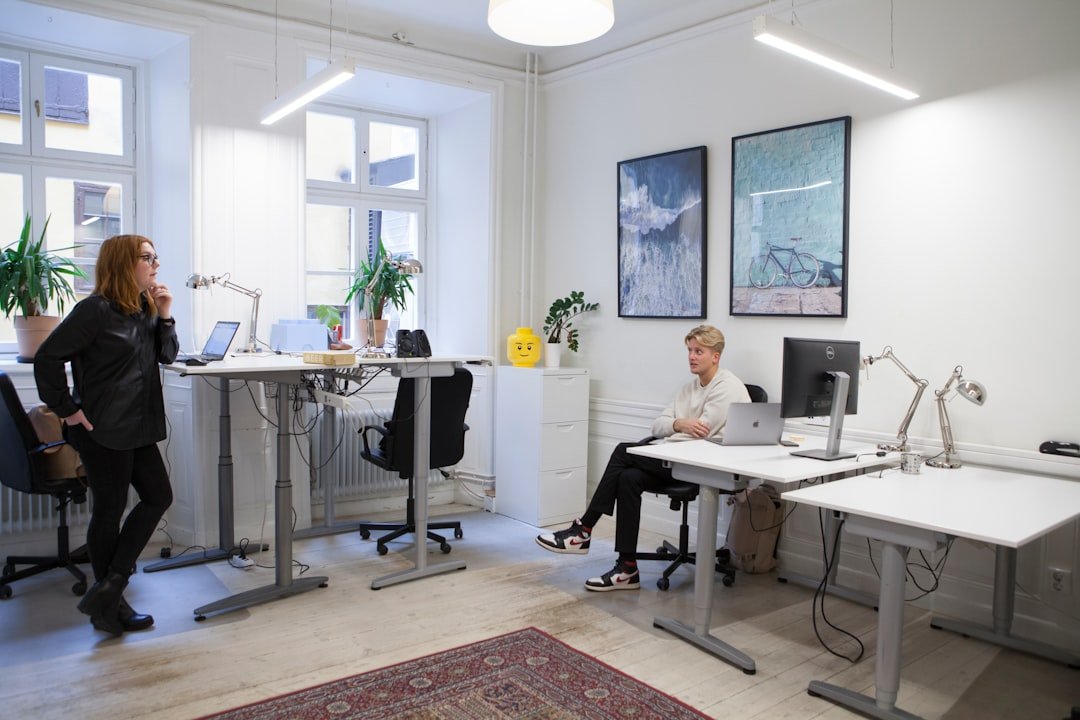
Sharing a home office with someone else can be tricky. You need space that feels personal but also works well together.
If you’ve been struggling to find the right balance, this guide is made for you. Imagine a workspace where both of you can stay focused, organized, and even inspired. Ready to discover smart, simple ideas that turn your shared home office into a productivity haven?
Keep reading—you’ll find solutions that fit your style and needs perfectly.
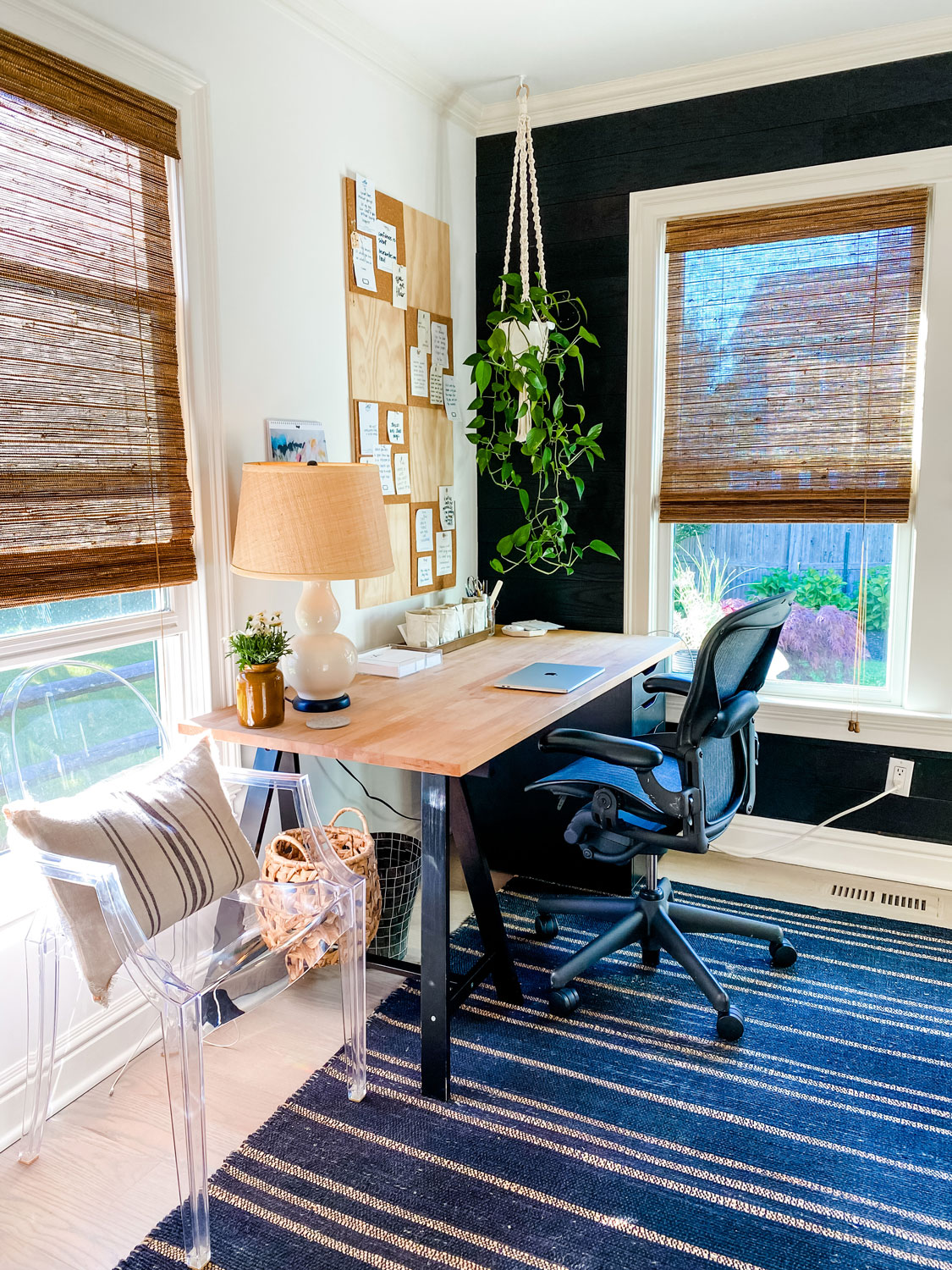
Credit: mostlovelythings.com
Choosing The Right Space
Setting up a home office for two people needs careful space choice. The right spot helps both work well and stay focused.
Think about comfort, quiet, and enough room. These factors make daily work easier and more productive.
Maximizing Small Areas
Small spaces can work well for two if planned right. Use vertical storage like shelves to save floor space.
Choose furniture that fits the room size. Desks with drawers or foldable parts help keep things tidy.
- Use wall-mounted shelves for books and supplies
- Pick desks with built-in storage
- Keep walkways clear to avoid crowding
- Use light colors to make space feel bigger
Natural Light Benefits
Natural light improves mood and focus for both workers. Place desks near windows to get daylight.
Sunlight reduces eye strain and saves electricity. It creates a fresh and inviting work environment.
- Face desks toward windows, not away
- Use light curtains to soften glare
- Add mirrors to reflect natural light
- Keep window areas clean and clear
Noise Control Tips
Noise can distract and reduce work quality. Find a quiet space or use noise control tools to help focus.
Soft materials absorb sound. Add rugs, curtains, and cushions to lower noise levels in your office.
- Use noise-canceling headphones if needed
- Place bookshelves or plants as sound barriers
- Seal gaps in doors and windows to block noise
- Choose carpeted floors instead of hardwood
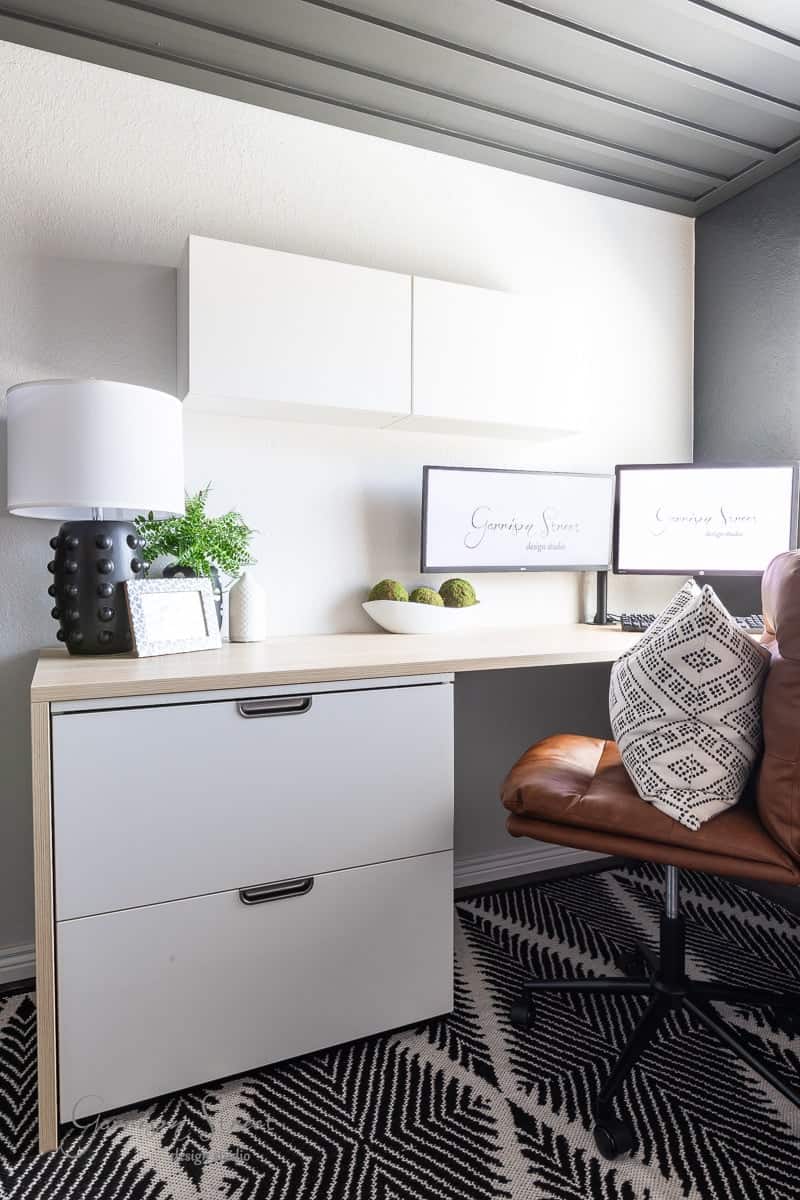
Credit: garrisonstreetdesignstudio.com
Furniture For Two
Setting up a home office for two people needs smart furniture choices. Each person should have enough space to work comfortably.
Good furniture helps keep the workspace organized and promotes focus. It also supports good posture for long work hours.
Dual Desks And Shared Surfaces
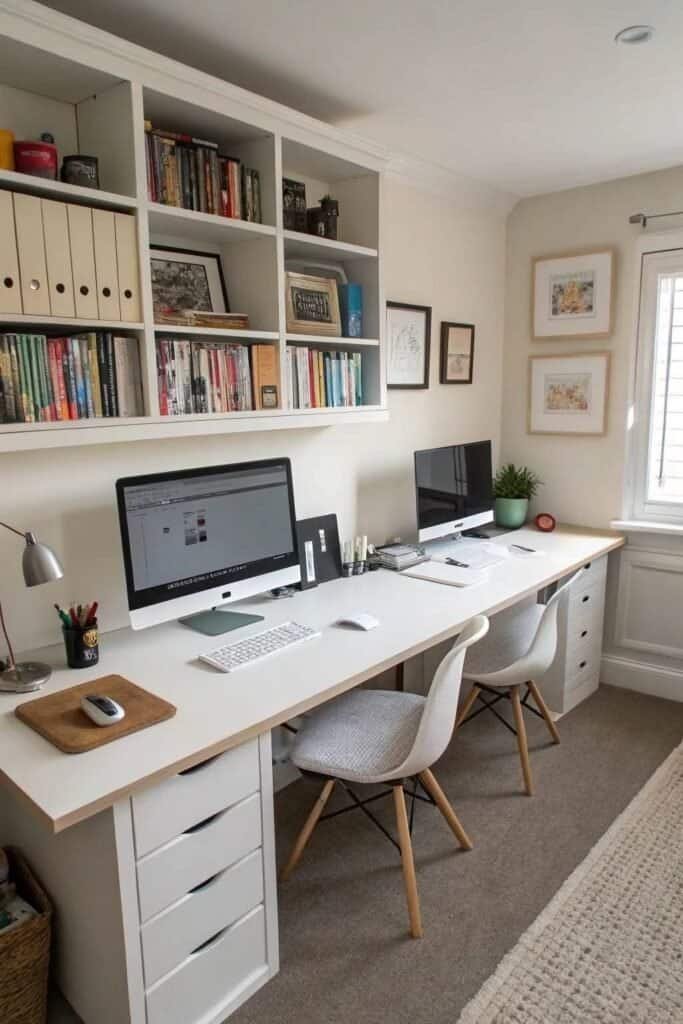
Dual desks come in many styles. They can be side by side or face to face. Shared surfaces like large tables work well for teamwork.
- Choose desks with enough width for two laptops.
- Look for desks with cable management holes.
- Consider a table with a smooth surface for writing.
- Pick desks that fit the room size without crowding.
Ergonomic Chairs Selection
Ergonomic chairs protect your back and improve comfort. Each person should have a chair that fits their height and weight.
| Feature | Why It Matters |
| Adjustable Height | Fits different desk heights |
| Lumbar Support | Prevents lower back pain |
| Swivel Base | Makes moving around easy |
| Breathable Material | Keeps you cool while working |
Storage Solutions
Storage keeps the workspace neat. Shared storage helps both people find what they need fast.
- Use filing cabinets with lock options for privacy.
- Choose shelves that fit books and office supplies.
- Add drawer organizers to keep small items tidy.
- Label storage bins to avoid confusion.
Design And Layout
Creating a home office for two people needs smart design and layout. The space should fit both workers comfortably.
Good planning helps avoid distractions and keeps the area organized. Let’s explore ideas for sharing a home office.
Open Vs. Divided Spaces
Open spaces let both people work together easily. It feels bright and spacious but may cause noise.
Divided spaces give each person privacy. You can use screens or furniture to separate areas.
- Open: easy to communicate and share ideas
- Open: may cause more distractions
- Divided: more private and focused work
- Divided: can feel smaller and closed off
Color Schemes To Inspire
Colors affect mood and energy in the office. Choose colors that help you both stay calm and alert.
Light colors make the room look bigger. Soft blues or greens help with focus and reduce stress.
- Use light colors on walls for brightness
- Add pops of color with accessories or art
- Choose matching colors to unify the space
- Neutral tones create a calm work zone
Personalizing The Workspace
Each person should add items they like to their area. Personal touches make the space feel welcoming.
Use shelves, photos, or small plants to show personality. Keep personal items organized to avoid clutter.
- Display favorite pictures or art
- Add small plants for freshness
- Use baskets or boxes for storage
- Choose desk tools that fit your style
Credit: workwellremote.com
Tech Setup Essentials
Setting up a home office for two people needs smart tech choices. Good tools help you both work well.
This guide covers key tech ideas. It helps keep your space tidy, devices shared, and internet fast.
Cable Management Tricks
Cables can make a workspace look messy. Organize them to keep your desk clean and safe.
Use clips, ties, or sleeves to group cables. Label cords to find devices quickly.
- Use cable trays under the desk
- Velcro ties keep cables bundled
- Label each cable with tags
- Keep power strips off the floor
Shared Devices And Accessories
Sharing devices saves space and money. Choose items that both people can use easily.
Pick a printer, scanner, or speakers that connect to both computers. Keep extra accessories handy.
- Use a network printer for both users
- Share a high-quality webcam for calls
- Have a set of extra keyboards or mice
- Store shared accessories in easy reach
Optimizing Connectivity
Good internet helps work go smoothly. Make sure your connection is strong for both users.
Use a fast router placed centrally. Avoid Wi-Fi dead zones and reduce lag during video calls.
- Choose a router with dual-band support
- Place the router away from walls
- Use Ethernet cables for stable connections
- Test speeds and adjust router settings
Lighting And Ambiance
Good lighting helps two people work well in a home office. It can make the space feel bright and comfortable.
Lighting and ambiance affect focus and mood. Choose options that suit both workers.
Task Lighting Options
Task lighting gives clear light where you work. Desk lamps are common choices for two people.
Adjustable lamps let each person control their light. This helps avoid shadows and glare on screens.
- Use separate desk lamps with adjustable arms
- Choose LED bulbs for bright, energy-saving light
- Place lamps to avoid shining directly into eyes
- Consider clamp lamps to save desk space
Ambient Lighting Ideas
Ambient lighting creates a soft, even glow in the room. It helps reduce eye strain and adds warmth.
Use ceiling lights, floor lamps, or wall sconces. Choose warm white bulbs for a cozy feel.
- Install dimmable overhead lights to adjust brightness
- Use floor lamps to fill dark corners
- Add LED strip lights under shelves for subtle glow
- Pick warm light colors to create calm ambiance
Reducing Eye Strain
Eye strain can happen from poor lighting. Balance natural and artificial light to protect your eyes.
Take breaks and adjust lighting to avoid glare on screens. Use screen filters if needed.
- Position desks near windows for natural light
- Use blinds or curtains to reduce harsh sunlight
- Adjust monitor brightness to match room light
- Keep work area free of reflections and shadows
Maintaining Productivity
Working from home with a partner can be rewarding. To stay productive, you need a well-organized workspace. This guide offers ideas to maintain focus and efficiency.
Explore strategies for scheduling, decluttering, and creating break zones. These tips help maintain a productive and peaceful home office.
Scheduling And Boundaries
Set clear work hours to avoid distractions. Define boundaries to separate work from home life. Communicate your schedule with your partner to minimize interruptions.
| Task | Time |
| Emails | 9:00 AM – 10:00 AM |
| Meetings | 10:30 AM – 12:00 PM |
| Project Work | 1:00 PM – 3:00 PM |
| Review | 3:30 PM – 4:30 PM |
Decluttering Strategies
A cluttered desk can lead to a cluttered mind. Keep only essentials on your desk to stay focused. Regularly organize files and digital documents to reduce stress.
- Use storage boxes for paperwork
- Limit desk items to essentials
- Schedule weekly digital file clean-up
Incorporating Break Zones
Breaks improve focus and energy. Create a separate area for breaks to mentally disconnect from work. Encourage movement and relaxation during these times.
Consider adding a comfortable chair or a yoga mat. This invites you to stretch and refresh your mind.
Frequently Asked Questions
How Can Two People Share A Small Home Office?
Optimize space with dual desks, vertical storage, and clear zones. Use compact furniture and natural light to create comfort.
What Are The Best Desk Setups For Two?
L-shaped or side-by-side desks maximize space. Adjustable chairs and separate storage help maintain personal work areas.
How To Reduce Noise In A Shared Home Office?
Use noise-canceling headphones, rugs, and curtains. Add plants or white noise machines to minimize distractions.
What Lighting Works Best For Dual Home Offices?
Combine natural light with adjustable task lamps. Use warm, soft lighting to reduce eye strain and improve focus.
Conclusion
Creating a home office for two can be simple and fun. Choose desks that fit well together. Add good lighting to help focus. Use storage to keep things neat. Personalize each space for comfort and style. Keep noise low to stay productive.
Small touches make the area welcoming. A shared office can boost teamwork and mood. Try different layouts until it feels right. Your ideal workspace is one that helps both work well.