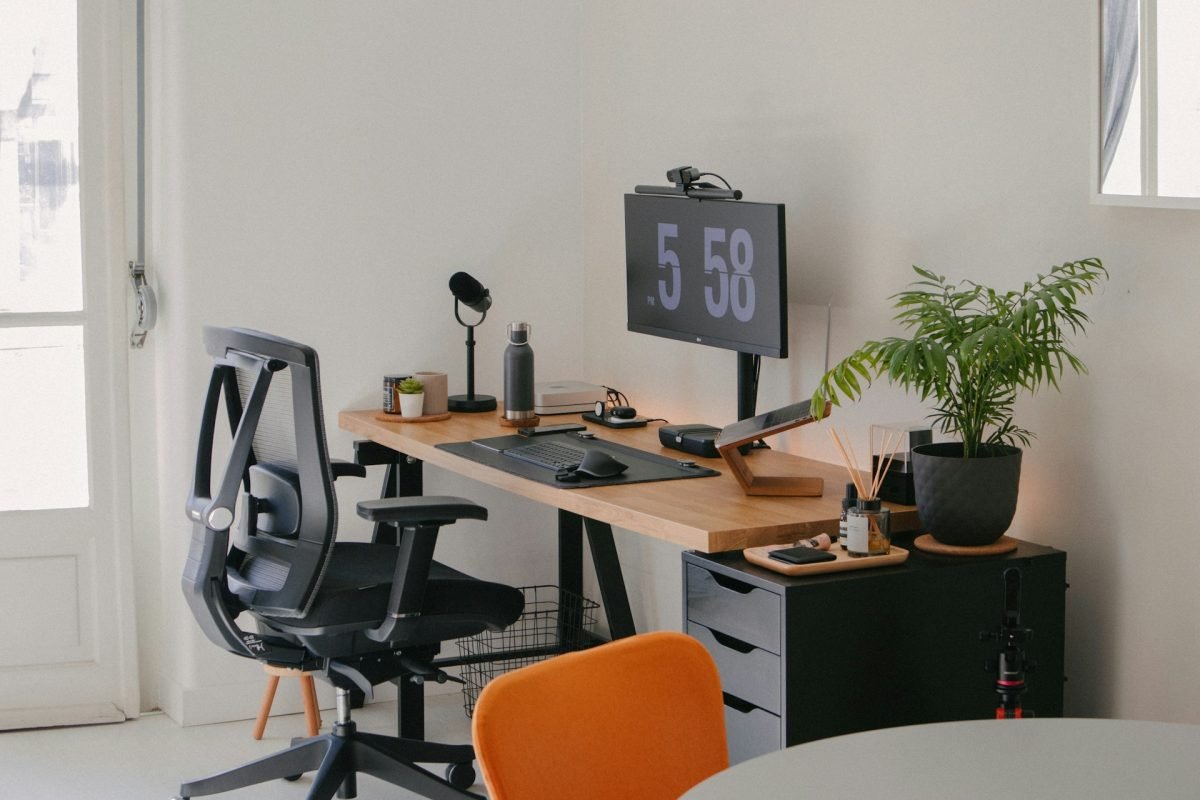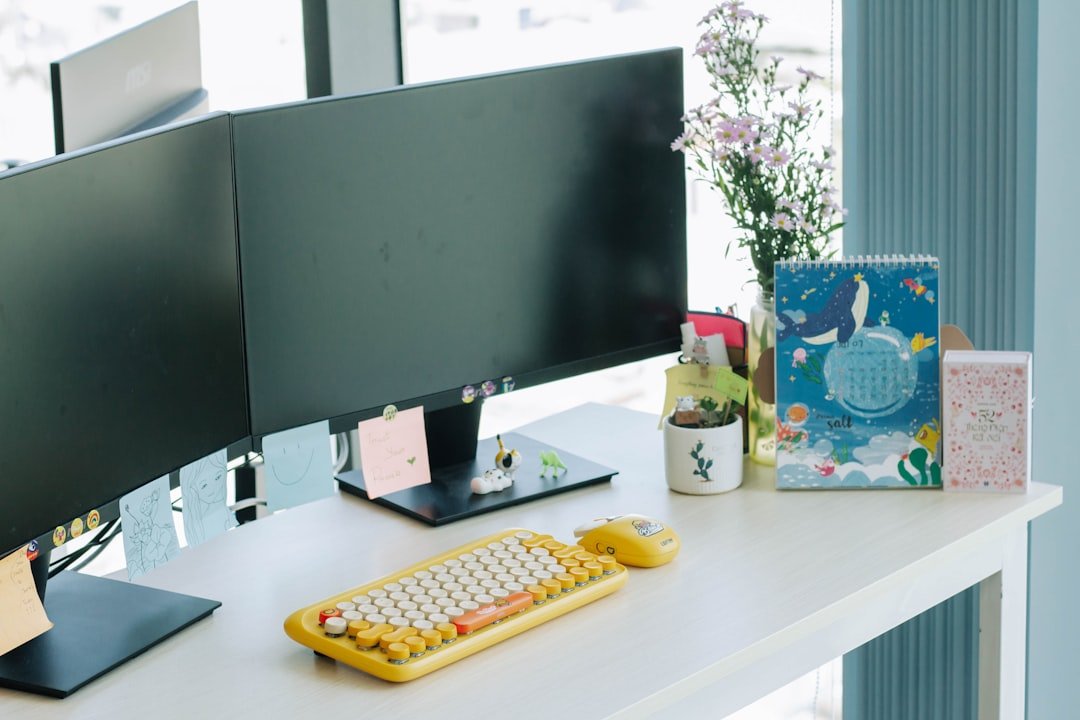
Is your home office feeling cluttered and chaotic? You’re not alone.
When your workspace is messy, it’s hard to focus, and productivity takes a hit. But what if you could transform your home office into a calm, organized zone that boosts your creativity and helps you get things done faster? You’ll discover simple, practical ideas to organize your home office.
These tips are easy to apply and designed to fit your lifestyle. Ready to create a workspace that works for you? Keep reading and unlock the secrets to a clutter-free, efficient home office.
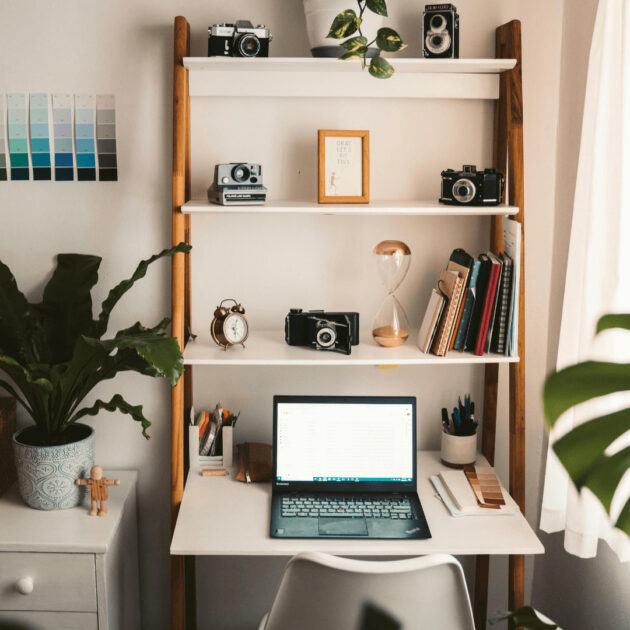
Credit: sustainlifejournal.com
Choose The Right Workspace
Finding the right workspace is important for a good home office. It helps you work well and stay focused.
A good workspace feels comfortable and fits your daily tasks. This guide shows how to pick the best spot.
Pick A Quiet Spot
Choose a place with little noise and few distractions. This helps you concentrate on your work.
A quiet spot can be a spare room or a corner away from busy areas. Make sure it is peaceful.
Optimize Natural Light
Work near windows to get natural light. It makes the room bright and helps keep you alert.
Avoid glare on your screen by using curtains or blinds. Soft natural light is best for your eyes.
- Place desk near a window
- Use sheer curtains to reduce glare
- Keep windows clean for more light
Select Comfortable Furniture
Choose a chair and desk that support good posture. Comfort helps you work longer without pain.
Adjustable chairs and desks fit different body types. Make sure your feet rest flat on the floor.
- Pick a chair with back support
- Use a desk at elbow height
- Add cushions if needed for comfort
Declutter Your Desk
A clean desk helps you focus and work better. Removing clutter makes your workspace neat.
Organizing your desk can reduce stress and improve your home office setup.
Sort And Store Essentials
Keep only the items you use daily on your desk. Put away things you use less often.
Use drawers, boxes, or containers to store your supplies. This keeps your desk clear.
- Store pens, paper, and sticky notes in small containers
- Use drawer dividers to separate items
- Keep important documents in labeled folders
Use Cable Management
Loose cables create mess and can cause accidents. Organize cables to keep your desk tidy.
Use clips, sleeves, or ties to bundle cables together. This makes your workspace safer.
- Label cables to identify devices easily
- Use cable boxes to hide power strips
- Keep charging cables within reach but neat
Limit Personal Items
A few personal items can make your space comfortable. Too many items cause clutter.
Choose small, meaningful items and avoid crowding your desk. This helps keep focus.
- Pick one or two photos or decorations
- A small plant can add freshness
- Remove items that do not help your work
Smart Storage Solutions
Keeping your home office tidy helps you work better. Smart storage solutions save space and reduce clutter.
Organizing your supplies and papers makes it easy to find things. Use clever ideas to keep your office neat.
Use Vertical Space
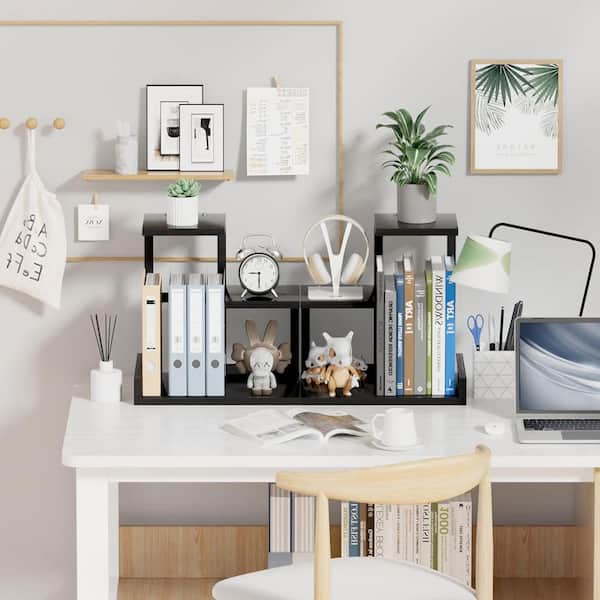
Use walls and tall shelves to store items up high. This frees up your desk and floor space.
Install shelves or pegboards to hold books, tools, and supplies. Vertical storage keeps things visible and easy to reach.
- Mount shelves above your desk
- Use wall hooks for headphones and bags
- Stack clear bins on tall shelves
Incorporate Drawer Organizers
Drawer organizers divide your drawers into small sections. This keeps pens, clips, and notes separated.
Use trays or boxes inside drawers to stop items from mixing. This saves time when you search for supplies.
- Sort items by type or use
- Choose organizers that fit your drawer size
- Label each section for easy access
Label Everything
Labels help you find what you need fast. Mark boxes, drawers, and shelves with clear names.
Use simple labels that anyone can read. This keeps your office organized even if others use it.
- Label storage bins by content
- Use color-coded labels for categories
- Update labels when you change items
Credit: www.homedepot.com
Enhance Lighting
Good lighting helps you work better in your home office. It reduces eye strain and keeps you alert.
Using the right light can make your workspace more comfortable and productive.
Add Task Lighting
Task lighting focuses light where you need it most. It helps with reading and writing.
Desk lamps or adjustable lights give you control over brightness and direction.
- Choose lamps with adjustable arms
- Place lights to avoid shadows on your work
- Use LED bulbs to save energy
Choose Warm Vs. Cool Light
Warm light feels cozy and calm. Cool light feels bright and alert.
Pick warm light for relaxing tasks and cool light to stay focused.
- Warm light color temperature: 2700K to 3000K
- Cool light color temperature: 4000K to 5000K
- Use neutral white light for mixed tasks
Reduce Screen Glare
Glare makes your screen hard to see and tires your eyes. It comes from bright lights or windows.
Adjust your lighting and screen position to cut glare and improve comfort.
- Use blinds or curtains on windows
- Position your screen away from direct light
- Use matte screen protectors to reduce reflections
Create A Productivity Zone
Setting up a workspace that helps you focus is key to working well at home. A productivity zone keeps distractions away and boosts your work output.
Organize your area to make tasks easier. Use clear rules and tools to stay on track every day.
Set Boundaries
Make a clear line between work and home life. Tell family or roommates your work hours. Use a separate room or corner if possible.
- Keep work materials in one place
- Turn off work devices after hours
- Use a door sign to show when you are busy
- Set specific break times and stick to them
Add Motivational Elements
Keep your workspace inspiring to stay motivated. Small touches can make a big difference every day.
Ideas for Motivation
- Put up a favorite quote poster
- Keep a photo of a happy memory
- Add a small plant for fresh air
- Use colorful pens or notebooks
Use Time Management Tools
Track your tasks and time to work smarter. Use tools that help you plan and finish work on time.
| Tool | Use | Benefit |
| Timer | Set work and break periods | Improves focus and rest balance |
| Planner | Write daily tasks | Keeps you organized |
| App | Track time spent on tasks | Identifies distractions |
| Calendar | Schedule meetings and deadlines | Prevents overbooking |
Optimize Technology Setup
Organizing your home office can improve productivity. A good technology setup is key. It keeps your workspace neat and efficient.
Consider the tools and gadgets you use daily. Make sure they are easy to access and use. A well-organized tech setup can reduce stress and save time.
Invest In Ergonomic Accessories
Ergonomic accessories make your workspace comfortable. They help prevent strain and injury. Consider investing in items that support your body.
Look for ergonomic chairs, keyboards, and mouse devices. These can improve your posture and reduce discomfort. Your health is important for long work hours.
- Ergonomic chairs support your back
- Special keyboards reduce wrist strain
- Adjustable monitors ease neck pain
Manage Digital Files
Keep digital files organized. It helps you find documents quickly. A clean digital space boosts efficiency.
Create folders for different types of files. Name them clearly for easy access. Regularly clean up unnecessary files.
- Use cloud storage for backups
- Label folders with dates or projects
- Delete old files you no longer need
Keep Cables Tidy
Cables can make a workspace look messy. Keeping them tidy improves your office’s look. It also makes equipment easier to use.
Use cable organizers or ties to bundle cables together. Label each cable for its device. This prevents confusion and tangles.
- Use Velcro strips to bundle cables
- Label cables for each device
- Hide cables behind furniture
Incorporate Greenery
Adding plants to your home office can brighten the space. It brings a touch of nature inside.
Plants can make your work area more inviting. They also offer benefits like improved air quality.
Choose Low-maintenance Plants
Not all plants need a lot of care. Some are easy to maintain and perfect for busy people.
- Succulents require little water.
- Snake plants thrive in low light.
- Pothos are known for their resilience.
Improve Air Quality
Certain plants can help clean the air. They remove toxins and add oxygen.
| Plant | Air Quality Benefit |
| Aloe Vera | Absorbs harmful chemicals |
| Peace Lily | Removes mold spores |
| Spider Plant | Eliminates carbon monoxide |
Boost Mood And Focus
Having greenery around can make you feel better. Plants can reduce stress and help you concentrate.

Credit: www.avery.com
Frequently Asked Questions
How Can I Organize A Small Home Office Efficiently?
Use vertical storage like shelves and wall organizers. Keep only essential items on your desk. Use drawer dividers to separate supplies. This maximizes space and reduces clutter effectively.
What Are The Best Storage Solutions For Home Offices?
Opt for multi-functional furniture like desks with drawers. Use filing cabinets for paperwork. Clear bins and labeled boxes help sort items. These solutions keep your workspace tidy and accessible.
How Do I Reduce Distractions In My Home Office?
Create a dedicated workspace away from noise. Use noise-cancelling headphones or white noise machines. Keep your desk clutter-free and organize cables neatly. This improves focus and productivity during work hours.
What Are Simple Tips To Maintain Home Office Organization?
Set a daily cleanup routine to tidy your space. Sort mail and paperwork immediately. Use cable management tools regularly. Consistency keeps your office neat and functional long-term.
Conclusion
Organizing your home office makes work easier and less stressful. Clear desks help focus and boost your mood. Small changes, like adding shelves or containers, save space and time. Keep only what you need close by. Regular tidying keeps the area neat and inviting.
A good workspace helps you work better every day. Try different ideas until you find what fits you best. Your organized office can make a big difference in your productivity.