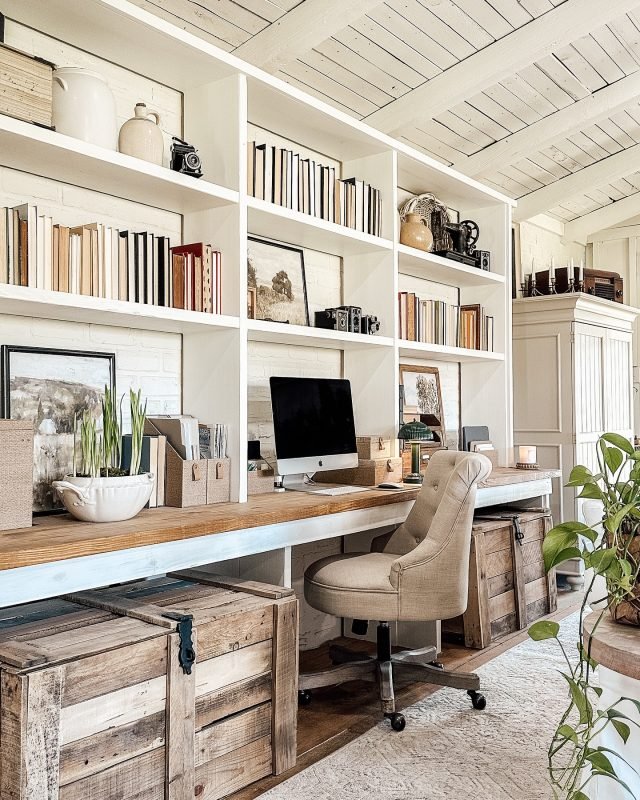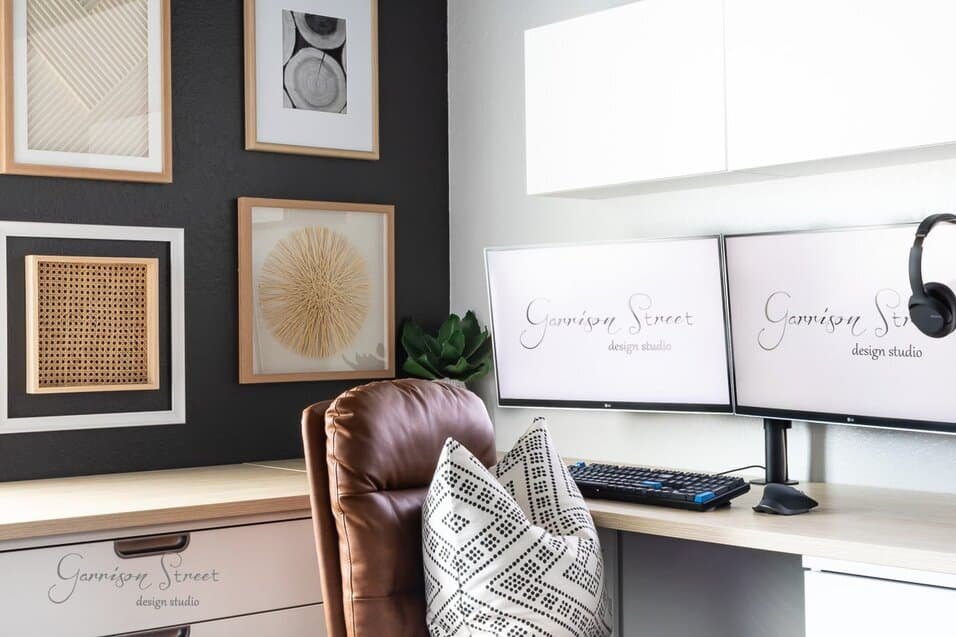
Are you struggling to make the most of your home office space? Adding a second desk might be the game-changer you need.
Whether you want a separate spot for work and creativity or a shared area for two people, having two desks can boost your productivity and keep you organized. You’ll discover simple and smart ideas to set up your home office with two desks that fit your style and needs perfectly.
Ready to transform your workspace? Let’s dive in!
Credit: workwellremote.com
Choosing The Right Desks
Picking the right desks is key for a home office with two workspaces. The desks must fit the space and your work style. This guide helps you choose desks that suit your needs.
Consider the size, shape, materials, and comfort. These factors create a productive and pleasant office setup.
Size And Shape Options
Desk size and shape affect how well the desks fit together and in the room. Choose desks that use space wisely and give enough room for work.
- Rectangular desks are simple and fit most spaces.
- L-shaped desks offer more surface area and corner use.
- Corner desks save room and allow two people to work side by side.
- Adjust desk size to fit your room and tasks.
Material And Finish Choices
Materials affect desk durability and appearance. Choose finishes that match your style and are easy to clean.
| Material | Pros | Cons |
| Wood | Warm look, strong | Can scratch or stain |
| Metal | Durable, modern | Can feel cold, heavy |
| Glass | Stylish, light | Shows fingerprints, fragile |
| Laminates | Affordable, easy to clean | Less durable, can peel |
Ergonomic Considerations
Ergonomics help reduce discomfort and improve focus. Choose desks that support good posture and comfort.
Look for these ergonomic features:
- Adjustable height to fit your chair and body.
- Enough legroom for comfort.
- Rounded edges to avoid pressure on arms.
- Space for keyboard and mouse at a natural angle.
Layout Ideas For Two Desks
Setting up two desks in a home office can boost productivity and comfort. Choosing the right layout helps use space wisely.
This guide shows four popular ways to arrange two desks in one room. Each layout fits different room sizes and work styles.
Side-by-side Arrangements
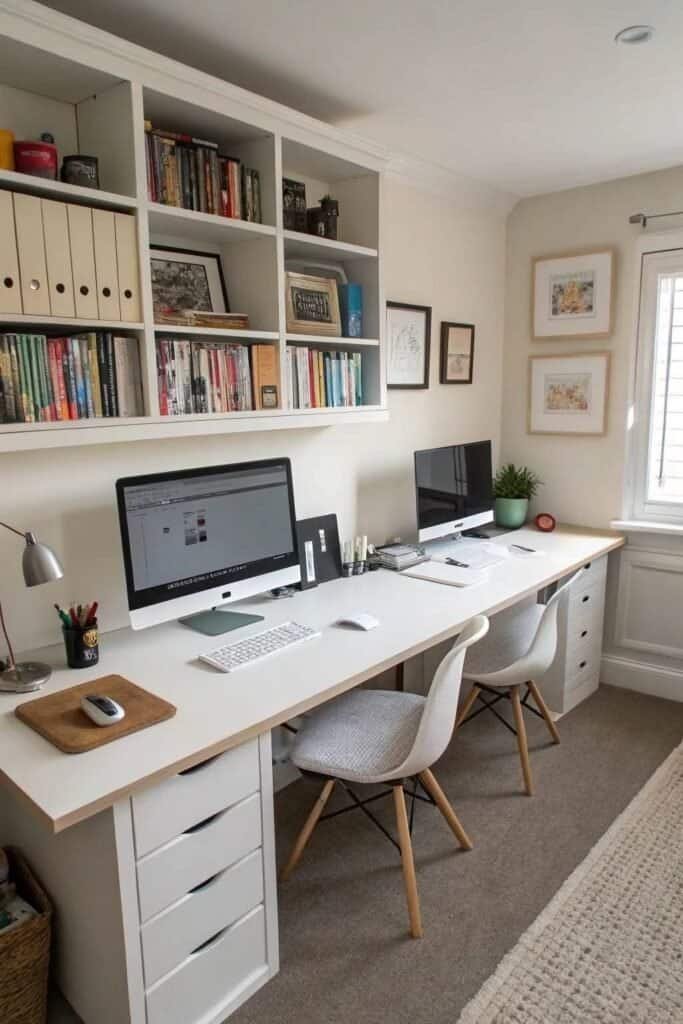
Side-by-side desks are placed next to each other along a wall. This layout works well in narrow rooms.
- Allows easy communication between two people
- Shares power outlets and lighting
- Creates a long workspace for collaboration
L-shaped Configurations
L-shaped desks form a corner workspace. Each desk fits on one wall, making good use of room corners.
| Benefit | Why It Works |
| Privacy | Each person faces a different wall |
| Space saving | Uses corner area efficiently |
| Extra surface | Desks connect to form a larger work area |
Back-to-back Setups
Desks placed back-to-back divide the room in half. This layout gives each person their own space.
Key points of back-to-back setups:
- Reduces distractions by facing away
- Needs a wider room to fit both desks
- Easy to add storage between desks
Opposite Wall Placements
Place desks on opposite walls for a balanced room layout. Each person has a clear work zone.
- Offers visual separation
- Keeps traffic flowing in the middle of the room
- Works well for larger spaces
Maximizing Space And Storage
Setting up two desks in a home office can be a challenge. You need to use space and storage wisely.
This guide shares ideas to keep your workspace neat and roomy. It helps you work better with two desks.
Using Vertical Storage
Vertical storage saves floor space by going up instead of out. Use tall shelves or wall-mounted racks above desks.
Keep frequently used items within reach. Store less-used things higher up to free desk space.
Incorporating Shelves And Cabinets
Shelves and cabinets add storage without cluttering desks. Place open shelves for books and closed cabinets for supplies.
- Use floating shelves to save floor area
- Choose cabinets with doors to hide mess
- Stack storage boxes inside cabinets
- Label boxes for easy finding
- Position storage near desks for quick access
Cable Management Tips
Cables can create clutter and reduce workspace. Organize cables to keep desks clean and safe.
| Tip | Benefit |
| Use cable clips | Prevents tangling and keeps cables in place |
| Label cables | Easy to identify and unplug devices |
| Use cable sleeves | Keeps multiple cables together neatly |
| Mount power strips under desks | Keeps plugs off the floor and out of sight |
| Regularly check and tidy cables | Prevents damage and maintains neatness |
Creating Zones For Different Tasks
Setting up two desks in your home office can boost your focus and productivity. Dividing the space helps you switch between tasks easily.
Organize each desk with a clear purpose. This way, you avoid clutter and keep your work areas neat.
Dedicated Work And Creative Areas
Use one desk for focused work and the other for creative projects. This separation helps your brain shift gears smoothly.
- Work Desk: Keep it simple with a computer and essential tools.
- Creative Desk: Add art supplies, notebooks, or design materials.
- Use different lighting styles to set each zone’s mood.
Separating Tech And Paperwork
Keep your technology and paperwork on different desks to reduce distractions. This keeps cords and clutter under control.
| Desk | Main Use | Key Items |
| Desk One | Tech tasks | Computer, charger, mouse, keyboard |
| Desk Two | Paperwork | Files, notebooks, pens, printer |
Personalizing Each Desk
Add personal touches to each desk to make the space inviting and comfortable. This helps you enjoy your time working.
- Photos of family or friends
- Plants or small flowers
- Decorative stationery holders
- Inspirational quotes or artwork
Lighting And Accessories
Setting up two desks in your home office needs smart lighting and useful accessories. Good lighting helps you see clearly and stay focused.
Accessories keep your workspace neat and make work easier. Let’s explore ideas for lighting and accessories for two desks.
Task Lighting Solutions
Task lighting lets you work without straining your eyes. Adjustable lamps work well for two desks in one room. They allow each person to control their own light.
Desk lamps with LED bulbs save energy and give bright light. Clamp lamps are good if space is tight. You can fix them to the desk edge.
- Use adjustable LED desk lamps for focused light
- Clamp lamps save space and give flexibility
- Position lights to avoid screen glare
- Consider warm light for a cozy feel
Decorative Elements To Boost Mood
Decorations can make your home office pleasant. Plants add life and clean the air. Small art pieces or photos make the space personal.
Use colorful items like cushions or desk mats to brighten the room. Good mood helps improve focus and creativity.
- Add small potted plants on or near desks
- Hang simple artwork or inspirational photos
- Use colorful cushions or desk mats
- Keep decorations minimal to avoid clutter
Essential Desk Accessories
Accessories keep your desk tidy and help you work better. Use organizers for pens, papers, and cables. This stops clutter and finds items fast.
Include a comfortable mouse pad, a notebook, and a cup for drinks. Two desks may share some items, but each should have basics close by.
- Desk organizers for stationery and documents
- Cable clips to manage cords neatly
- Comfortable mouse pad for long use
- Notebooks or planners for quick notes
- Water cup or bottle to stay hydrated
Credit: www.autonomous.ai
Tips For Shared Home Offices
Sharing a home office can be a challenge. Two desks in one room require planning. Here are some tips to make it work.
These ideas help you and your partner stay productive. They focus on privacy, style, and time management.
Maintaining Privacy
Privacy is important for focus. Use screens or dividers between desks. These help create personal space.
Headphones are great for blocking out noise. They let you concentrate better on tasks.
- Install soundproof panels on walls
- Set up desks facing away from each other
- Use plants to divide space naturally
Coordinating Styles
A coordinated style makes your office look neat. Choose matching desks and chairs for a unified look.
Pick a color scheme that both like. This makes the office feel more harmonious and pleasant.
- Select similar desk organizers
- Use matching lamps for better lighting
- Hang complementary artwork on walls
Scheduling And Time Management
Time management is key in shared spaces. Use a calendar to track meetings and deadlines.
Discuss your daily schedule with each other. This helps avoid conflicts and ensures quiet time when needed.
- Set specific work hours
- Plan breaks at different times
- Use apps for task management
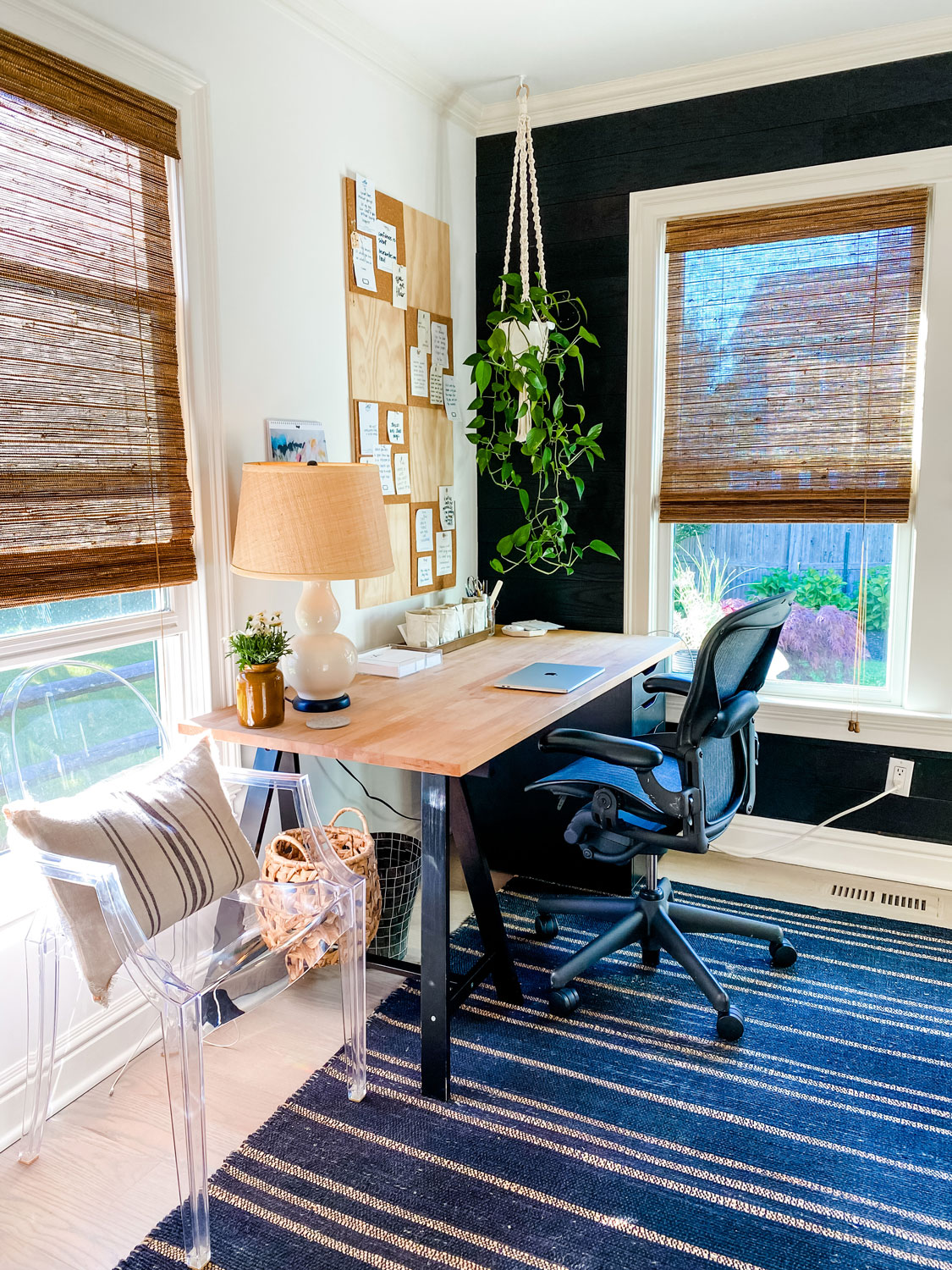
Credit: mostlovelythings.com
Frequently Asked Questions
What Are The Best Layouts For Two Desks In A Home Office?
The best layouts include L-shape, back-to-back, and side-by-side setups. These maximize space and promote productivity. Choose based on room size and workflow needs.
How To Maximize Space With Two Desks In One Room?
Use vertical storage and wall-mounted shelves. Position desks to allow free movement. Opt for compact desks to keep the area open and organized.
What Lighting Works Best For A Two-desk Home Office?
Natural light is ideal; position desks near windows. Add adjustable desk lamps for focused lighting. This setup reduces eye strain and boosts concentration.
How To Maintain Privacy With Two Desks In One Office?
Use room dividers or tall bookshelves between desks. Noise-canceling headphones help minimize distractions. Clear boundaries improve focus and comfort for both users.
Conclusion
Creating a home office with two desks can boost your work and comfort. Choose a setup that fits your space and needs. Keep your area neat and organized for better focus. Use natural light to make the room feel bright and calm.
Add personal touches to stay motivated every day. Two desks can help separate tasks and reduce stress. Try different layouts until you find what works best. Your ideal home office awaits—simple, functional, and just right.