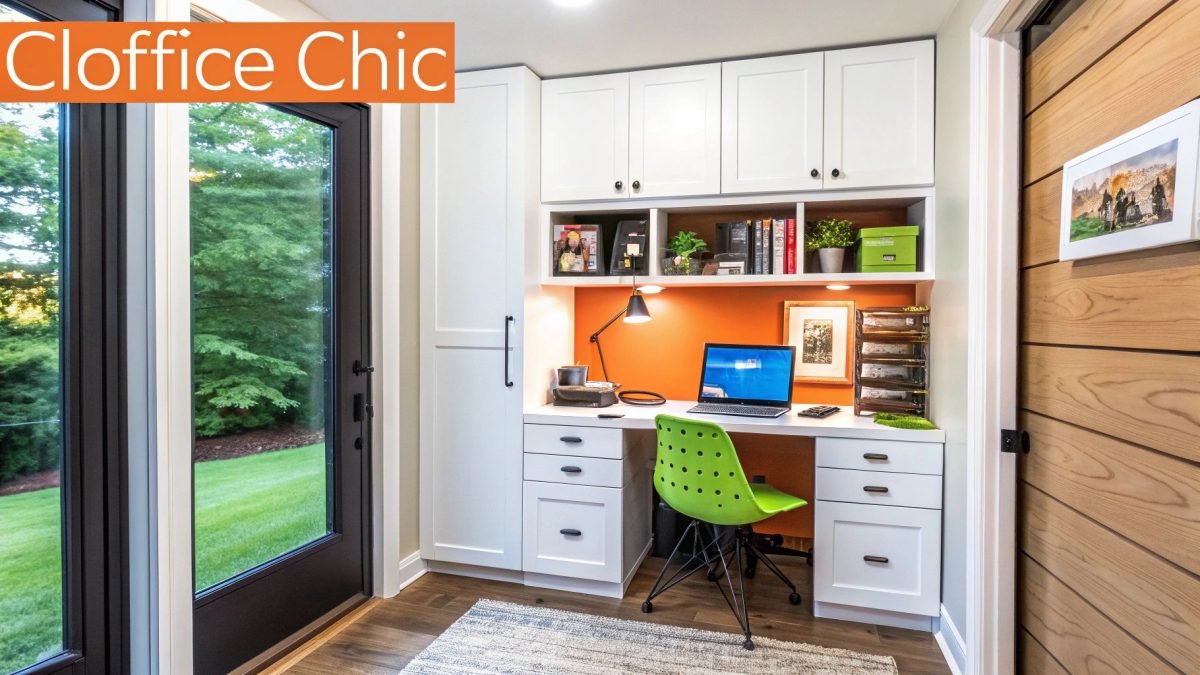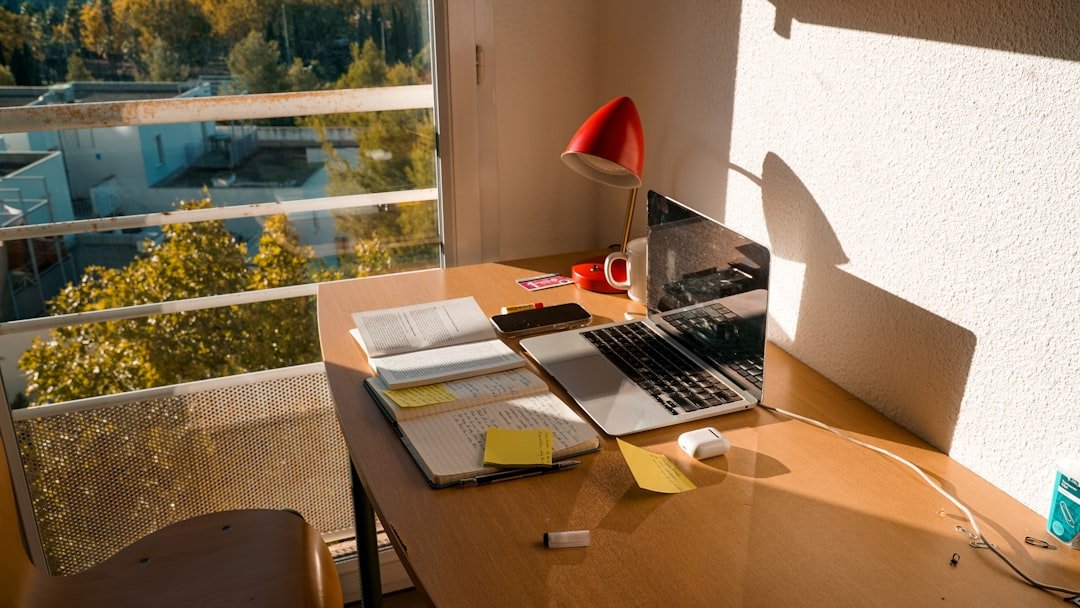
Are you tired of working in a dull, cluttered space that kills your focus? Your home office should be a place where creativity flows and productivity soars.
Imagine walking into a room that instantly boosts your mood and helps you get more done. This article is packed with simple, smart ideas to transform your home office into a space you actually look forward to using every day.
Keep reading, and discover how small changes can make a big difference for your work and well-being.
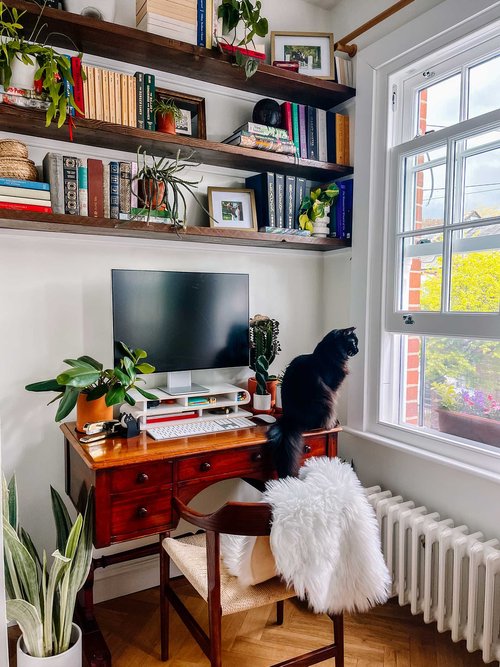
Credit: thegreenmadhouse.com
Choosing The Right Space
Picking the right spot for your home office is very important. It affects how well you work every day.
Think about comfort, quiet, and light before you decide where to set up your office.
Quiet Corners And Nooks
Find a quiet corner or small nook in your home for your office. This helps you focus better.
These spaces reduce noise and distractions. They make it easier to stay on task.
- Choose spots away from busy rooms
- Use soft materials to absorb sound
- Add a door or room divider if possible
Natural Light Benefits
Set your desk near a window to get natural light. It can improve your mood and energy.
Natural light helps reduce eye strain and keeps you alert during work hours.
- Face your desk toward the window
- Use light curtains to control brightness
- Keep windows clean to maximize light
Avoiding Distractions
Pick a place where you won’t get distracted by TV, pets, or family members.
Keep your workspace tidy and free from items that can draw your attention away.
- Turn off notifications on your phone
- Use noise-canceling headphones if needed
- Set clear work hours with family
Ergonomic Furniture Picks
Setting up a home office with ergonomic furniture helps you work comfortably. It reduces strain and keeps you healthy.
Choosing the right furniture supports good posture and improves focus during long work hours.
Comfortable Chairs
A comfortable chair supports your back and encourages good posture. Look for chairs with adjustable height and lumbar support.
Breathable materials and padded seats add extra comfort for long sitting periods.
- Adjustable seat height to fit your desk
- Proper lumbar support for lower back
- Armrests to reduce shoulder strain
- Breathable fabric or mesh for airflow
Adjustable Desks
Adjustable desks let you change the height to sit or stand. This helps reduce fatigue and improve circulation.
Choose desks with smooth height controls and enough space for your work items.
- Electric or manual height adjustment
- Stable and sturdy frame
- Surface large enough for monitor and keyboard
- Easy to switch between sitting and standing
Proper Monitor Placement
Place your monitor at eye level to avoid neck strain. The top of the screen should be at or just below eye height.
Keep the monitor about an arm’s length away to reduce eye fatigue.
- Top of screen at eye level
- Monitor 20-30 inches from eyes
- Use a monitor stand if needed
- Position screen to avoid glare
Smart Storage Solutions
Keeping your home office tidy helps you work better and feel calm. Smart storage solutions save space and keep things organized.
Use clever ideas to store items neatly. This helps you find what you need fast and keeps your desk clear.
Shelving Ideas
Wall shelves free up floor space and hold books or supplies. Floating shelves add style and keep items within reach.
Use adjustable shelves to fit different sized things. Corner shelves make use of small spaces well.
- Install floating shelves above your desk
- Use cube shelves for boxes and files
- Add corner shelves for extra storage
- Choose shelves with baskets to hide clutter
Desk Organizers
Desk organizers keep pens, papers, and tools in order. They reduce mess and make your desk look neat.
Choose organizers with compartments to separate different items. Use trays, cups, or small drawers for better sorting.
- Use pen holders to keep writing tools handy
- Stack small trays for papers and notes
- Keep sticky notes in a small container
- Use drawer dividers to separate supplies
Cable Management Tips
Cables can tangle and clutter your workspace. Good cable management keeps wires neat and safe from damage.
Label cords to find them easily. Use clips and sleeves to group cables and keep them off the floor.
- Use cable clips to attach wires to desk edges
- Wrap cords with Velcro straps or ties
- Hide power strips under the desk
- Label cables with tags or colored tape
Personalizing Your Workspace
Making your home office feel like your own space helps you work better. Personal touches create a comfortable and inspiring place.
Small changes can make a big difference. Let’s explore easy ideas to add personality to your workspace.
Adding Plants
Plants bring life and color to your desk. They also clean the air and reduce stress while you work.
Choose plants that need little care. Small pots fit well on shelves or near your computer.
- Succulents and cacti require little water
- Spider plants improve air quality
- Herbs like mint add fresh scents
Inspiring Wall Art
Wall art makes your office feel unique. Choose pictures or prints that motivate you or show your style.
Quotes, landscapes, or abstract designs add interest and keep your mind active during breaks.
- Framed quotes boost your mood
- Nature scenes help you relax
- Abstract art sparks creativity
Color Schemes That Motivate
Colors change how you feel and focus. Pick colors that make you feel awake and happy.
Use bright colors for energy or soft colors for calm. Balance them to avoid distractions.
- Blue helps you stay calm and focused
- Yellow adds warmth and energy
- Green reduces eye strain and relaxes
- Neutral colors create a clean look
Tech Tools For Efficiency
Setting up a home office needs the right technology. Using good tools helps you work faster and better.
Choosing tools that fit your work style can make your day easier and more productive.
Essential Gadgets
Good gadgets are the base of a home office. They help you do tasks with less hassle.
Some must-have gadgets include a fast computer, a clear monitor, and a good keyboard.
- High-speed laptop or desktop
- Large, clear monitor for easy viewing
- Comfortable keyboard and mouse
- Reliable printer and scanner
- External hard drive for backups
Productivity Apps
Apps help organize your work and save time. They keep your tasks in order and remind you of deadlines.
Use apps for notes, calendars, and team chats. They keep your workflow smooth and clear.
- Task managers like to-do lists
- Calendar apps for meetings and deadlines
- Note-taking apps to save ideas
- Video call apps for meetings
- File-sharing apps for teamwork
Noise-canceling Headphones
Noise-canceling headphones block out distractions. They help you focus on work in noisy places.
They make calls clearer and keep your mind on tasks. Use them to improve concentration.
- Block background noise easily
- Improve voice call quality
- Comfortable for long use
- Wireless options for freedom
- Good battery life for all day

Credit: www.digsdigs.com
Lighting Strategies
Lighting is key for a functional home office. It helps you work comfortably and efficiently.
Let’s explore different strategies to light your workspace effectively.
Task Lighting
Task lighting focuses on your work area. It helps you see details clearly. A desk lamp with an adjustable arm is useful.
- Use a lamp with a flexible neck
- Position the light to the side to avoid shadows
- Choose a lamp with a dimmer switch
Ambient Lighting
Ambient lighting provides general illumination. It makes your office feel inviting. Ceiling lights or wall sconces work well for this.
Reducing Eye Strain
Reducing eye strain is important for your health. Too much glare or poor lighting can cause discomfort.
| Tip | Description |
| Adjust screen brightness | Match it to your room lighting |
| Use anti-glare filters | Reduce reflections on your screen |
| 20-20-20 rule | Every 20 minutes, look at something 20 feet away for 20 seconds |
Creating Zones For Focus
Designing a home office with separate zones can help you focus better. By organizing your space, you can improve productivity and reduce distractions.
Each zone should serve a specific purpose. This helps maintain a clear boundary between work and relaxation.
Work And Break Areas
Having distinct areas for work and breaks is essential. It allows you to focus when needed and relax during breaks.
Consider using a divider or shelf to separate these areas. It creates a visual barrier and enhances concentration.
Separate Meeting Spaces
If you frequently have virtual meetings, a dedicated space can be very helpful. A quiet spot with minimal background noise is ideal.
- Ensure good lighting for video calls
- Use a comfortable chair for long meetings
- Keep necessary gadgets within reach
Quiet Zones
A quiet zone is crucial for tasks requiring deep focus. This space should be free from noise and distractions.
| Zone | Purpose |
| Quiet Zone | Deep Focus |
| Meeting Space | Virtual Meetings |
| Break Area | Relaxation |
Incorporating Movement
Adding movement to your home office helps keep your body active. It also improves focus and reduces fatigue.
Small changes in how you work can make a big difference for your health and energy.
Standing Desk Benefits
Standing desks let you switch between sitting and standing. This reduces back pain and improves posture.
Standing more helps increase blood flow. It can also burn more calories than sitting all day.
- Reduces risk of heart disease
- Improves energy and mood
- Helps prevent weight gain
- Boosts productivity by keeping you alert
Stretch Break Ideas
Take short stretch breaks every hour to loosen muscles. This lowers stiffness and tension.
Simple stretches can improve blood flow and reduce stress. They are easy to do without special space or tools.
- Neck rolls to relax tight neck muscles
- Shoulder shrugs to release shoulder tension
- Wrist stretches to avoid strain from typing
- Leg stretches to improve circulation
Mini Exercise Equipment
Use small exercise tools to stay active in your home office. They fit easily under your desk or nearby.
These tools help you add movement without leaving your workspace. They can improve strength and flexibility.
- Resistance bands for quick arm and leg workouts
- Mini pedal exerciser for cycling while seated
- Hand grip strengtheners to improve hand muscles
- Balance cushions to engage core muscles while sitting
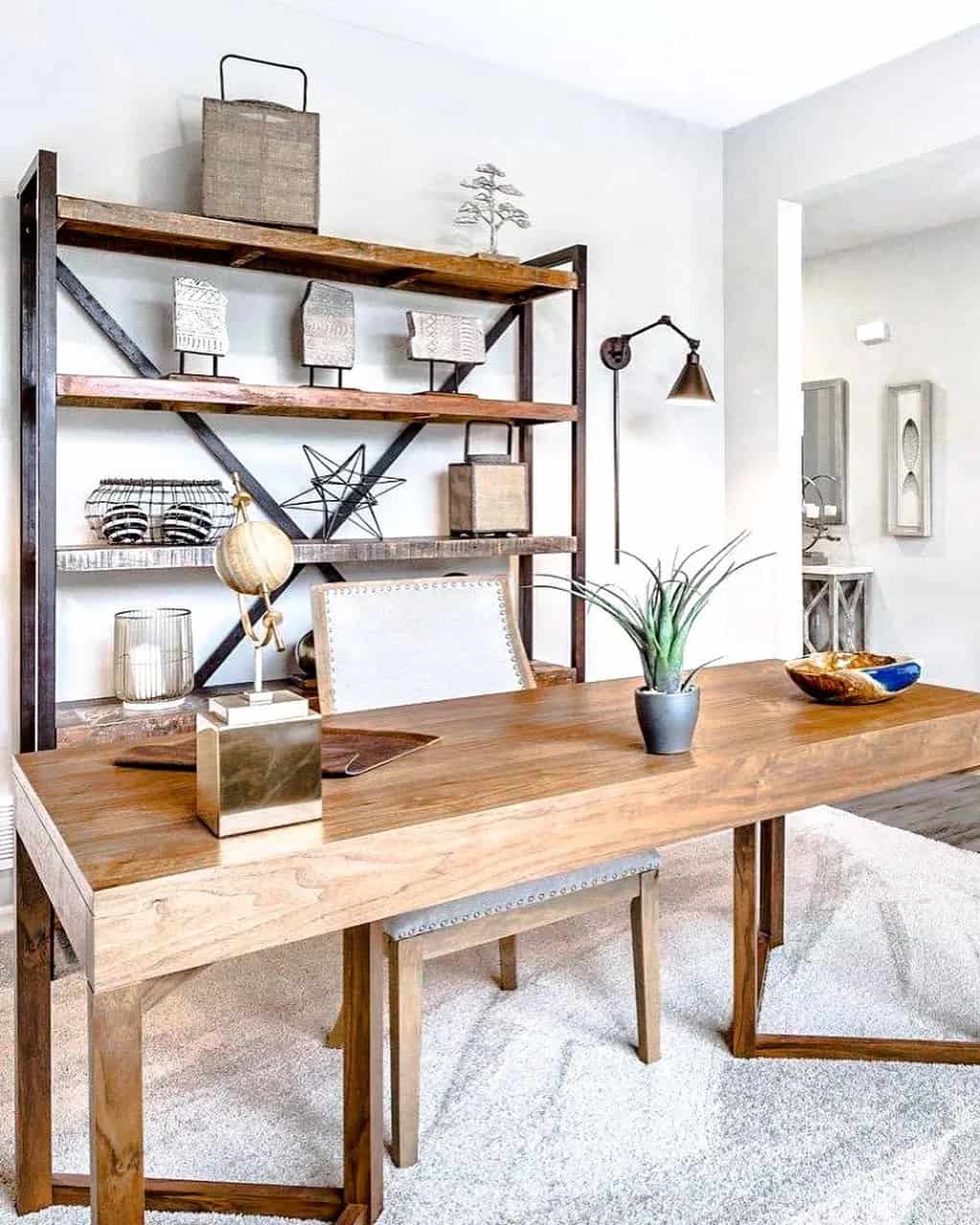
Credit: www.extraspace.com
Frequently Asked Questions
What Are Essential Items For A Productive Home Office?
A productive home office needs a comfortable chair, a sturdy desk, good lighting, and reliable internet. Add organizational tools like shelves and cable management. Personal touches like plants boost mood and focus, enhancing your work efficiency daily.
How Can I Maximize Small Home Office Space?
Use vertical storage like shelves to free desk space. Choose multi-functional furniture such as desks with drawers. Keep décor minimal and use light colors to create an open, airy feel. Declutter regularly to maintain a tidy, efficient workspace.
What Lighting Works Best For A Home Office?
Natural light is ideal for a home office, reducing eye strain. Supplement with adjustable LED desk lamps for focused tasks. Avoid harsh overhead lighting and glare on screens to improve comfort and productivity throughout your workday.
How Do I Create A Distraction-free Home Office?
Choose a quiet, separate room or corner. Use noise-canceling headphones and set clear boundaries with family. Keep your workspace organized and free from non-work items. Establish a routine to signal work time and minimize distractions.
Conclusion
Creating a home office that suits your needs boosts focus and comfort. Choose furniture that fits your space and style. Add good lighting to reduce eye strain. Keep your area tidy to stay organized and calm. Personal touches make your workspace inviting and motivating.
Small changes can bring big improvements to your workday. Start with simple ideas and build from there. A well-planned office helps you work better every day.