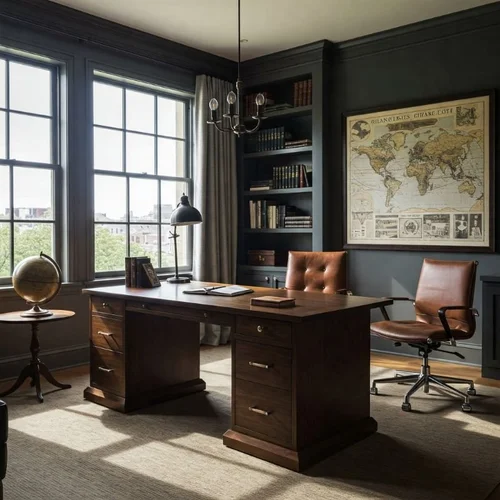
Is your home office feeling cluttered and chaotic? You’re not alone.
A messy workspace can quietly drain your focus and slow down your productivity without you even realizing it. But imagine walking into a room where everything has its place, where your desk inspires creativity, and where distractions fade away. That’s exactly what you can create with a few smart organizing ideas.
Keep reading, and you’ll discover simple, effective ways to transform your home office into a space that works for you—making your workdays smoother, faster, and more enjoyable.
Credit: www.lifeinjeneral.com
Choosing The Right Space
Setting up a home office starts with picking the right space. Your choice affects comfort and productivity.
Look for a quiet, well-lit area that fits your work needs. This helps you focus better every day.
Maximizing Natural Light
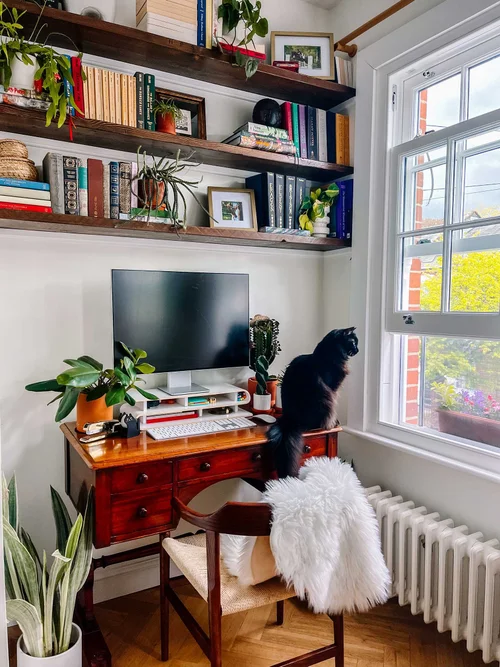
Natural light keeps you alert and improves mood. Choose a spot near windows for the best lighting.
Arrange your desk to face or sit beside the window. Avoid glare on screens by using curtains or blinds.
- Place your desk close to a window
- Use light-colored walls to reflect light
- Control brightness with blinds or curtains
Minimizing Distractions
Choose a space away from noise and foot traffic. This helps keep your mind on work tasks.
Use noise-canceling headphones or soft background music to block out sounds. Keep the area tidy to avoid clutter distractions.
- Pick a quiet room or corner
- Keep your workspace organized
- Use headphones to reduce noise
Utilizing Small Areas
Small spaces can work well as home offices. Use smart furniture and storage to save room.
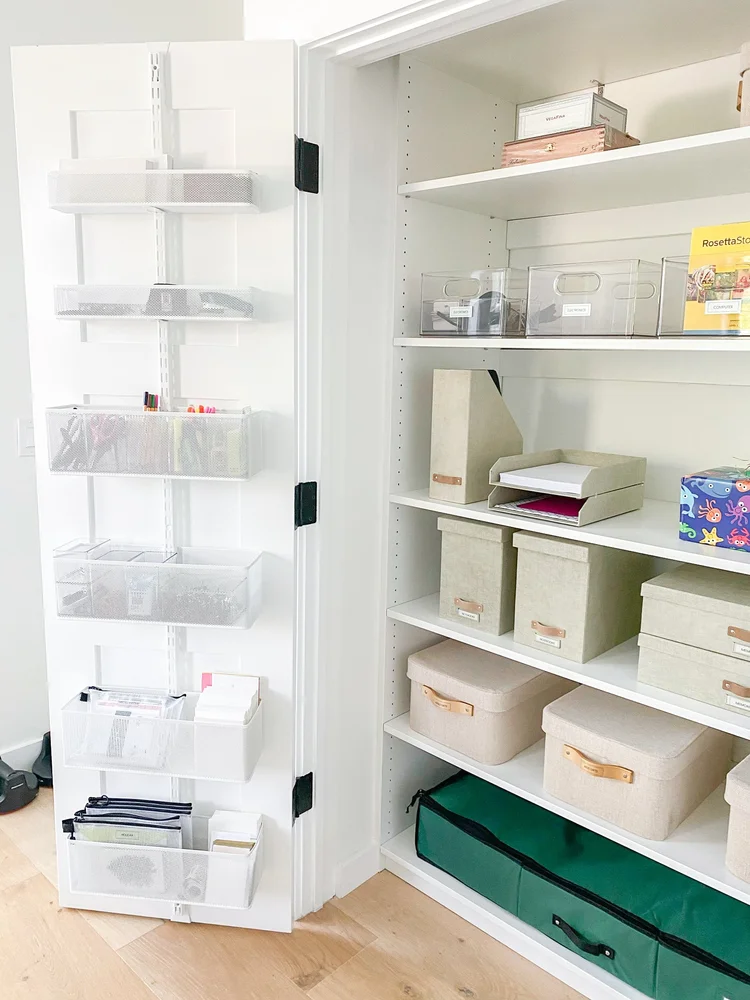
Vertical storage like shelves helps keep things off your desk. Foldable desks or wall-mounted tables save floor space.
- Use shelves for books and supplies
- Choose compact or foldable desks
- Keep only essentials on your desk
Credit: www.extraspace.com
Smart Storage Solutions
Organizing a home office is easier with smart storage solutions. Good storage keeps your space neat.
Smart storage helps you find things fast and use space well.
Using Vertical Space
Use walls to add shelves or hooks. This saves desk space and keeps items visible.
Stack boxes or use tall cabinets to store more without crowding your room.
- Install floating shelves above your desk
- Hang pegboards for tools and supplies
- Use tall bookcases for files and books
Multi-functional Furniture
Choose furniture that has extra storage. It helps keep things tidy and saves space.
Desks with drawers or ottomans with storage add function without clutter.
- Desks with built-in shelves or drawers
- Storage ottomans for office supplies
- Filing cabinets that double as printer stands
Labeling And Categorizing
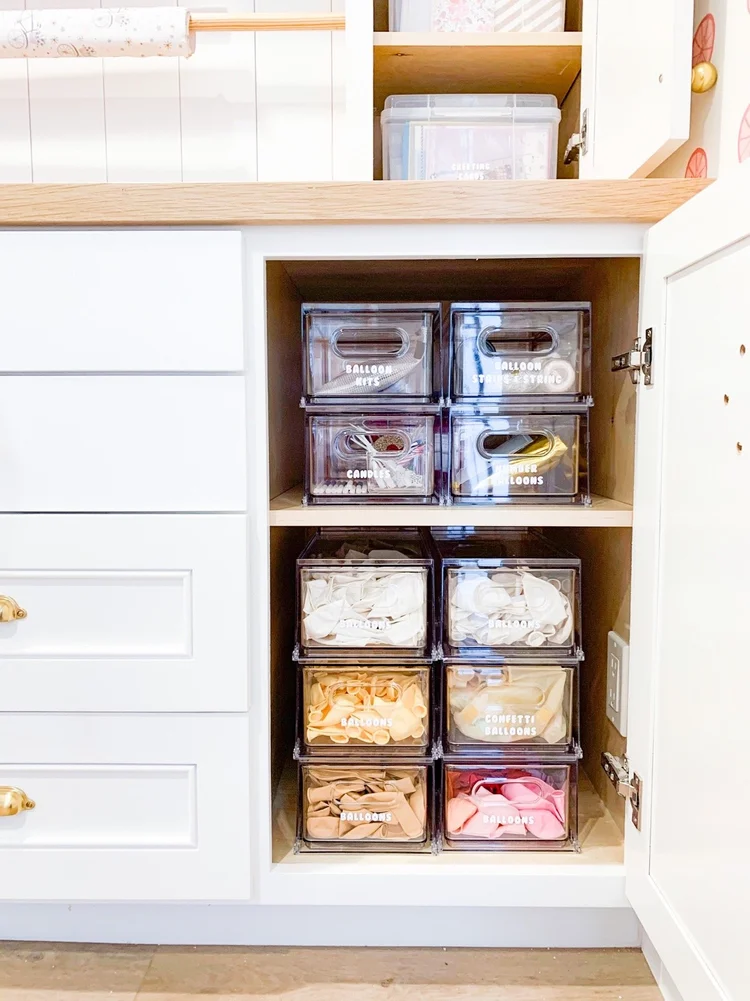
Label boxes and files to find items quickly. It keeps your office organized.
Group similar items together. This reduces search time and mess.
- Use clear labels on storage bins
- Sort papers by type or project
- Keep frequently used items within reach
Desk Setup For Efficiency
Setting up a home office desk well helps you work better. A good desk setup keeps you focused and comfortable.
Organizing your desk with the right tools and furniture can save time and reduce stress. Let’s look at some tips.
Ergonomic Furniture Choices
Choose furniture that supports your posture and comfort. An ergonomic chair and adjustable desk make a big difference.
- Use a chair with good back support
- Adjust desk height to keep elbows at 90 degrees
- Place monitor at eye level to avoid neck strain
- Use a footrest if your feet don’t touch the floor
Cable Management Tips
Messy cables cause distraction and take up space. Organize them to keep your desk neat and safe.
| Tip | How to Do It |
| Use cable ties | Bundle cables together to avoid tangling |
| Label cables | Mark each cable to identify devices easily |
| Use cable clips | Attach cables along the desk edges |
| Hide cables | Use a cable box or under-desk tray |
Essential Desk Accessories
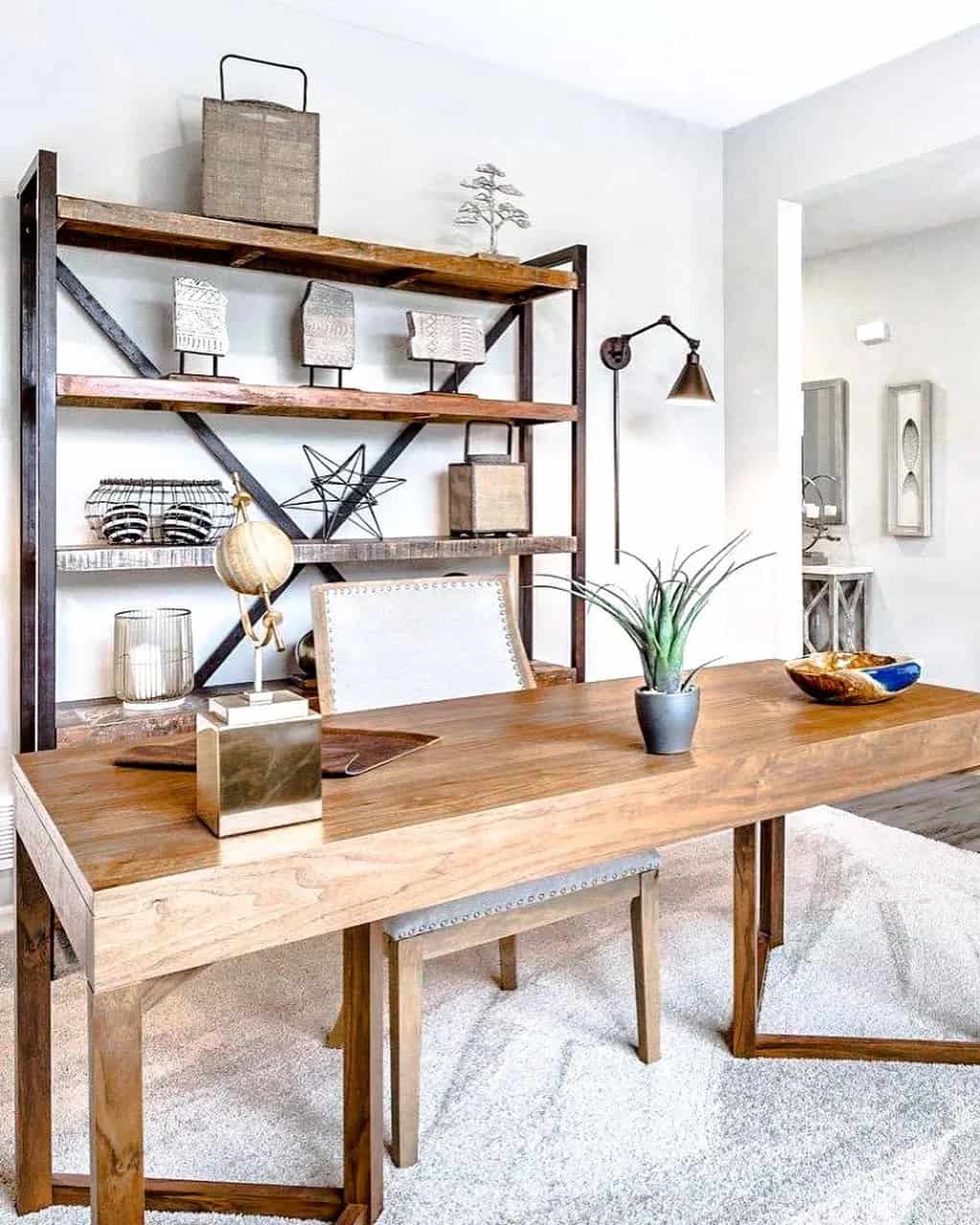
Desk accessories make your workspace more useful and organized. Choose items that help with daily tasks.
- Desk organizer for pens and papers
- Monitor stand to raise your screen
- Desk lamp for good lighting
- Mouse pad with wrist support
- Sticky notes or whiteboard for quick reminders
Credit: www.lifeinjeneral.com
Creative Decor Ideas
Organizing a home office can be fun with creative decor ideas. It helps you stay motivated and focused.
Simple changes in decoration can make your workspace bright and inviting. Let’s explore some ideas to improve your office.
Incorporating Plants
Adding plants to your home office brings life and color to the space. They can also improve air quality and reduce stress.
Choose low-maintenance plants if you do not have much time to care for them. Small pots fit well on desks and shelves.
- Succulents and cacti need little water
- Spider plants help clean the air
- Snake plants are easy to grow
- Herbs like basil add freshness and scent
Inspiring Wall Art
Wall art can make your home office feel personal and motivating. Choose pieces that inspire creativity and calm.
Use posters, paintings, or framed photos to decorate your walls. Change them often to keep your space fresh.
- Motivational quotes in simple fonts
- Nature scenes for calm and focus
- Abstract art to spark creativity
- Photo collages with family and friends
Personalized Touches
Add personal items to your office to make it feel like your own space. This increases comfort and happiness.
Use objects that remind you of good memories or hobbies. These small details create a warm and inviting work area.
- Favorite mugs or cups for pens
- Photo frames of loved ones
- Unique desk organizers or trays
- Handmade crafts or souvenirs
Tech Organization
Keeping your home office tech organized helps you work better. It reduces clutter and saves time looking for devices.
Simple tech setups make your space neat and easier to manage every day.
Managing Devices
Group your devices in one area to avoid mess. Use shelves or stands to keep them off your desk.
Label cords and chargers to find them fast. Use cable ties or clips to stop cords from tangling.
- Use a charging station for phones and tablets
- Keep extra batteries and accessories in small boxes
- Store devices you use less often in drawers
Optimizing Wi-fi And Power
Place your Wi-Fi router in the center of your office. This gives better signal to all your devices.
Use power strips with surge protectors to keep devices safe. Avoid overloading outlets by spacing plugs evenly.
- Check for Wi-Fi dead zones and move router if needed
- Label power strips for different device groups
- Use cable organizers to keep power cords tidy
Using Digital Tools
Use apps to track tasks and manage your schedule. This keeps your work organized without paper clutter.
Back up important files in the cloud. This protects your work and makes it easy to access anywhere.
- Use note-taking apps to save quick ideas
- Set reminders for meetings and deadlines
- Organize files in folders with clear names
Time Management Techniques
Managing time well is key to a productive home office. It helps you stay focused and complete tasks efficiently.
Let’s explore some useful ideas for organizing your home office to enhance time management.
Setting Up A Planner
A planner can help you keep track of your daily tasks. It ensures you don’t forget important deadlines.
- Choose a planner that suits your style.
- Write down tasks the night before.
- Check off completed tasks for motivation.
Creating Task Zones
Task zones help you organize your workspace. Different areas can be dedicated to different types of work.
| Zone Type | Purpose |
| Desk Area | Computer work |
| Reading Corner | Research and reading |
| Whiteboard Wall | Brainstorming ideas |
Implementing Break Areas
Break areas are essential for relaxation. They help you recharge and improve focus when you return to work.
Consider adding comfortable seating or a small coffee station to your break area.
Frequently Asked Questions
What Are The Best Tips For Organizing A Home Office?
Start by decluttering your workspace and sorting essentials. Use storage solutions like shelves and organizers. Keep cables tidy and maintain a clean desk. Personalize your space for motivation and comfort. Regularly review and adjust your setup for efficiency.
How Can I Maximize Space In A Small Home Office?
Utilize vertical storage like wall shelves and pegboards. Choose multifunctional furniture such as desks with drawers. Keep only necessary items on your desk. Use cable organizers to reduce clutter. Opt for light colors to create an illusion of space.
What Are Essential Tools For A Well-organized Home Office?
Key tools include a sturdy desk, ergonomic chair, and good lighting. Use drawer organizers, file holders, and cable management. Invest in a whiteboard or planner for scheduling. Ensure you have easy access to office supplies and tech accessories.
How Do I Maintain Organization In A Busy Home Office?
Set daily or weekly decluttering routines. Use labeled storage containers for easy access. Prioritize tasks with planners or digital tools. Avoid mixing work and personal items. Regularly clean your workspace to stay productive and focused.
Conclusion
Organizing your home office makes work easier and more pleasant. Clear spaces help you focus and reduce stress. Use simple tools like shelves, bins, and labels to keep things neat. Keep only what you need close by. Regularly tidy your desk to stay productive.
A well-organized office saves time and boosts your mood. Small changes can make a big difference in your daily work. Start with one idea and build from there. Your perfect workspace is within reach.