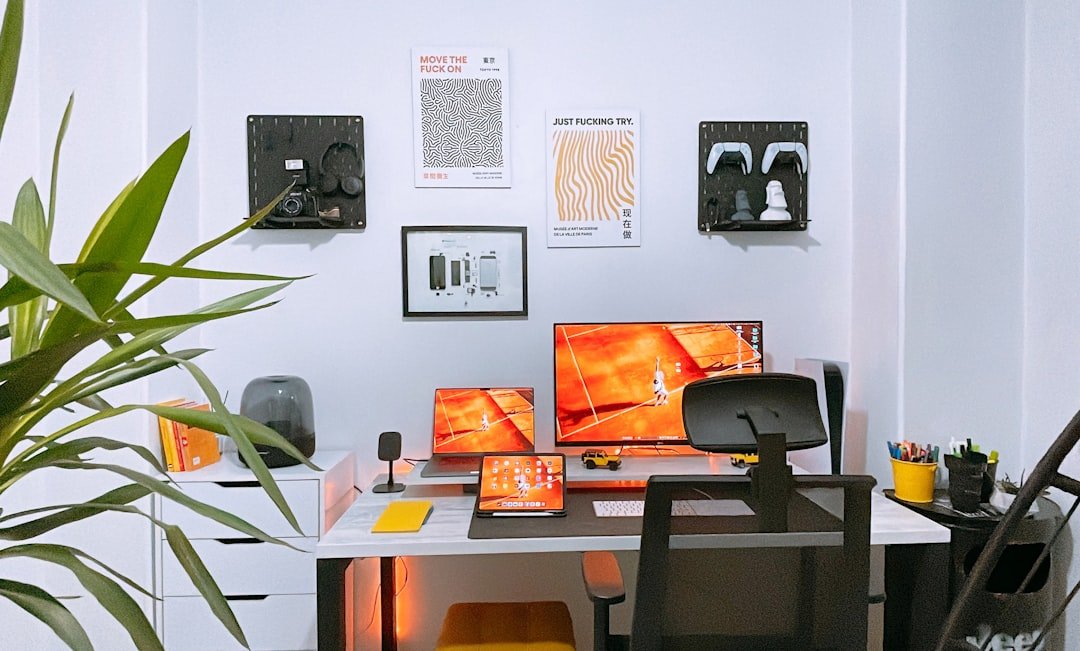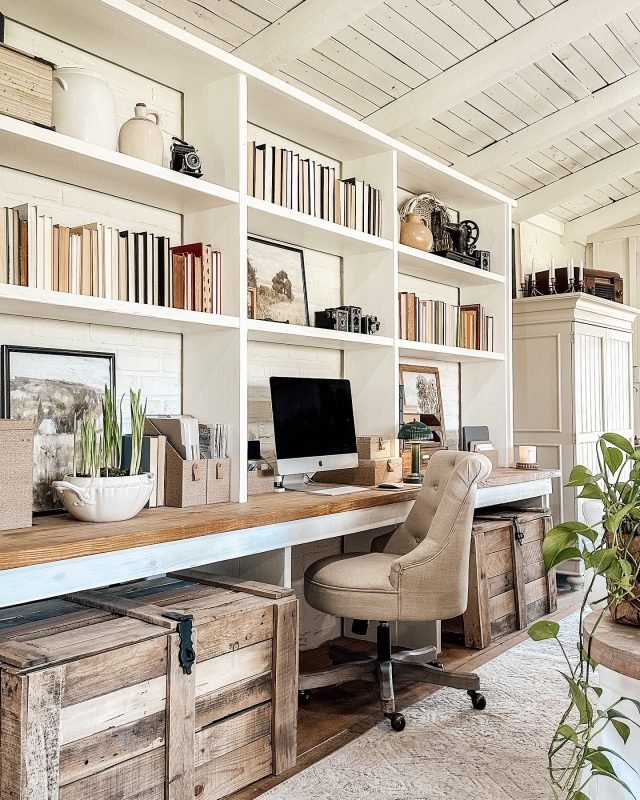
Is your home office feeling cluttered and chaotic? You’re not alone, and the good news is that organizing your workspace can boost your focus and productivity in ways you might not expect.
Imagine sitting down at a desk where everything has its place, helping you work faster and stress less. You’ll discover simple, effective ideas to transform your home office into a neat, inspiring space that works for you. Ready to take control of your workspace and unlock your best work?
Let’s dive in.
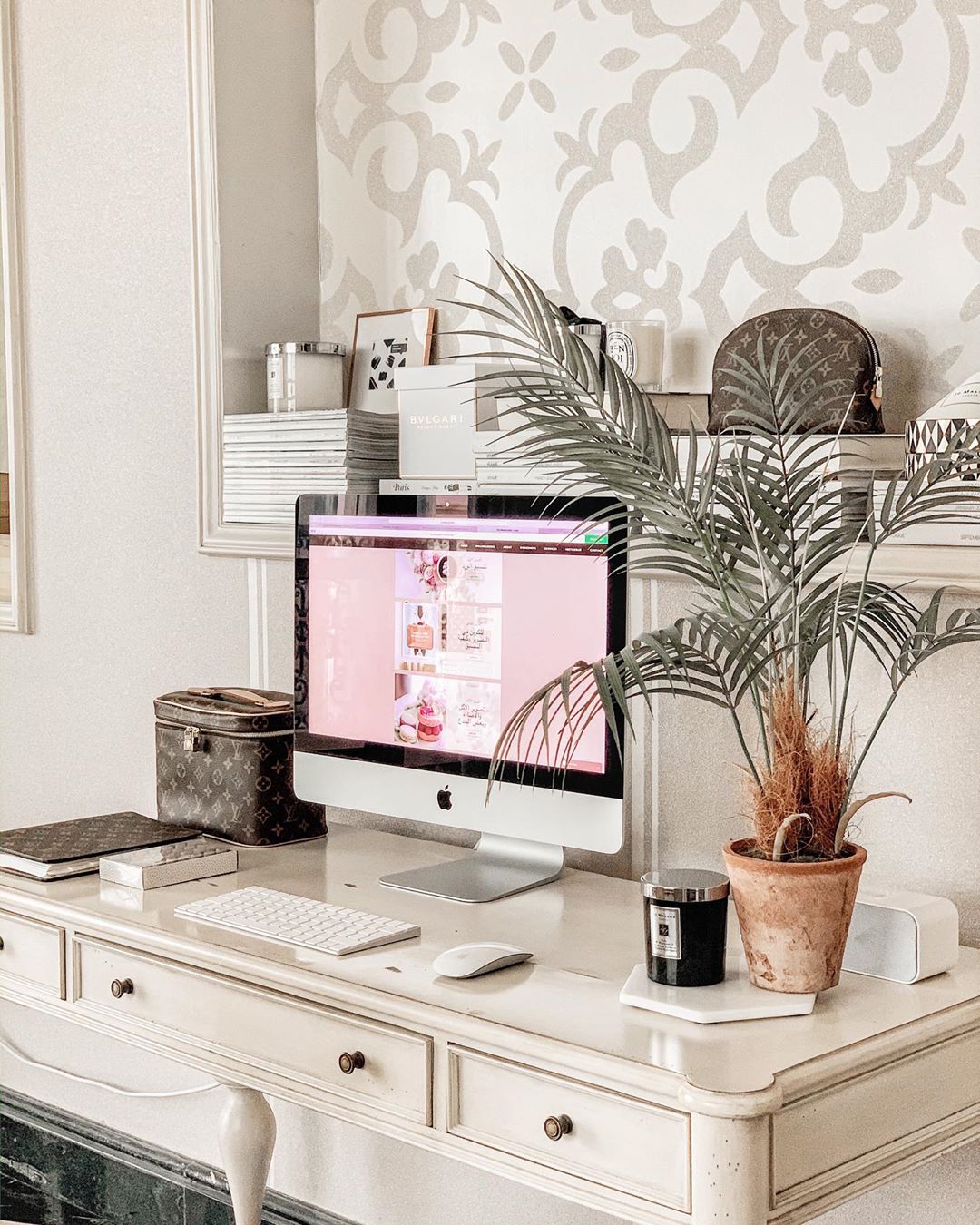
Credit: www.extraspace.com
Choosing The Right Space
Finding the right spot for your home office is important. It helps you work well and stay focused.
Pick a space that fits your needs and feels comfortable for long hours of work.
Assessing Available Areas
Look at all rooms or corners you can use for your office. Check how much space each area has.
Think about what furniture and tools you need and if the area can hold them.
- Choose a quiet spot away from busy rooms
- Pick a space with enough room for your desk and chair
- Consider spots near windows for natural light
Lighting And Ventilation
Good lighting helps you see clearly and reduces eye strain. Natural light is best for your health.
Proper ventilation keeps the air fresh and helps you stay alert during work.
- Pick a space with windows that open
- Use blinds or curtains to control sunlight
- Add lamps for evening work
Noise Control Solutions
Noise can distract you and lower your work quality. Find ways to reduce sound in your office area.
Choose a quiet room or use tools to block or absorb noise.
- Use rugs and curtains to soften sounds
- Place your desk away from noisy spots
- Try noise-canceling headphones if needed
Essential Furniture And Layout
A well-organized home office starts with the right furniture. The layout helps you work better every day.
Choosing the right desk, chair, and storage can improve comfort and efficiency in your workspace.
Ergonomic Desk And Chair
An ergonomic desk and chair keep your body healthy during long work hours. They reduce strain and pain.
Look for adjustable chairs with good back support. Desks with enough space let you place your computer and tools comfortably.
- Chair height adjusts to your desk level
- Desk surface allows for a keyboard and mouse
- Good lumbar support in the chair
- Footrest can improve posture
Optimal Desk Arrangement
Keep your desk tidy to focus better. Place items you use often within easy reach.
Arrange your computer screen at eye level. This helps avoid neck strain and keeps your posture straight.
- Monitor about arm’s length away
- Keyboard and mouse centered
- Clear space for writing or reading
- Use desk organizers for small items
Storage Units And Shelves
Storage keeps your office neat and saves time. Shelves and units hold files and supplies out of the way.
Choose storage that fits your space. Use vertical shelves to save floor space and keep things visible.
- Drawer units for papers and tools
- Open shelves for books and binders
- Boxes or baskets to group small items
- Label storage for quick finding
Decluttering Strategies
Keeping your home office organized helps you focus better. Decluttering removes distractions and creates a calm space.
Try simple methods to keep your desk clear and your workflow smooth every day.
Minimalist Approach
Limit your office items to only what you need. Store or remove things that do not serve your work purpose.
- Keep only essential tools and supplies on your desk.
- Use neutral colors to reduce visual clutter.
- Choose furniture with built-in storage.
- Regularly review items and discard what you no longer use.
Daily Tidying Habits
Small daily actions keep your workspace neat. Set a few minutes each day to tidy up your desk and files.
- Clear unnecessary papers and items at the end of the day.
- Put supplies back in their place after use.
- Wipe down your desk surface to keep it clean.
- Check your digital files and organize them regularly.
Cable Management Tips
Messy cables create clutter and can slow you down. Organize cords to keep your workspace safe and tidy.
| Tip | Description |
| Use cable ties | Bundle cables together to reduce tangling. |
| Label cables | Attach labels to identify each cable easily. |
| Hide cables | Use cable covers or run wires behind furniture. |
| Use wireless devices | Reduce cables by choosing wireless keyboard and mouse. |
Smart Storage Solutions
Organizing your home office saves time and reduces stress. Smart storage solutions help keep your workspace tidy and efficient.
Using the right tools and methods can make your office more comfortable and productive. Let’s explore some smart ways to store your office items.
Use Of Vertical Space
Vertical space is often ignored but is very useful. Shelves and wall-mounted racks can free up your desk area. Tall storage units also keep things organized without taking much floor space.
- Install floating shelves above your desk.
- Use tall bookcases to hold files and books.
- Attach pegboards to walls for tools and supplies.
- Hang file holders or baskets to keep papers off your desk.
Multi-functional Organizers
Choose organizers that serve more than one purpose. This saves space and keeps your office neat. Some organizers can hold pens, notes, and even tech gadgets in one place.
| Type | Function | Example |
| Desk Organizer | Holds pens, clips, and sticky notes | Compartment tray |
| Drawer Divider | Keeps small items separated | Adjustable inserts |
| File Holder | Stores papers and folders upright | Stackable trays |
| Charging Station | Charges devices and stores cables | Multi-port dock |
Labeling And Categorizing
Clear labels help you find things fast. Categorizing items by type or use keeps your office orderly. Use labels on files, bins, and shelves for easy access.
Tips for Labeling:
- Use color-coded labels for different categories.
- Write labels clearly with a marker or printed tags.
- Keep labels consistent across all storage.
- Update labels when you change contents.
Tech Setup For Efficiency
A tidy tech setup helps you work faster and with less stress. Organizing devices well improves your home office comfort.
Choosing the right spots for devices and accessories keeps your workspace clear. It also saves time finding what you need.
Device Placement
Place your main devices like computer, monitor, and keyboard where you can reach them easily. Keep screens at eye level to avoid neck strain.
- Use a desk with enough space for all devices.
- Keep cables tidy with clips or sleeves.
- Put frequently used devices within arm’s reach.
- Avoid glare by placing screens away from windows.
Wireless Accessories
Wireless keyboards, mice, and headphones reduce cable clutter. They also make your desk look cleaner.
| Accessory | Benefit |
| Wireless Keyboard | More desk space and easy repositioning |
| Wireless Mouse | Less cable tangling and more freedom |
| Bluetooth Headphones | Clear sound without wires getting in the way |
Backup And Security
Protect your work by backing up files regularly. Use security tools to keep your data safe.
Simple Security Tips
- Set strong passwords for all devices
- Use two-factor authentication
- Backup files to cloud or external drives weekly
- Keep software and antivirus updated
Personalizing Your Workspace
Creating a personal workspace at home can boost your productivity. Your workspace should reflect your personality and style. This makes working from home more enjoyable and efficient.
Organizing your home office is more than just tidying up. It’s about making the space uniquely yours. Let’s explore some ideas to personalize your workspace.
Inspiring Decor Ideas
Decor can transform your workspace into a place you love. Choose items that inspire you and make you happy. These can be art pieces, photos, or even a cozy rug.
Use colors and textures that suit your taste. This creates a pleasant environment where you feel comfortable working.
- Hang motivational quotes on the wall
- Use a colorful desk lamp
- Add a soft throw blanket to your chair
Incorporating Plants
Plants bring life into your workspace. They can improve air quality and create a calming atmosphere. Choose easy-to-care-for plants that thrive indoors.
Place plants near your desk or on a windowsill. This can help reduce stress and increase creativity.
- Use small succulents for a desk
- Try a hanging plant for more space
- Pick a large plant for the corner
Balancing Comfort And Focus
Comfort is key to staying focused while working. Choose a chair that supports your back. Make sure your desk is at the right height for typing.
Lighting is also important. Use natural light when possible, or a lamp that mimics daylight. This helps reduce eye strain.
- Adjust your chair for good posture
- Use a desk mat for comfort
- Set up task lighting for better visibility
Time Management Tools
Organizing a home office requires good time management. Using the right tools can help you stay on track and increase productivity.
Here are some time management tools that can assist you in organizing your work efficiently.
Calendars And Planners
Calendars and planners help you track your daily tasks. They make scheduling meetings and deadlines easier.
Using a planner can remind you of important dates. It ensures that you do not miss any commitments.
- Write down daily tasks
- Plan weekly goals
- Review monthly achievements
Task Management Apps
Task management apps help you organize your work. They allow you to prioritize tasks and set deadlines.
These apps can send reminders, ensuring tasks are completed on time. They help you manage your workload effectively.
- Create task lists
- Set task priorities
- Track task progress
Setting Boundaries
Setting boundaries is crucial in a home office. It helps maintain a balance between work and personal life.
Communicate your work hours to family members. This ensures that interruptions are minimized during work hours.
- Establish clear work hours
- Have a dedicated workspace
- Limit personal calls during work
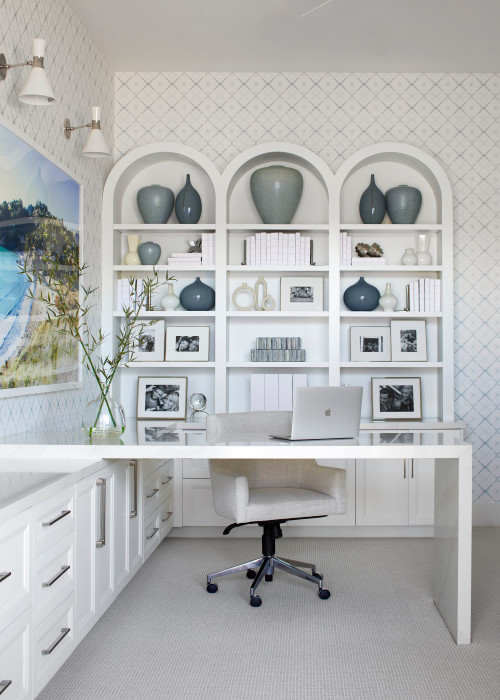
Credit: workwellremote.com
Maintaining Productivity
Staying productive at home needs focus and good habits. Your workspace and routine affect how much you get done.
Organizing your office can help keep distractions low and your energy high throughout the day.
Regular Breaks
Taking breaks helps clear your mind and reduce stress. Short rests can boost focus and creativity.
- Work for 25 minutes, then rest for 5 minutes.
- Stand up and stretch during breaks.
- Step away from screens to relax your eyes.
- Take a longer break after four work sessions.
Healthy Habits
Good habits support your body and mind. They keep you alert and ready to work.
| Habit | Benefit |
| Drink water | Keeps you hydrated and focused |
| Eat balanced meals | Provides steady energy |
| Sleep well | Improves memory and mood |
| Exercise | Reduces stress and boosts energy |
Review And Adjust Setup
Check your office setup often. Make changes to stay comfortable and productive.
- Adjust chair height to keep feet flat on the floor.
- Set your monitor at eye level to avoid neck strain.
- Keep your desk tidy to reduce distractions.
- Use proper lighting to reduce eye fatigue.
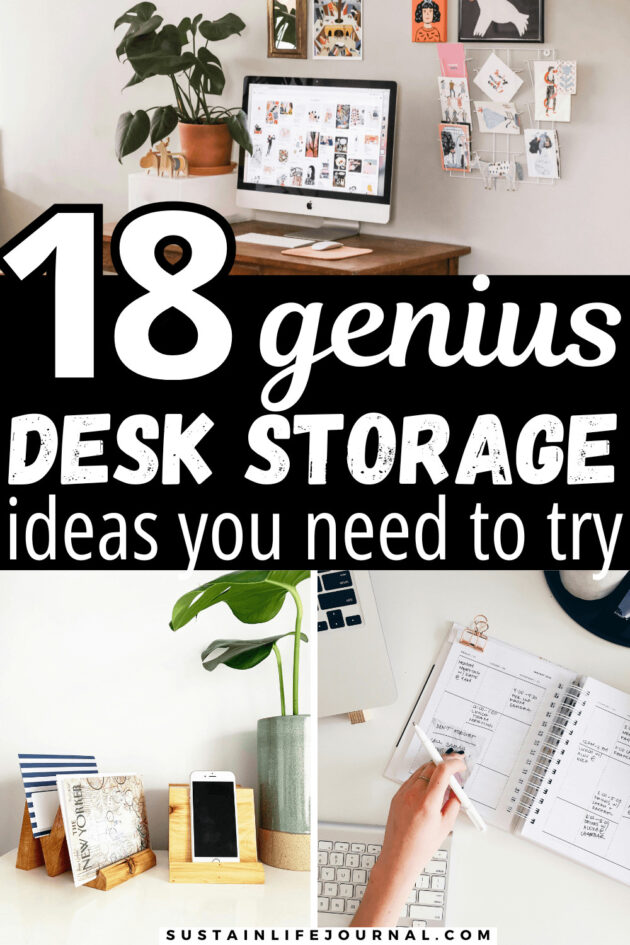
Credit: sustainlifejournal.com
Frequently Asked Questions
What Are The Best Storage Solutions For Home Offices?
Using shelves, drawer organizers, and filing cabinets maximizes space. Vertical storage keeps your desk clutter-free and improves productivity. Clear containers help easily identify contents. Labeling boxes and files ensures quick access to important documents.
How Can I Keep My Home Office Desk Organized?
Regularly declutter your desk by removing non-essential items. Use cable organizers to manage cords neatly. Keep only daily-use items on your desk. Invest in desk trays or organizers to separate papers and stationery for a tidy workspace.
What Are Effective Ways To Organize Cables In A Home Office?
Use cable clips, ties, or sleeves to bundle cords together. Label each cable for easy identification. Position power strips under the desk to reduce visible wires. Keeping cables off the floor prevents tangling and improves safety.
How Do I Create A Productive Home Office Layout?
Place your desk near natural light to enhance focus. Arrange frequently used items within arm’s reach. Keep the area free from distractions and clutter. Ensure comfortable seating and proper ergonomics to maintain productivity throughout the day.
Conclusion
Organizing your home office can boost focus and reduce stress. Simple steps create a clean, neat space for work. Use shelves, boxes, and labels to keep things tidy. Clear desks help ideas flow and tasks get done. Small changes make a big difference every day.
Start today and enjoy a calm, productive workspace. Your work feels easier in a well-organized room. A good setup supports your goals and comfort. Keep it simple, stay consistent, and see results.