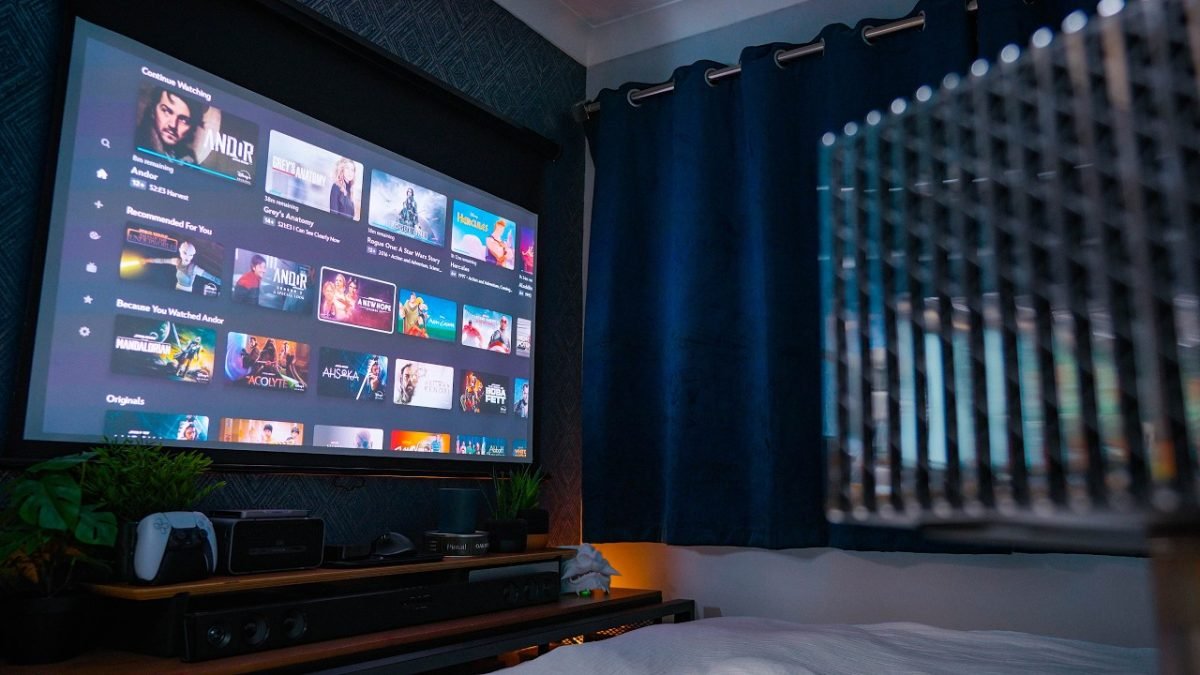
Imagine turning your bedroom into the ultimate cozy cinema where you can watch your favorite movies, shows, or play games anytime you want. Setting up a projector in your bedroom is easier than you think, and it can completely change how you relax and enjoy entertainment.
Whether you have a small space or a large wall, this guide will help you create the perfect projector bedroom setup tailored just for you. Ready to discover simple tips and tricks that make your space feel like a private theater?
Keep reading to transform your room into the entertainment hub you deserve.

Credit: www.reddit.com
Choosing The Right Projector
Setting up a projector in your bedroom can create a cozy movie space. Picking the right projector is key for good picture quality.
You need to think about the type, brightness, resolution, and size of the projector. These factors affect your viewing experience.
Types Of Projectors
There are different types of projectors. Each type works better in certain rooms and uses different technology.
The main types are LCD, DLP, and LED projectors. LCD projectors show bright and sharp images. DLP projectors have smooth motion and high contrast. LED projectors use less power and last longer.
- LCD: good for bright rooms and sharp colors
- DLP: great for movies with deep blacks
- LED: energy-efficient and compact
Brightness And Resolution
Brightness is how light the image looks. It is measured in lumens. Bedrooms usually have low light, so 1000 to 2500 lumens works well.
Resolution means the number of pixels in the image. Higher resolution gives clearer pictures. Full HD (1080p) is a good choice for bedroom projectors.
- Brightness: 1000–2500 lumens for bedrooms
- Resolution: 1080p for clear images
Portability And Size
Think about where you will place your projector. Smaller projectors are easier to move and store in a bedroom.
Some projectors are compact and lightweight. Others are bigger and need a fixed spot. Choose one that fits your room size and setup style.
- Small size fits on shelves or tables
- Lightweight models are easy to carry
- Larger models may offer better image quality
Optimizing Room Layout
Setting up a projector in your bedroom needs careful planning. The room layout affects your viewing comfort and picture quality.
Focus on where to place your screen, how to arrange seating, and how to control lighting well.
Screen Placement
Place the screen where it faces your main seating area directly. Avoid walls with windows or bright lights behind the screen.
Keep the screen at eye level when seated. This reduces neck strain and gives a natural viewing angle.
Seating Arrangement
Arrange seats to face the screen without blocking the projector beam. Keep enough space to move around easily.
- Use comfortable chairs or a small sofa
- Keep seats at least 6 to 10 feet from the screen
- Avoid placing seats too close to walls with windows
- Consider using a small table for snacks or remote controls
Lighting Control
Control lighting to avoid glare on the screen. Use blackout curtains or blinds on windows.
| Lighting Type | Best Use |
| Blackout Curtains | Block outside light fully |
| Dimmable Lamps | Adjust brightness easily |
| Ceiling Light | Keep off during viewing |
| LED Strip Lights | Soft background lighting |
Selecting The Perfect Screen
Choosing the right screen is key for your bedroom projector setup. The screen affects picture quality and viewing comfort.
Consider your room size, projector type, and how you use the space before picking a screen.
Fixed Vs. Portable Screens
Fixed screens attach permanently to a wall or frame. They offer a smooth, stable surface for the best image.
Portable screens can be folded or rolled up. They are easy to move and store when not in use.
- Fixed screens give better picture quality
- Portable screens save space in small rooms
- Fixed screens need wall space and mounting
- Portable screens offer flexibility in placement
Screen Materials
The material of the screen changes how the image looks. Some materials reflect light better than others.
Common materials include matte white, gray, and special reflective fabrics. Each works well for different lighting.
- Matte white is best for dark rooms and bright colors
- Gray screens improve contrast in rooms with light
- Reflective materials boost brightness but need good angles
- Choose material based on your room’s light level
Size Considerations
Screen size depends on your room space and how far you sit from it. Bigger screens need more room.
Measure your viewing distance and choose a screen size that fits comfortably in your bedroom.
- Sit about 1.5 to 2.5 times the screen width away
- Too large screens cause eye strain in small rooms
- Too small screens reduce viewing enjoyment
- Balance screen size with room and seating layout
Sound Setup For Immersive Audio
Setting up sound in your projector bedroom is key for a great experience. Good audio makes movies and shows feel real and exciting.
Choosing the right speakers and sound system helps you enjoy clear and full sound. Let’s explore options for your room.
Built-in Vs. External Speakers
Built-in speakers come with many projectors. They are easy to use but may lack strong sound quality.
External speakers give better sound and more power. You can place them around the room for better effects.
- Built-in speakers are simple but less loud
- External speakers offer clearer and louder sound
- External options allow more control over sound placement
Surround Sound Options
Surround sound creates a 3D audio effect. It feels like sounds come from all around you.
Systems can have 5.1, 7.1, or more speaker channels. More channels give a richer sound experience.
- 5.1 system: Five speakers and one subwoofer
- 7.1 system: Adds two extra speakers for more depth
- Wireless options reduce cable clutter
Soundproofing Tips
Soundproofing helps stop sound from escaping your room. It also keeps outside noise from coming in.
Simple changes can improve your sound quality and keep the room quiet for others.
- Use thick curtains or blankets on windows and walls
- Place rugs or carpets on the floor to absorb sound
- Add soft furniture to reduce echo
- Seal gaps in doors and windows to block noise
Managing Cables And Connectivity
Setting up a projector in the bedroom can create a cozy viewing space. Managing cables and connections helps keep the area neat. It also prevents tangled wires and accidental unplugging.
Good cable management improves safety and makes it easier to add or remove devices. Below are some tips on wireless options, organizing cables, and ensuring device compatibility.
Wireless Solutions
Using wireless technology reduces the number of cables needed. Many projectors support Wi-Fi or Bluetooth connections. This lets you stream content without physical links.
- Connect your projector to Wi-Fi for online streaming.
- Use Bluetooth to link wireless speakers or headphones.
- Try wireless HDMI transmitters for high-quality video without cables.
Cable Organization
When cables are necessary, keeping them tidy is important. Proper organization stops clutter and makes the setup look clean. It also protects cables from damage.
| Tip | Benefit |
| Use cable clips or ties | Keeps cables together and prevents tangling |
| Label cables at both ends | Makes identifying connections easier |
| Hide cables behind furniture | Improves room appearance |
| Use cable sleeves or covers | Protects cables from wear and pets |
Device Compatibility
Check if your devices connect well with the projector. Different models use various ports and signals. Ensuring compatibility avoids connection problems.
Common connection types include:
- HDMI for high-definition video and audio
- USB for media playback or power
- VGA for older computers
- Audio out for external speakers
Match your devices to the projector’s ports. Use adapters if needed. Test connections before final setup.
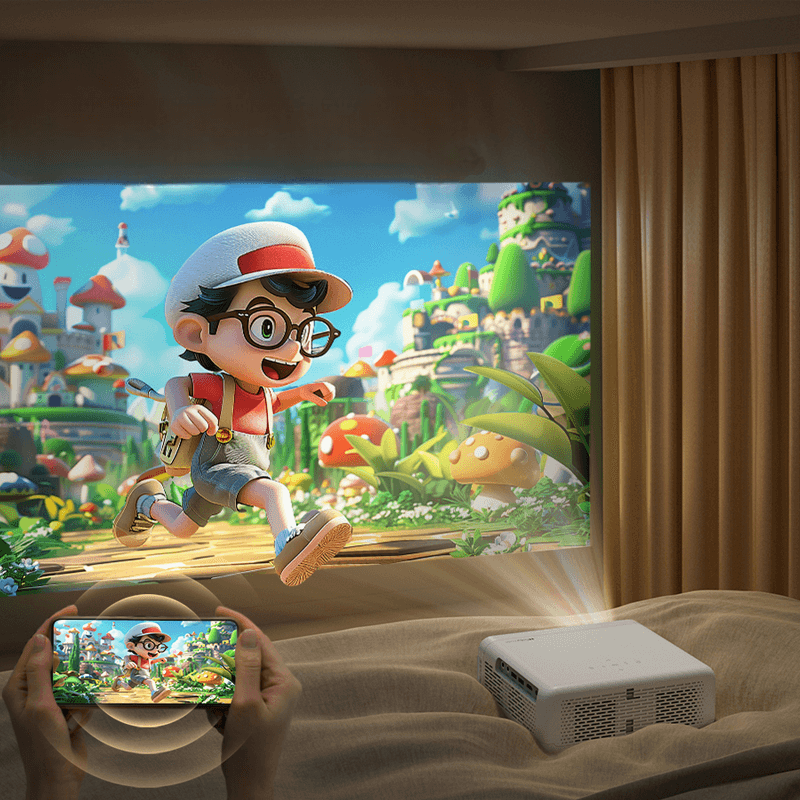
Credit: aurzen.com
Creating A Cozy Atmosphere
Setting up a projector bedroom can be fun and rewarding. A cozy atmosphere makes movie nights special.
Focus on lighting, seating, and decor to create the perfect vibe. Let’s explore how to enhance each element.
Lighting Ambiance
Lighting sets the mood in your projector bedroom. Soft lights are best for a relaxing ambiance.
- Use dimmable lamps for adjustable light levels.
- Consider LED strips for a modern touch.
- Place candles for a warm glow.
Comfortable Seating
Seating is crucial for enjoying long movie sessions. Choose options that offer both comfort and style.
| Seating Option | Comfort Level |
| Bean Bags | High |
| Recliners | Medium |
| Floor Cushions | Low |
Decor And Accessories
Decor adds personality to your space. Accessories complement the theme and enhance the experience.
Consider adding:
- Throw blankets for warmth
- Wall art to match the theme
- Small plants for a fresh feel
Maintaining Your Setup
Keeping your projector bedroom setup in top condition is crucial. It ensures you enjoy the best viewing experience every time.
Regular maintenance helps prevent issues that could disrupt your movie nights or presentations.
Cleaning And Care
Proper cleaning of your projector is essential. Dust and dirt can accumulate and affect performance.
- Use a microfiber cloth to clean the lens.
- Keep the projector in a dust-free area.
- Check and clean the air filters regularly.
Regular Calibration
Calibrating your projector ensures accurate colors and sharp images. It should be done periodically.
| Calibration Task | Frequency |
| Adjust color settings | Monthly |
| Focus adjustment | Weekly |
| Keystone correction | As needed |
Troubleshooting Common Issues
Sometimes issues arise with your projector. Knowing how to troubleshoot common problems can be very helpful.
- No image on screen
- Blurry picture
- Sound but no video
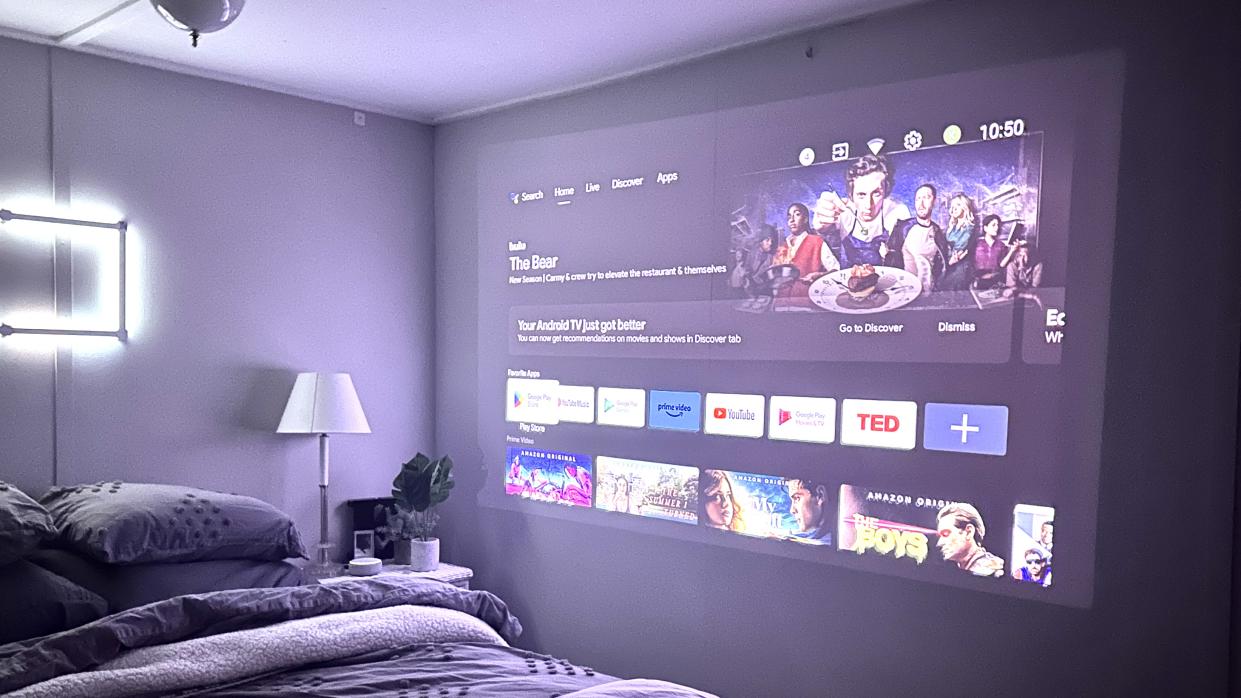
Credit: tech.yahoo.com
Frequently Asked Questions
What Is The Best Projector For Bedroom Use?
The best bedroom projector offers high resolution, compact size, and low noise. Look for 1080p or higher for clear images. Portable models with built-in speakers save space. Brightness around 1500-2500 lumens suits dim bedroom lighting perfectly.
How To Optimize Projector Placement In A Bedroom?
Place the projector so the image fits your wall or screen size. Keep it at eye level for comfortable viewing. Ensure a clear line of sight, avoiding obstacles. Use ceiling mounts or shelves to save space and reduce clutter.
What Screen Size Suits A Bedroom Projector Setup?
A screen size between 80 to 100 inches diagonal is ideal. It balances immersive viewing without overwhelming limited bedroom space. Consider your room size and seating distance to choose the best screen dimensions.
How To Reduce Ambient Light In Bedroom For Projectors?
Use blackout curtains or blinds to block outside light. Turn off or dim lamps near the screen. Position the projector away from direct light sources. These steps improve image brightness and contrast for a better viewing experience.
Conclusion
Setting up a projector in your bedroom creates a cozy viewing space. It fits small rooms and saves space. You can enjoy movies, shows, or games with ease. Choose the right screen and position for the best view. Good sound makes a big difference too.
Keep cables neat to avoid clutter. This setup brings comfort and fun to your daily routine. Try it, and transform your bedroom into a mini theater. Simple steps lead to great entertainment at home.